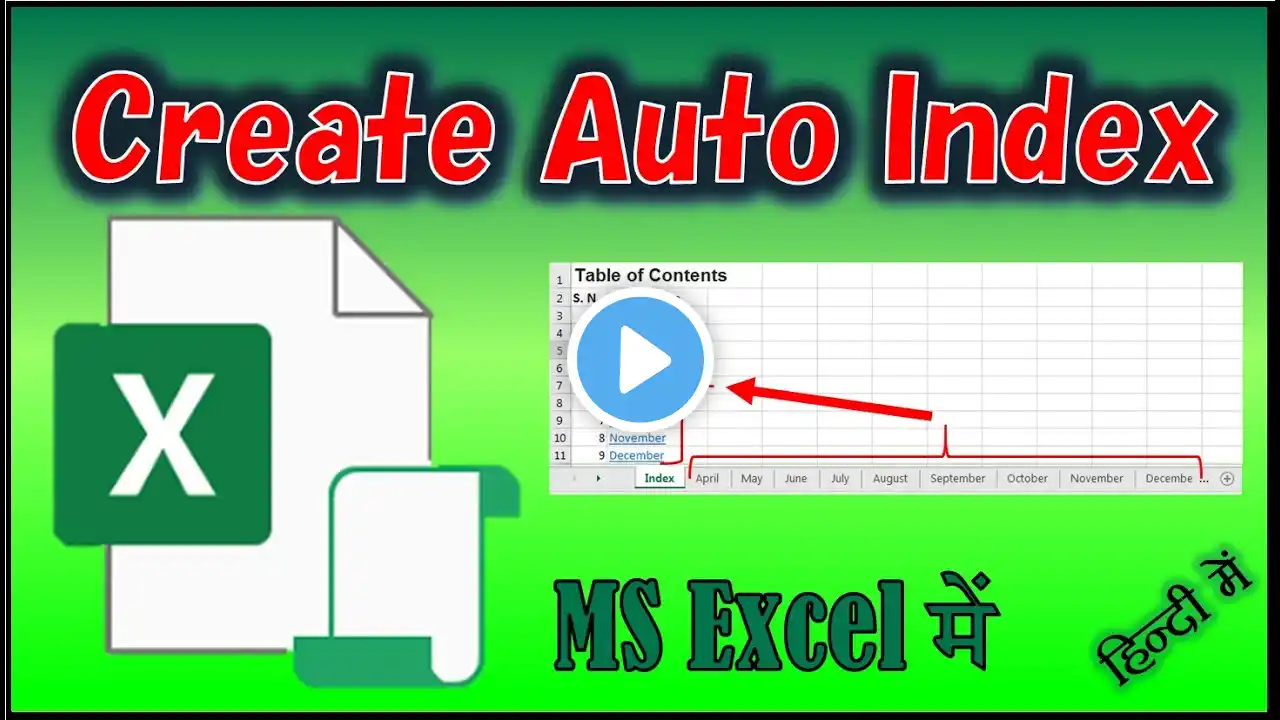
Automatically Create an Index for Any Excel Workbook with VBA | MS Excel in Hindi
Automatically Create an Index for Any Excel Workbook with VBA | MS Excel in Hindi To Create Index in Excel just copy the code, create a module in your Excel’s visual basic editor, then paste the code and run. This code not just creates a Table of content in Excel but also creates a Hyperlink to the respective sheets. It also creates a Hyperlink in all the sheets back to Index sheet. When you run the code for the first time this code creates a sheet named index and creates the table of content in it. Please note: Please make a copy of your file and run this code on the copy of your original file so that any loss or damage to the original data will be prevented. 1. Copy the code below. 2. Open your workbook and hit Alt+F11 to open the VB Editor. 3. From Insert menu, choose Insert-Module. 4. Paste the code into the code area of the module. 5. If you want to have the Sheet Name somewhere other than Cell A1 on each worksheet then change the address written below comment 'Adding Hyperlink to Sheetslike "C3" like “A2” 6. Close the VB Editor and save file with extension .xlsm (if you want it use this code in future). 7. Once you have run the code in your workbook, you MAY have no more need for it and you may want to delete it. 8. Create a worksheet and rename it as Index 9. Go to Developer - Macros and click run after selecting Index_Sheets Macro and Index will be created automatically in Index Sheet. Download VBA Code from here: https://docs.google.com/document/d/1W... Download my file: https://drive.google.com/file/d/1nAoK... Disclaimer: The author of this code won’t be responsible for any kind of data loss or damage. If you are running / using this code, will be considered that you agree for this terms and conditions. It is recommended to make a copy of your file and run this code on the copy of your original file so that any loss or damage to the original data will be prevented. My Play Lists Links: MS Excel Gyan – • MS Excel Gyan MS Word Gyan – • MS Word Gyan Excel Shorts – • Excel Shorts Word Shorts – • Word Shorts MS Excel VBA Gyan – • MS Excel VBA Gyan MS Word VBA Gyan – • MS Word VBA Gyan Share, Support and Subscribe!!! YouTube: / officegyanpage Facebook page / officegyanpage Instagram page / officegyanpage Twitter / officegyanpage #SheetsIndex #VBA #Macro #OfficeGyan


