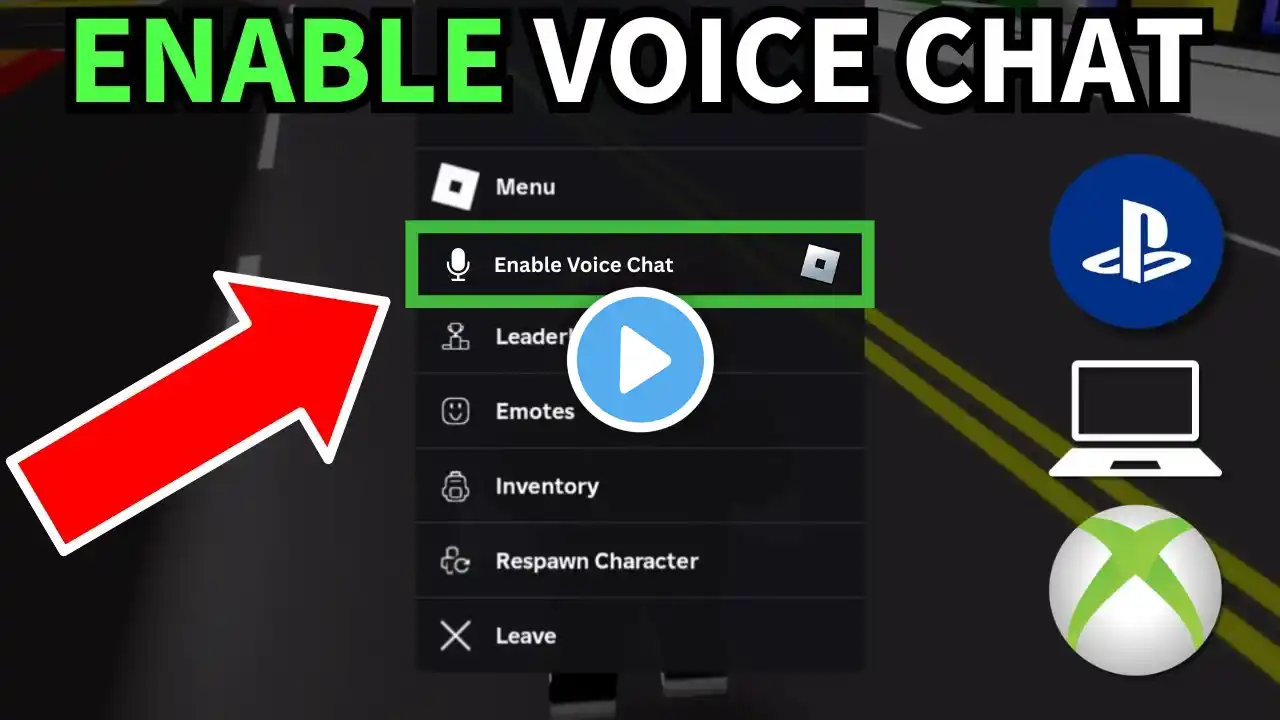
Roblox Unable to Access Microphone Fix | Voice Chat Not Working on Mobile & PC
Fix Roblox Unable to Access Microphone error in under 2 minutes. This tutorial covers mobile and Windows PC solutions, including permissions, sound settings, exclusive mode, spatial audio, and the correct way to reinstall Roblox. If your Roblox voice chat is not working, mic not detecting, or stuck with the microphone access error, follow these steps to solve it permanently. Fixes Covered: • Enable microphone & voice chat on Mobile • Windows 11 microphone privacy settings • Disable Exclusive Mode for your mic • Turn on Windows Sonic for better mic detection • Correct way to reinstall Roblox from official website • Roblox app permissions fix Official Roblox Download: https://www.roblox.com/download Windows Commands / Tools Used: Open Control Panel (Run command): control Open Sound settings directly: mmsys.cpl Windows Settings shortcut: ms-settings:privacy-microphone If your Roblox mic is still not working, comment your issue and I will help you fix it personally. 👍 Like, Subscribe & Turn On Notifications for more gaming fixes! 🌍 Join Our Gaming Community! 🚀🎮 #RobloxMicFix #RobloxVoiceChat #RobloxErrorFix #UnableToAccessMicrophone #RobloxMicNotWorking #RobloxVoiceChatFix #RobloxTutorial #RobloxFix2025 #Windows11MicFix Playlist Link - • Ultimate Game Error Code Fixes • 🔥 "Windows Won’t Work? Fix ANY Problem in ... • Game Guide: Tips and tricks to help you be... • The Ultimate NeQ Gaming Collection • Get MAXIMUM FPS with These Simple Windows ... ▬▬▬▬▬▬▬▬▬ஜ۩۞۩ஜ▬▬▬▬▬▬▬▬▬ T H A N K Y O U F O R W A T C H I N G ! P L E A S E L I K E A N D S U B S C R I B E ! ▬▬▬▬▬▬▬▬▬ஜ۩۞۩ஜ▬▬▬▬▬▬▬▬▬ Disclaimer: This video is for informational purposes only. It is not intended to promote, endorse, or facilitate any illegal activities. All content is for educational purposes and complies with all YouTube Community Guidelines.