Fix All Windows Media Player Errors in Windows 11 | Windows Media Player Issues Fix Kare - Hindi
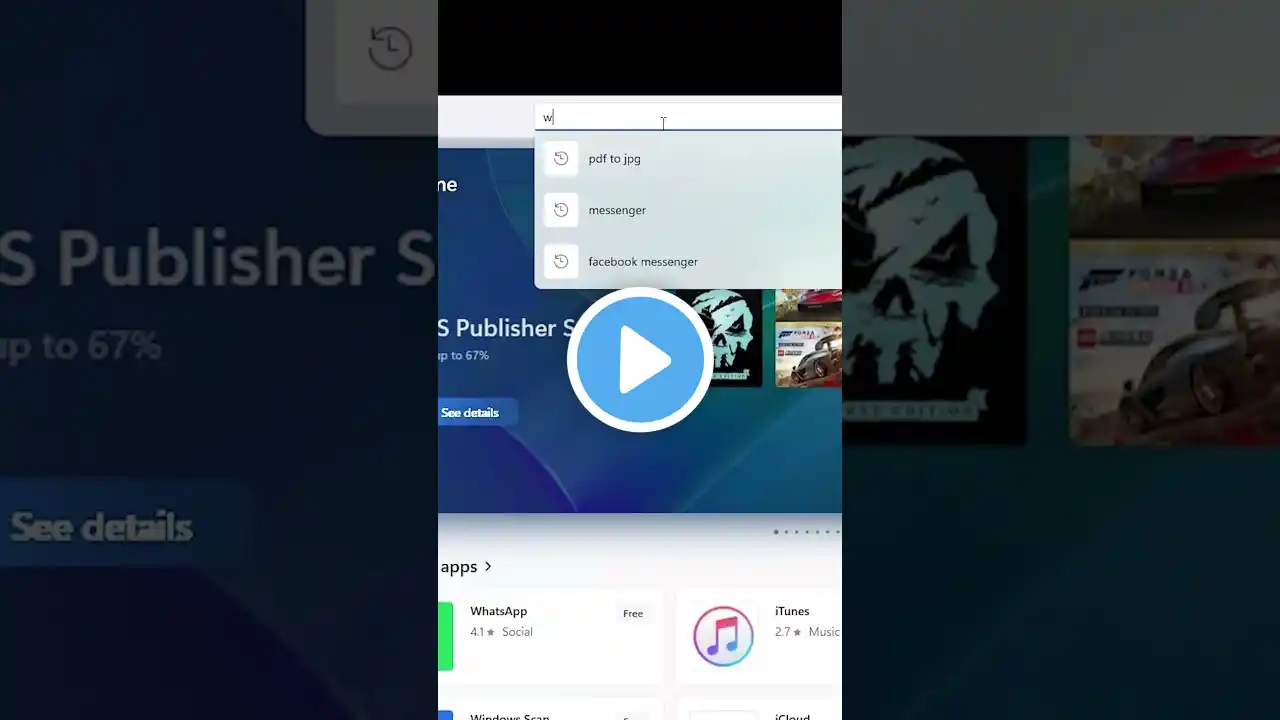
🚨 Windows Media Player mein errors ya issues? Learn how to fix all Windows Media Player errors on Windows 11 PC or laptop with this easy Hindi tutorial! From repairing and resetting the app to reinstalling it from the Microsoft Store and checking microphone permissions, this step-by-step guide will get your media player working smoothly. No extra software needed—perfect for beginners and advanced users! 🎵💻 🔍 What You'll Learn: Fix common Windows Media Player errors in Windows 11 Repair or reset Windows Media Player via settings Reinstall Windows Media Player from Microsoft Store Enable microphone permissions for Media Player Tips to ensure smooth media playback on Windows 11 🛠️ Methods to Fix Windows Media Player Errors: 1 Repair Windows Media Player: Go to Start → Settings → Apps → Apps & Features. Find Windows Media Player, click the three dots → Advanced Options. Under App Permissions, click Repair. 2 Reset Windows Media Player: If repair doesn’t work, go to Advanced Options → click Reset. 3 Uninstall and Reinstall Windows Media Player: In Apps & Features, click three dots → Uninstall. Open Microsoft Store → search for Windows Media Player → install it. 4 Check Microphone Permissions: Go to Start → Settings → Privacy & Security → Microphone. Ensure Windows Media Player has microphone access enabled. 5 Restart Windows 11: Restart your PC to apply all changes. ⚠️ Note: Back up important playlists or settings before resetting or uninstalling Windows Media Player. Ensure a stable internet connection for reinstallation from the Microsoft Store. 🌟 Why Watch? This quick Hindi guide will help you resolve all Windows Media Player issues in minutes, ensuring seamless audio and video playback on Windows 11! 👍 Like, Subscribe, aur Bell Icon Dabaye 🔔 for more Hindi tech tutorials, Windows 11 tips, and troubleshooting guides! Is video ko apne dosto ke saath share kare. 💬 Koi sawal? Comment box mein poochhe, aur hum jaldi jawab denge! Bataiye aapko Windows Media Player ka kaunsa issue fix karna hai. #WindowsMediaPlayer #FixWindows11Errors #Windows11Hindi #MediaPlayerFix #Windows11Tutorial #HindiTechGuide #NoSoftware #Troubleshooting #MediaPlayerErrors