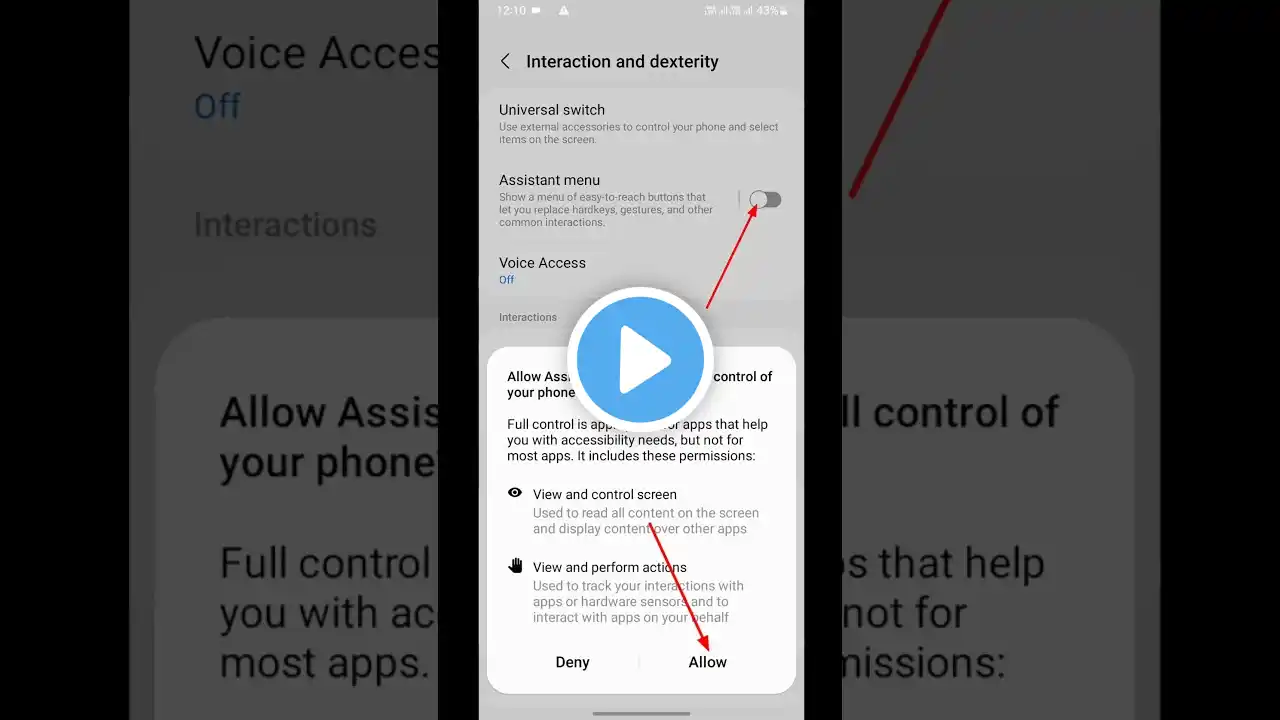
Samsung Galaxy A03: How to take screenshot without power button | Capture screen without keys
This video will show you how to take screenshot on Samsung galaxy A03 without keys. 1. Open Settings. 2. Tap on Accessibility. 3. Tap on Interaction and dexterity. 4. Turn on Assistant menu. 5. Tap on Assistant menu. 6. Tap on Assistant menu options. 7. Drag and drop the Screenshots in the Assistant menu options. See more: Top 10 Tips and Trick Top 3 Best Screenshot Apps For Android in #samsunggalaxya03 #samsung


