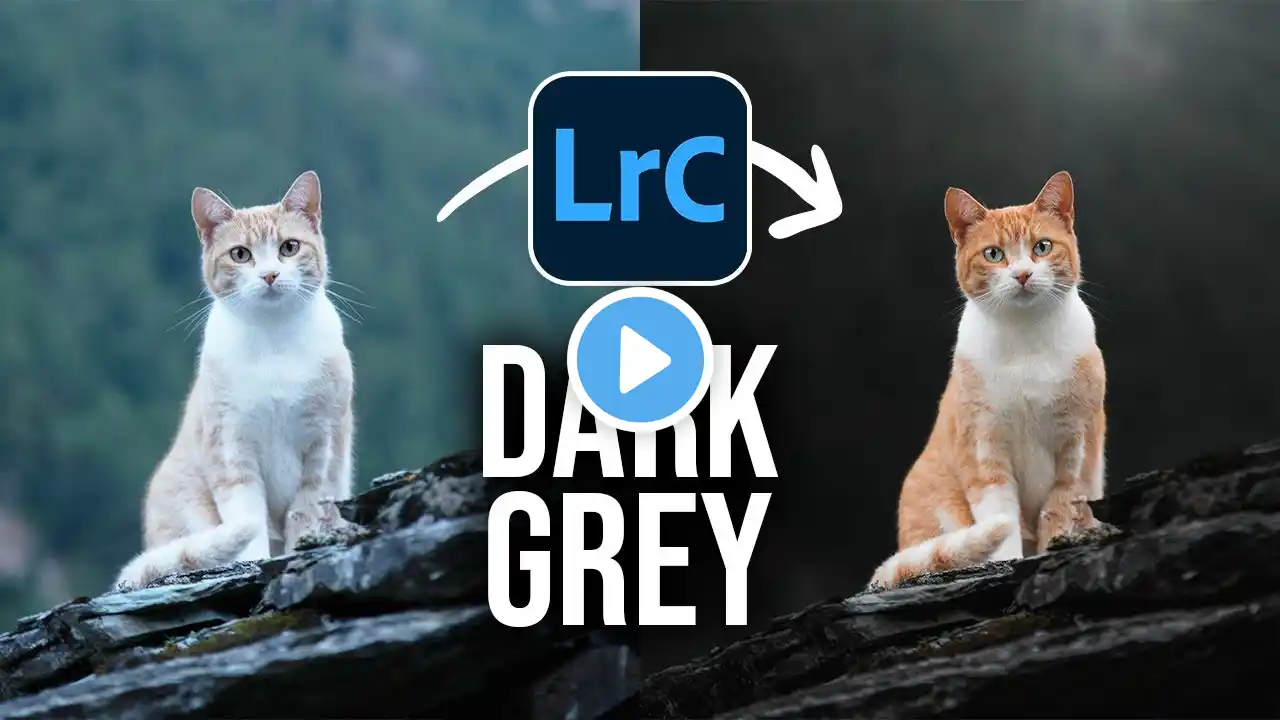
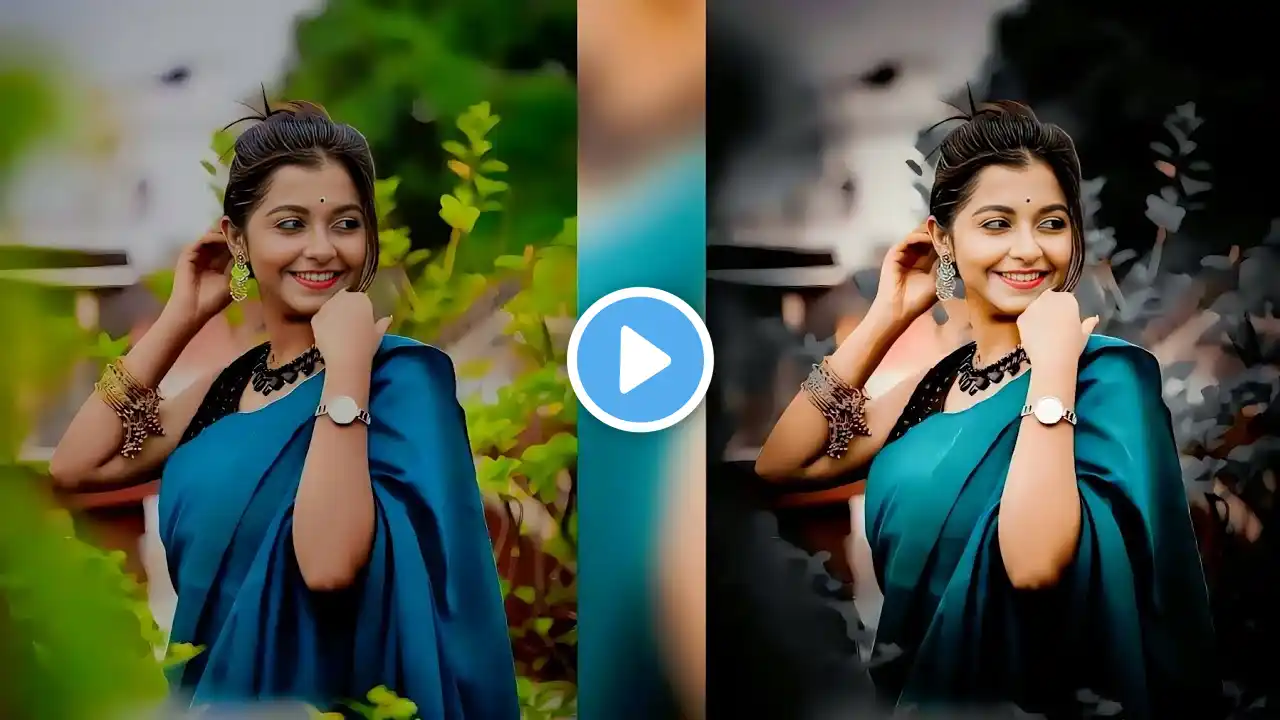
Dark Moody Look in Lightroom or Photoshop
In this fun episode I will show you how to turn your photos into more dark moody look using Lightroom or Photoshop easily. Also you can leave some colors saturated to have more interesting look. Just play with the sliders and have fun! Have fun! _ ➤PATREON: / nemanjasekulic ➤My Photoshop brushes: https://nemanjasekulic.com/product/cl... ➤ FREE TRIAL of the BEST MUSIC for YouTube: http://bit.ly/BestMusicForYouTube DOWNLOADS: ➤ Here you can download a tutorial files: http://bit.ly/DarkMoodyLook _ ➤Here is the list of equipment that I use: Tablet: http://amzn.to/2CI9nM0 Tablet that I recommend for beginners: http://amzn.to/2Fl9cM7 My Super awesome camera bag: https://amzn.to/2zFJXQq Camera for tutorial recording: http://amzn.to/2ETBz4s Microphone for tutorial recording: http://amzn.to/2FwAYmk Wireless microphone system: https://amzn.to/2NAmvZu My MAIN camera: http://amzn.to/2HL5ObF Second camera: http://amzn.to/2HL5XvJ LENSES: http://amzn.to/2CHvPoN http://amzn.to/2opbgJm http://amzn.to/2FyhgXG Drone Mavic 2 Pro: https://amzn.to/2UhFbnZ GoPro: https://amzn.to/2jiOkIG GoPro 2: http://amzn.to/2ET6mOX Gimbal: https://amzn.to/2li74wo My Everyday camera bag: http://amzn.to/2GF0LZ5 _ ➤PATREON: With your support we can make this channel bigger and better. So we can learn a lot more. Backing this project will enable me to spend more time creating new fun tutorials. / nemanjasekulic ➤GET IN TOUCH: Website: http://nemanjasekulic.com/ Instagram: / ns_photography Facebook: / nemanjasekulicphotography Twitter: / sekulicnemanja