![iPhone 17 Pro Max: How to Set Up eSIM [Activate]](https://krtube.net/image/rUToINvbkFM.webp)
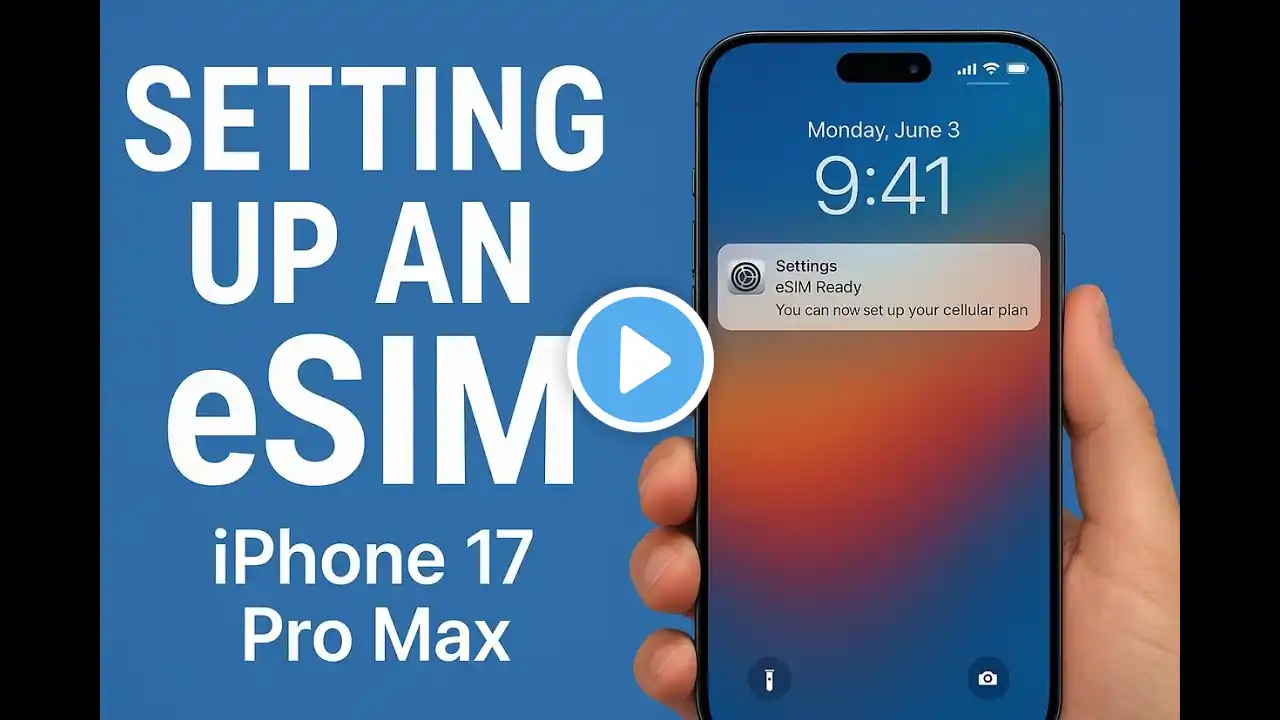
iPhone 17 Pro Max: How to Set Up eSIM [Activate]
Confused about how to set up a new eSIM on your brand new iPhone 17 Pro Max or 17 as a new user? Ready to get your iPhone 17 Pro Max connected with eSIM, but need help with the proper installation and activation? Well, you’ve come to the right video. Simply follow the 3-step beginner’s guide, add a new eSIM, and activate it properly on iPhone 17 Pro Max effortlessly. #iPhone17ProMaxeSIMActivation #SetupeSIMiPhone17ProMax 0:00 Intro: Setup and Activate eSIM on iPhone 17 Pro Max 0:10 Prerequisite to set up eSIM on iPhone 17 Pro Max 0:18 Step 1: Set up Cellular (If there is nothing on the Page) 0:27 Step 2: Add eSIM using QR Code or Activation Code 0:54 Step 3: Activate eSIM and customize Settings to your liking