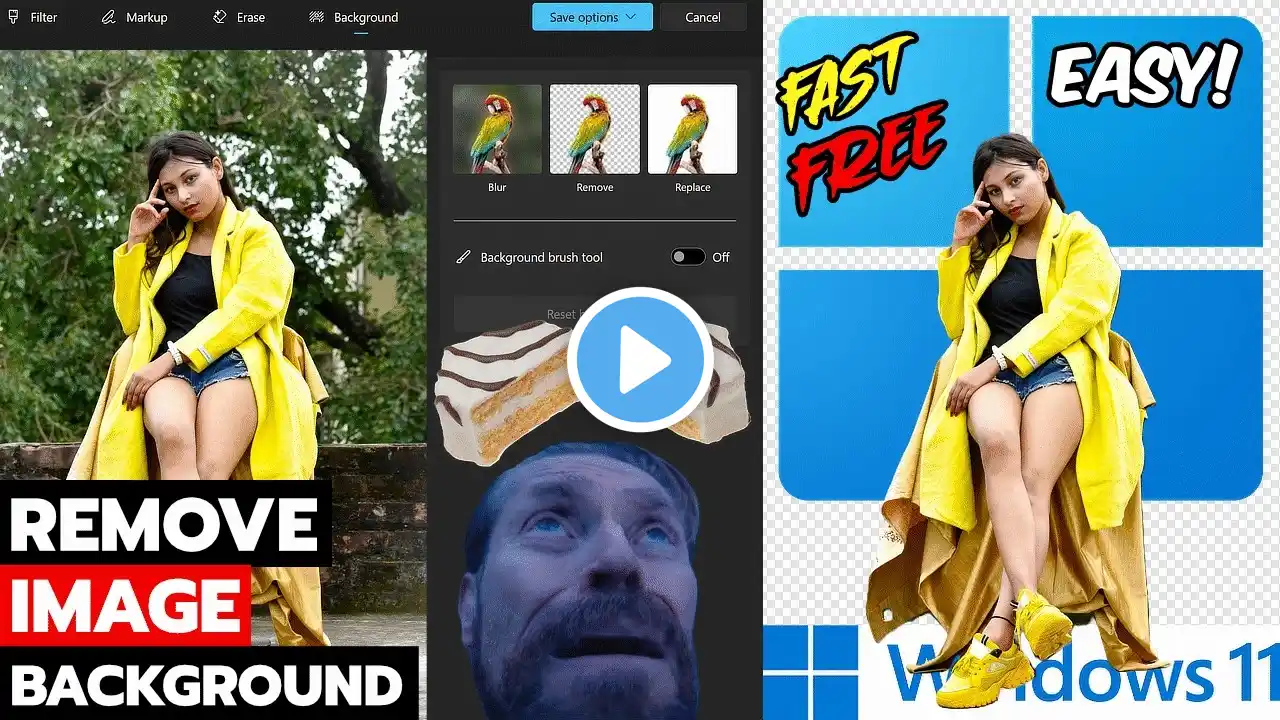
Remove Backgrounds in SECONDS (Windows 11 Built-in AI Image Tools) 👍 FREE and EASY!
How to remove the background from an image in Windows 11. Fast, free, easy, and unlimited! If you want to remove the background from a picture or image, you can use the built-in AI tools in Windows 11. No need for expensive Image Editing software like Photoshop. Quickly remove the background in the built-in Photos app or even in Paint. The AI is built-in to Windows 11 and runs locally on your system. No need to upload images to the cloud, or buy AI credits, it's totally free and unlimited. Some apps actually charge you to remove the background! Windows 11 includes this feature for free 👍 This is a great feature for those who want to create YouTube thumbnails, make Memes, product shots, create PNGs for a video, and more. *Remember to save your image (Save As) as a PNG to preserve the transparency. One-click background removal. Fast, free, easy, and unlimited. #windows11 #photoediting ➡️MORE VIDEOS Great 4K HDR MONITOR That's Affordable 🔥 Asus Eye Care + 4K HDR10 16:9 REVIEW • Great 4K HDR MONITOR That's Affordable 🔥 A... How to Get NORMAL Copy/Paste in OneNote (Text Only Paste) • How to Get NORMAL Copy/Paste in OneNote (T... HOW TO INSTALL AND FORMAT A NEW NVME DRIVE (WINDOWS) • HOW TO INSTALL AND FORMAT A NEW NVME DRIVE... SUBSCRIBE ----- LIKE
