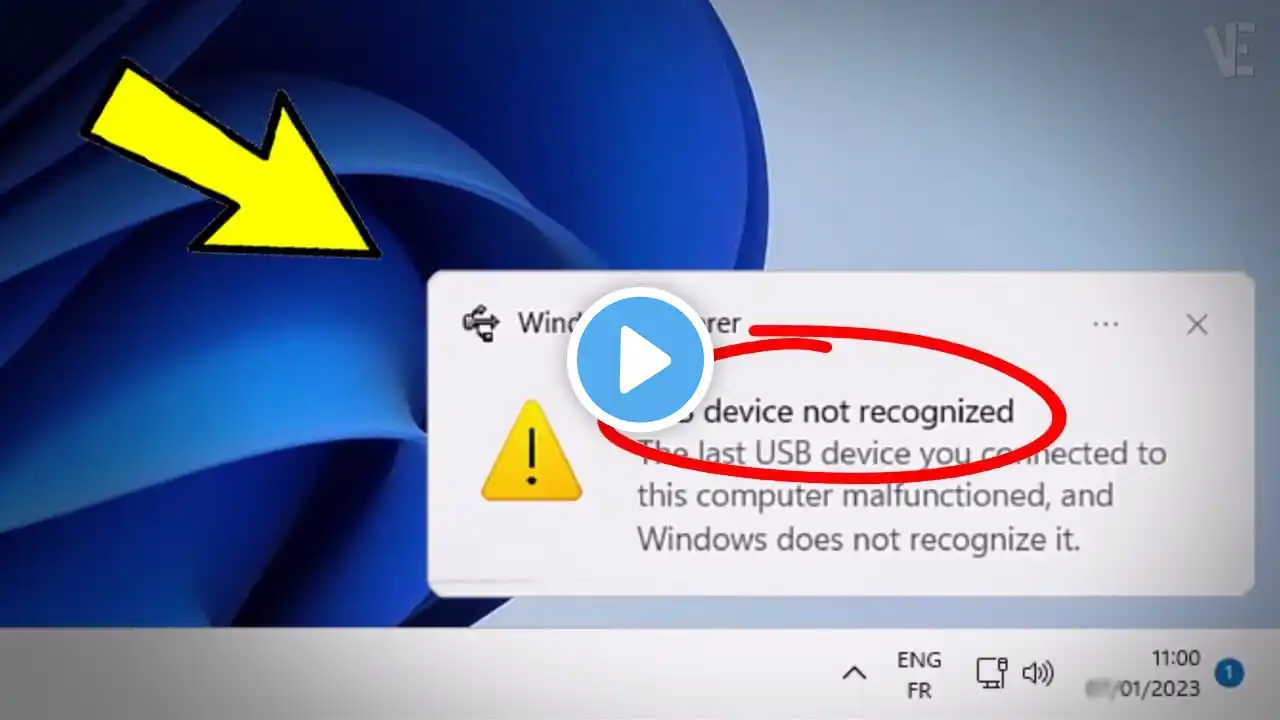
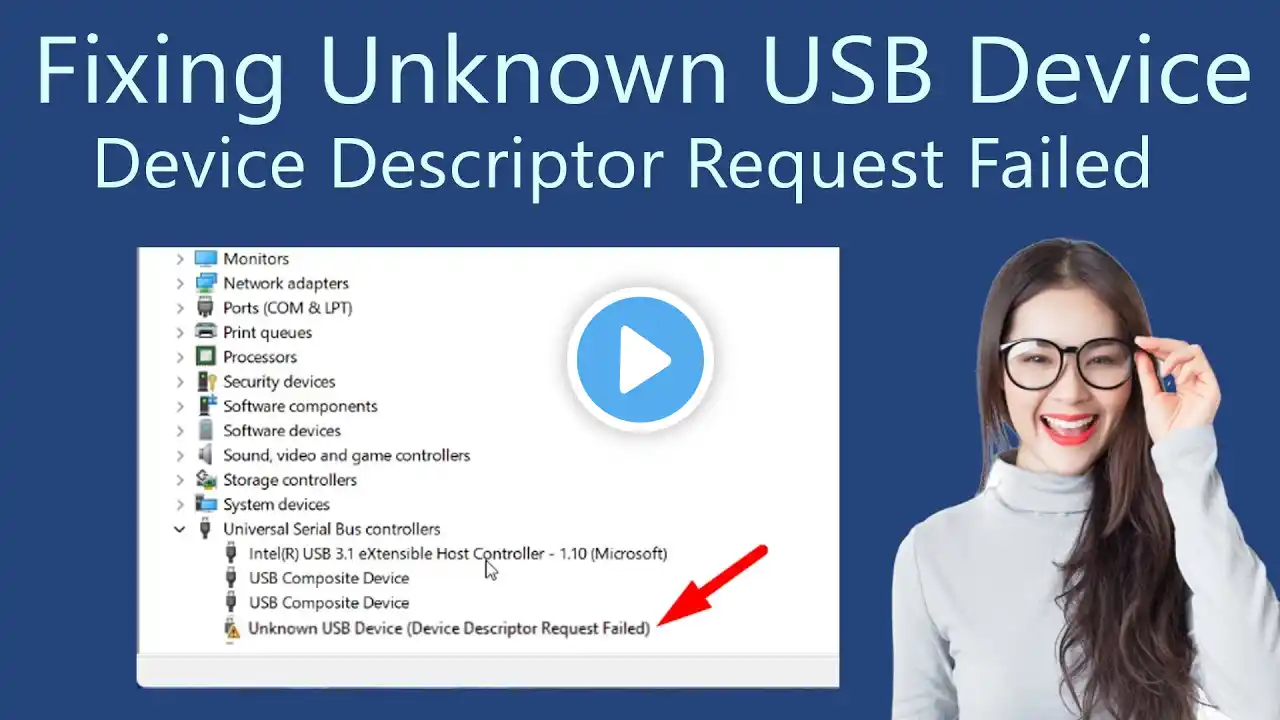
Fix USB Ports Not Working in Windows 10/11 – Quick & Easy Guide!
Command mentioned in the video: msdt.exe -id DeviceDiagnostics Are your USB ports not responding? 😱 If your mouse, keyboard, or external drive won’t connect, don’t worry! In this tutorial, we’ll go step-by-step to fix USB issues on Windows 10 and Windows 11. Follow along and get your USB ports working again! 🔹 What You’ll Learn in This Video: ✅ How to check and update USB drivers in Device Manager ✅ Using Command Prompt to repair system files and USB functionality ✅ Running DISM & SFC scans to fix corrupted system files ✅ Restarting and testing USB devices after troubleshooting 🛠 Tools that may help fix USB / USB-C issues faster: 🔹 Fix loose or unresponsive USB ports: 👉 USB Hub (adds stable extra ports): https://amzn.to/4tuk13i 🔹 If your USB-C port is not working properly: 👉 USB-C Hub / Docking Station: https://amzn.to/48cO7zI 🔹 Improve power delivery for devices: 👉 Powered USB Hub (recommended for external drives): https://amzn.to/4vJ9VNk These tools are commonly used when USB ports are unstable, underpowered, or physically worn out. Disclosure: As an Amazon Associate, I earn from qualifying purchases. This does not affect the price you pay and helps support the channel. 📌 Timestamps: ⏱ 00:00 - Introduction & Problem Overview ⏱ 00:27 - Checking & Updating USB Drivers in Device Manager ⏱ 01:26 - Running DISM & SFC Scans to Fix System Issues ⏱ 03:11 - Restarting & Testing USB Devices 🔧 Why Watch This Video? If your USB devices aren’t working, you may have driver issues, corrupted system files, or configuration errors. This tutorial will help you: ✔ Diagnose the problem quickly ✔ Fix the issue using built-in Windows tools ✔ Restore full USB functionality without reinstalling Windows 🎓 Additional Learning Resources: ▶️ More Windows Fixes: • Windows 🔥 Found This Helpful? Support the Channel! 💙 Like this video if it helped you! 📢 Share this with others facing USB issues! ✅ Subscribe for more Windows troubleshooting guides! 🔔 Turn on notifications so you don’t miss future fixes! #USBNotWorking #Windows10 #Windows11 #FixUSBPorts #DeviceManager #WindowsFix #ComputerHelp #USBDrivers #DISM #SFCScan #WindowsTroubleshooting #TechSupport #FixUSB #WindowsRepair #HardwareIssues #WindowsTips #USBNotRecognized #FixPC #Troubleshooting #USBError