Game Guardian Without Root: Step-by-Step Guide
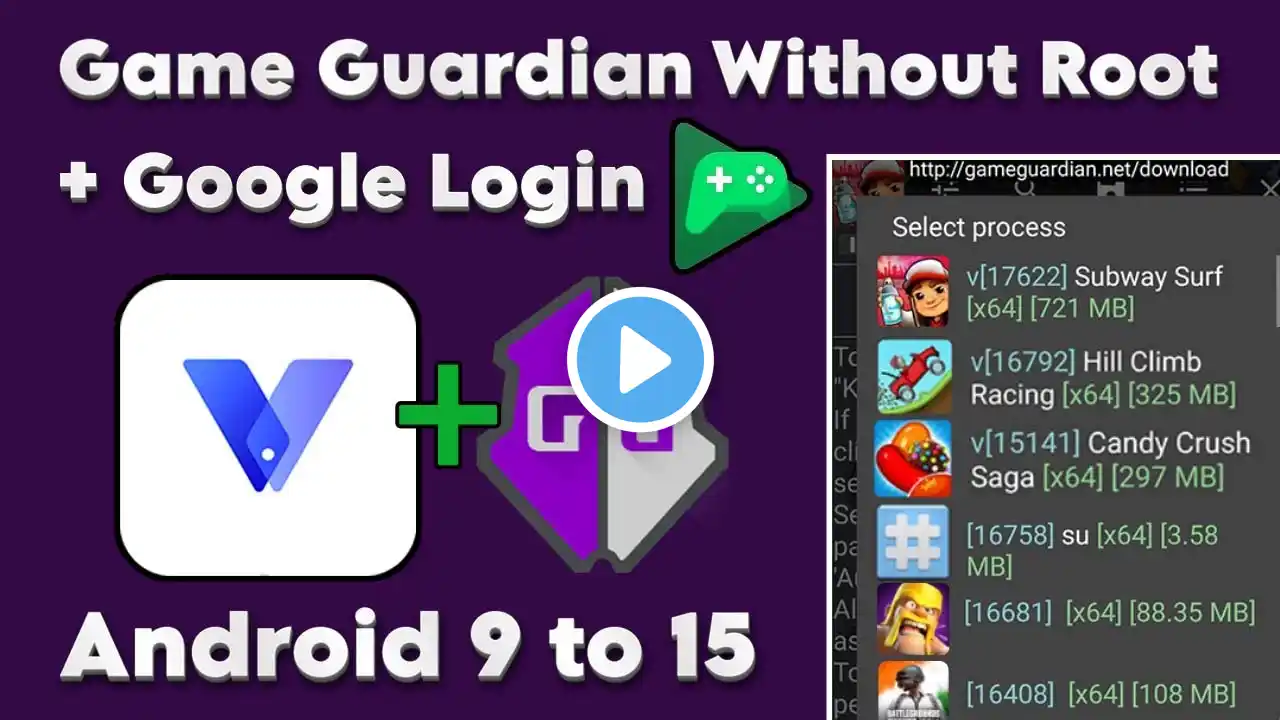
Download the “Xposed installer” and “SuperUser” files https://lootandlearn.com/game-guardia... If you're facing any type of error or problem, then you can check out my new video about this topic. Here is my new video link: • Game Guardian Without Root: Easiest Way | ... Enhance your mobile gaming experience without rooting your device! Discover how to use Game Guardian with Virtual Master through this easy step-by-step guide. With our instructions and tutorial video, you'll be able to modify in-game values, manipulate game mechanics, and unlock hidden features in your favorite Android games. Say goodbye to root access limitations and elevate your gaming to new heights! 👉 Don't forget to check out our previous videos on this topic if you've encountered any issues or if you're interested in alternative methods: How to Use Game Guardian without Root using VMOS Pro • How To Use Game Guardian Without Root How to Use Game Guardian without Root using X8 Sandbox • Game Guardian No Root Tutorial | Fixing Da... How to Use Game Guardian without Root using F1 VM • Game Guardian No Root Guide | Resolving Da... Don't forget to like, subscribe, and share for more gaming tips and tricks! Let's take your Android gaming to the next level with Game Guardian and Virtual Master. Here are examples of utilizing Game Guardian to locate and modify in-game currency codes: 1. • Unlimited SimCash, Keys & Simoleons! 🔥 Wor... 2. • Unlimited Everything in Jurassic World: Th... In this video, we show you how to: 0:00 Game Guardian Without Root 0:25 Download and install Virtual Master from the Play Store 0:58 Manually root Virtual Master for Game Guardian 2:26 Activate Virtual Master 4:58 Manually root Virtual Master 6: 40 Download and install Game Guardian within the Virtual Master 7: 24 Configure Game Guardian settings within Virtual Master 8:00 Launch and use Game Guardian without requiring root access