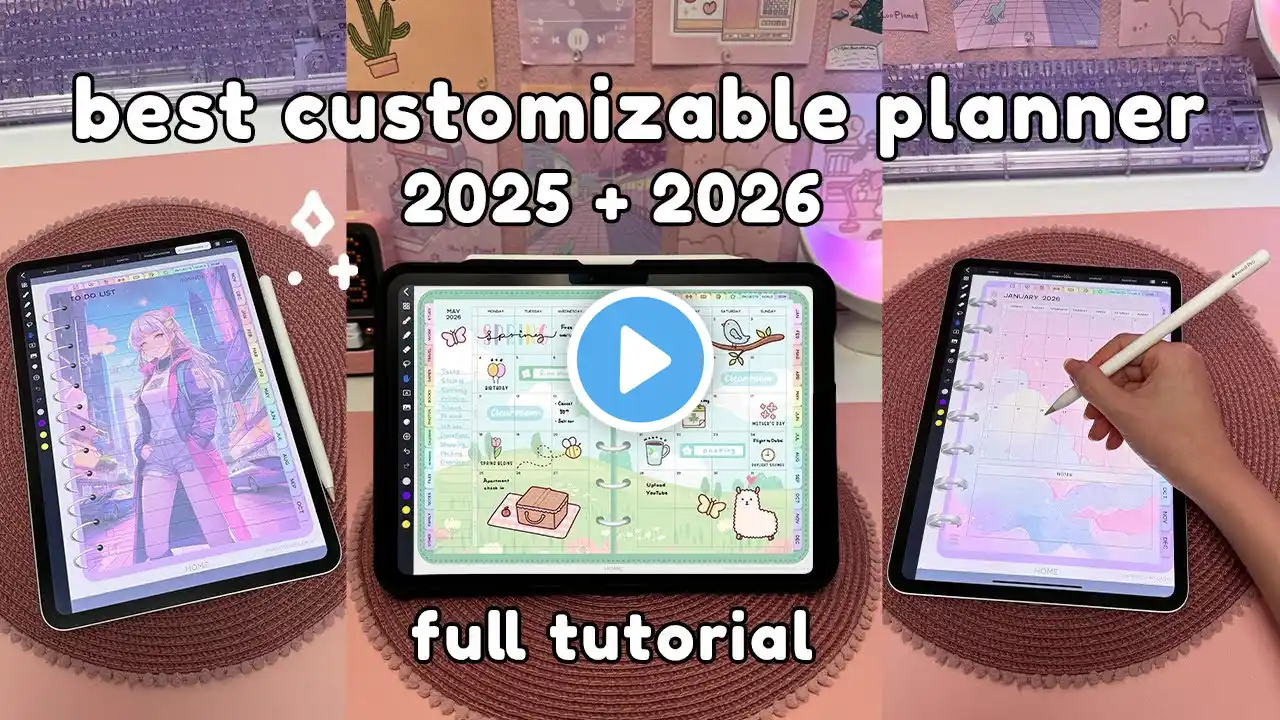
Beginner’s Guide to Digital Planning in 2026 + FREE Planner Bundle
Learn digital planning from scratch in 2026 with a free beginner-friendly digital planner for iPad (or tablet). In this step-by-step guide, I show you how to download and import your planner, use apps like GoodNotes and Noteful, add stickers and inserts, and build a simple planning routine you’ll actually stick with. -- ⬇️ Mentioned ⊹ Grab the free digital planner starter kit for 2026 here: https://kdigitalstudio.myflodesk.com/... 🕘 Timestamps ⊹ 0:00 – Intro, What is digital planning? ⊹ 2:27 – Downloading & Setting Up Your FREE Digital Planner Files ⊹ 5:06 – Importing Into GoodNotes / Noteful ⊹ 6:09 – Planner Tour: Overview, Notes & Dividers ⊹ 14:12 – Weekly Layouts & Basic Tools ⊹ 16:51 – Customizing With Colors & Stickers ⊹ 22:40 – Simple Starter Workflow ⊹ 24:12 – Inserts & Daily Pages ⊹ 29:48 – Mindset Tips for Beginners ⊹ 30:19 – Next Steps 🔎 Products & Deets ⊹ amazon storefront | https://amazon.com/shop/kdigitalstudio ⊹ apple pencil sleeves | https://kdigitalstudio.com/collection... ⊹ ipad screen protector | https://shop.paperlike.com/kdigitalst... 👩🏻💻 Digital Tools & Templates ⊹ digital planners | https://kdigitalstudio.com/collection... ⊹ notion templates | https://kdigitalstudio.com/collection... 💜 Join the Community ⊹ / kdigitalstudio ⊹ / kdigitalstudioco ⊹ https://threads.com/kdigitalstudio ⊹ website & shop | https://kdigitalstudio.com ⊹ newsletter | https://kdigitalstudio.myflodesk.com/... ⊹ 💌 inquiries | [email protected] Some links may be affiliate links, which means I may earn a small commission at no extra cost to you. All opinions are my own, and any sponsorships are always clearly disclosed.