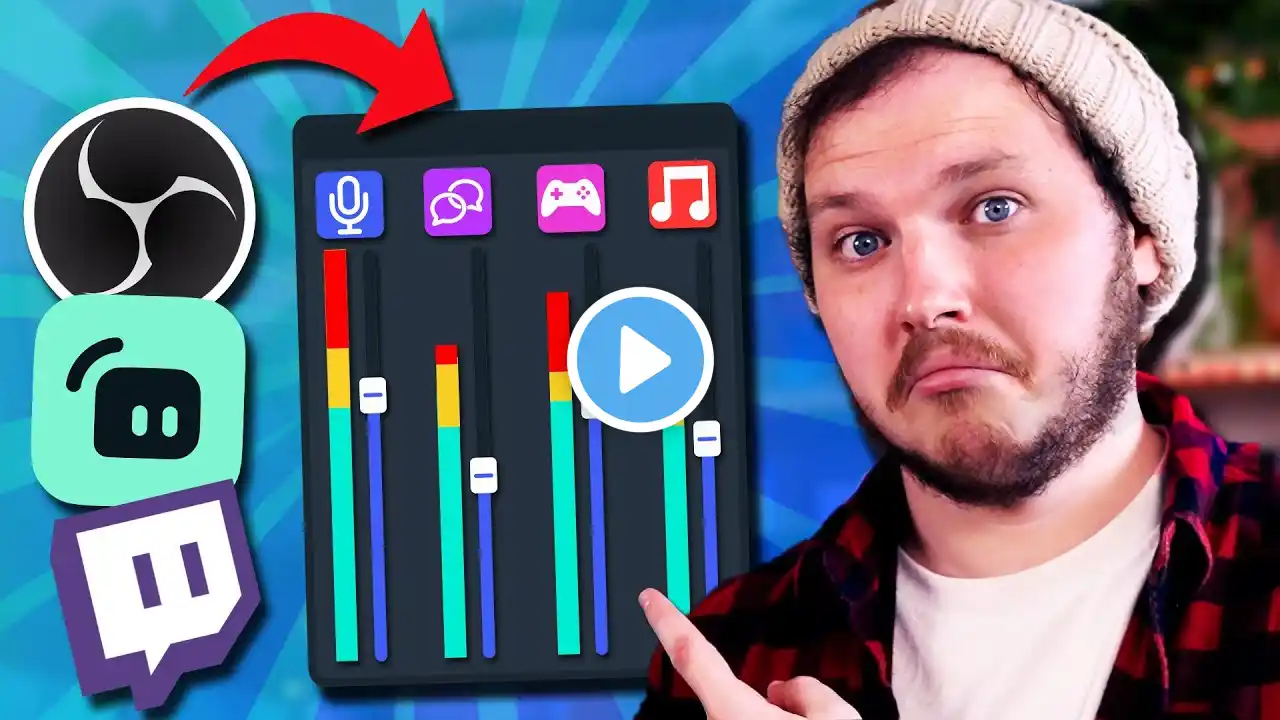
How to Separate Audio Sources in Streamlabs OBS
Are you struggling to control your stream audio? In this tutorial, I’ll show you step by step how to separate game audio, Discord audio, and your microphone using Streamlabs OBS. By splitting your audio sources, you’ll have full control over your livestream and recordings, making it easier to balance volume levels, mute channels, and create a professional sounding stream. This guide is perfect for small and new streamers who want to learn how to use Streamlabs OBS effectively and improve their overall stream quality. Whether you stream on YouTube, Twitch, or Kick, mastering separate audio tracks will help you deliver the best viewing experience for your audience. 🔔 Subscribe for More: If you enjoyed this video, don't forget to like, comment, and subscribe for more content just like this! Doanload Streamlabs OBS: https://streamlabs.com/streamlabs-liv... Looking to spice up your setup? Here is a link to my storefront: https://www.amazon.com/shop/trerashad... 📱 Stay Connected: Join my Discord Server: / discord Follow me on Twitch: / trerashadd Follow me on Instagram: / trerashad Follow me on Twitter: / tre_rashadd 📢 Disclaimer: Some links may be affiliate links. If you buy through them, I may earn a small commission at no extra cost to you. Thank you for supporting the channel!