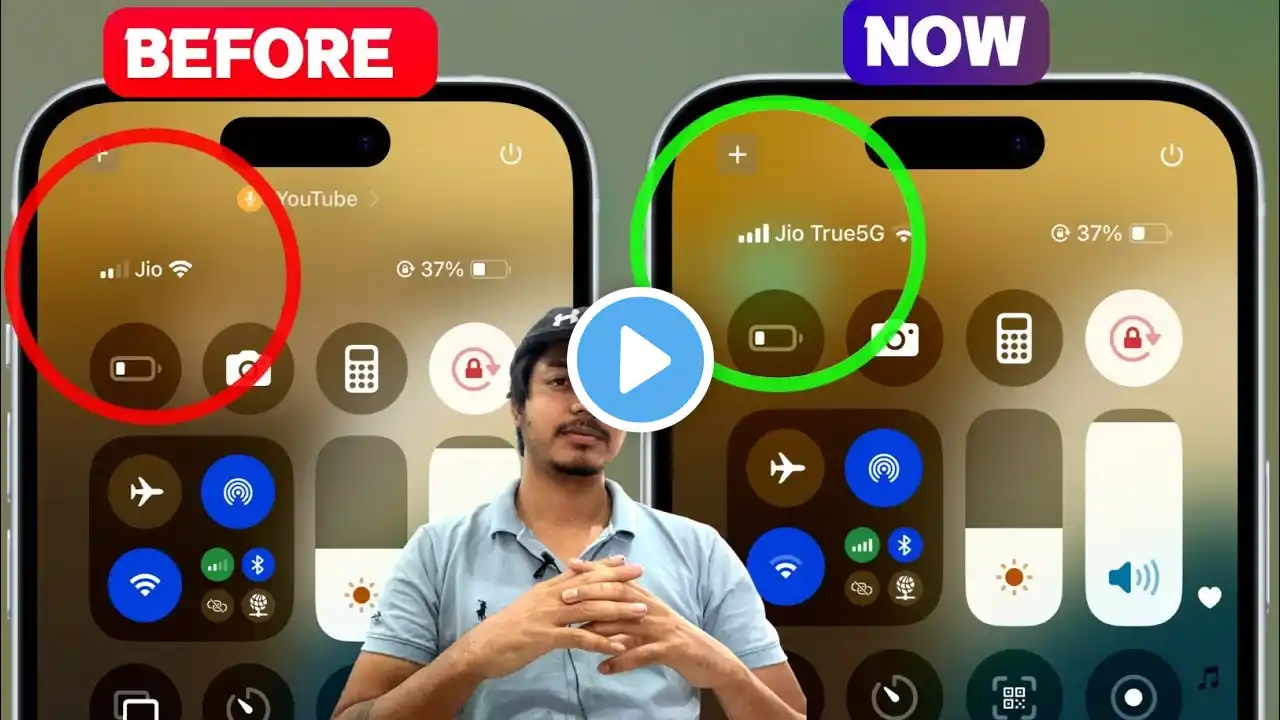
How to Fix Cellular Connection Issue on iPhone 17 | No Service or Dropping Calls
In today's video, we'll talk about how to fix iPhone 17 cellular connection issues. Several users report that no longer after they purchase the new iPhone 17 series on launch or later, the device unexpectedly is experiencing cellular connection issues after setting up. If you're also troubled with the iPhone 17 cellular connectivity issues, both software and hardware problems are possible. We'll help give several useful solutions to get the mobile data back. On this video: 1:03 Step 1. Restart your new iPhone 17. 1:56 Step 2. Toggle on and off the Airplane mode. 2:36 Step 3. Reinstall the eSIM. 3:12 Step 4. Change 5G to LTE. 3:37 Step 5. Update the carrier settings via iPhone 17. 4:17 Step 6. Delete VPN profiles. 5:03 Step 7. Reset all the network settings on the new iPhone 17. 5:46 Step 8. Contact the support team. Hope this video can help you fix cellular data not working on iPhone 17. Let us know in the comments below if you have any further questions. Stay tuned with ByteFurther at: YouTube: / bytefurther Instagram: / bytefurther Twitter: / bytefurther Quora: https://www.quora.com/profile/Byte-Fu... More iOS tips on Quora: https://iosissuesfix.quora.com/