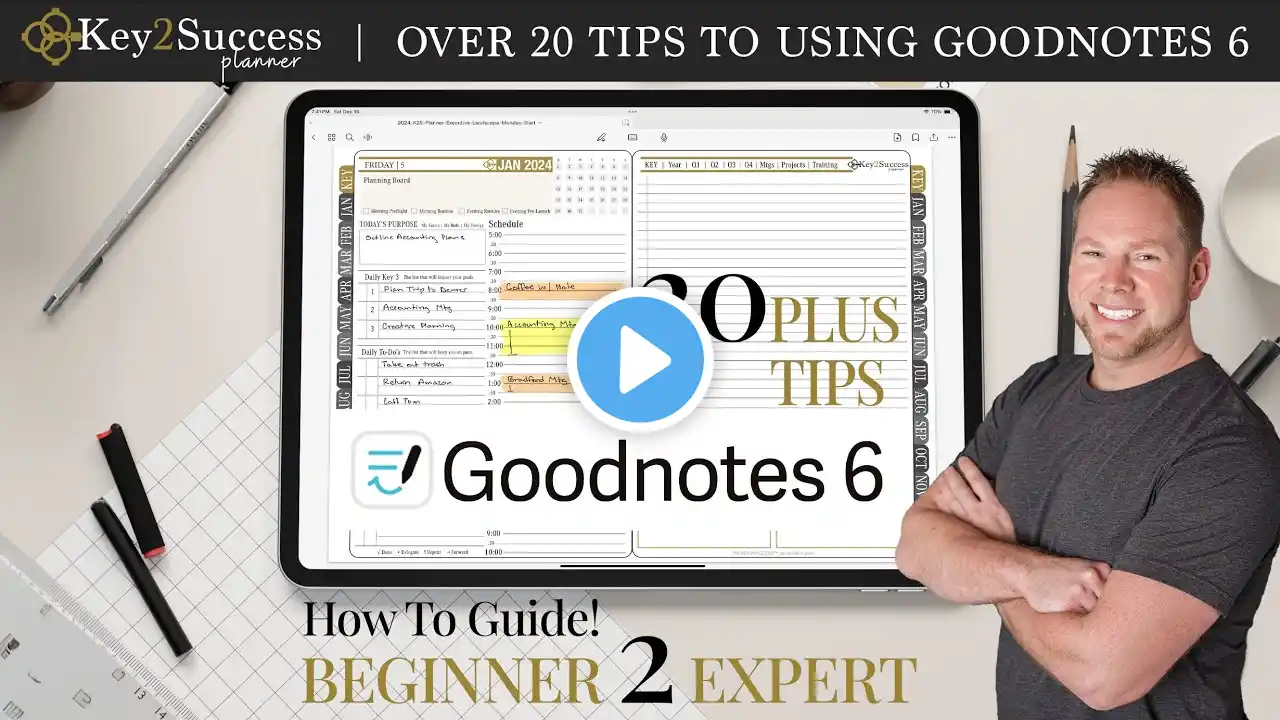
How To Use Digital Planners in GoodNotes 5 | Tips & Tricks
In this video, I go over how to use Learn Grow Blossom digital planners in GoodNotes 5. These tips are relevant for any of the GoodNotes planners in my shop. I show you how to: Import the planner PDF file Duplicate pages Keep your planner organized Use the lasso tool Insert photos Insert custom pen & highlighter colours To learn how to use digital stickers, check out this video: • How To Use Digital Stickers in GoodNotes The planner featured in this video is the Undated Portrait Digital Wellness Planner & Journal. Check out a flip through by clicking here: • Flip Through of The Digital Wellness Plann...