How to setup and use Owners Equity in QuickBooks Pro
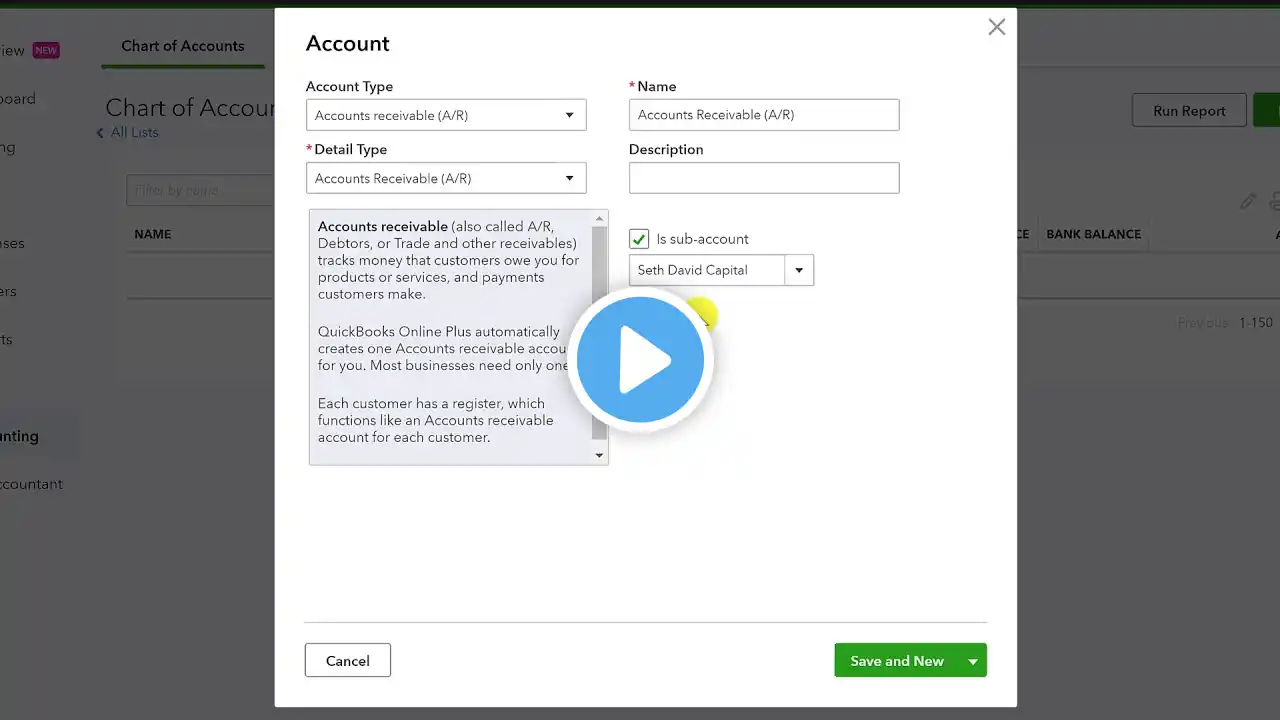
Are you a Sole Proprietor or an Entity? How do you use your Equity Accounts? Let me show you how to set up and use Owner’s Equity in QuickBooks Desktop. Do you pay for business expenses with money from your personal account? This is a follow-up video from a Question. Steps to Setting up and Using Owner’s Equity: ➡️ Setting up Owner’s Equity Go up to “Lists” “Chart of Accounts” Go down to “Account” “New” Choose “Equity” Click “Continue” “Account Name” Click “Save & Close” **Shareholder Contribution/Distribution – Corporation **Owner Contribution/Draw – Individual/Sole Proprietor ➡️ If you have expenses that you paid personally Open the account in Chart of Accounts Enter the “Date” “Account” “Increase” amount Choose type of expense Click “Record” ➡️ Adding money in your checking account Go up to “Banking” “Make Deposits” “Deposit To:” Choose “Date” “From Account” “Amount” “Memo” Click “Save & Close” ➡️ Balance Sheet Report Go up to “Reports” “Company & Financial” “Balance Sheet Standard” Need to learn more areas of QuickBooks? Join us on our next workshop to learn how to design QuickBooks for your specific business... ➡️ https://CandusKampfer.com/workshop Receive our QB tips straight to your inbox each week visit: ➡️ https://CandusKampfer.com/tips Subscribe for more QuickBooks tips ➡️ https://www.youtube.com/c/CandusKampf... Timestamps: 0:00 - Intro 0:38 - Owners Contribution in QuickBooks 1:49 - Shareholder Contrbution vs Owner Contribution 2:18 - Setup owners equity in QuickBooks 3:58 - Adding money in checking account 5:00 - Checking Balance Sheet 5:42 - Final Thoughts I’d love to connect with you 👇 Instagram: / candus.kampfer Facebook: / canduskampfer CandusKampfer.com: https://canduskampfer.com/ TikTok: / canduskampfer Pinterest: / canduskampfer #CandusKampfer