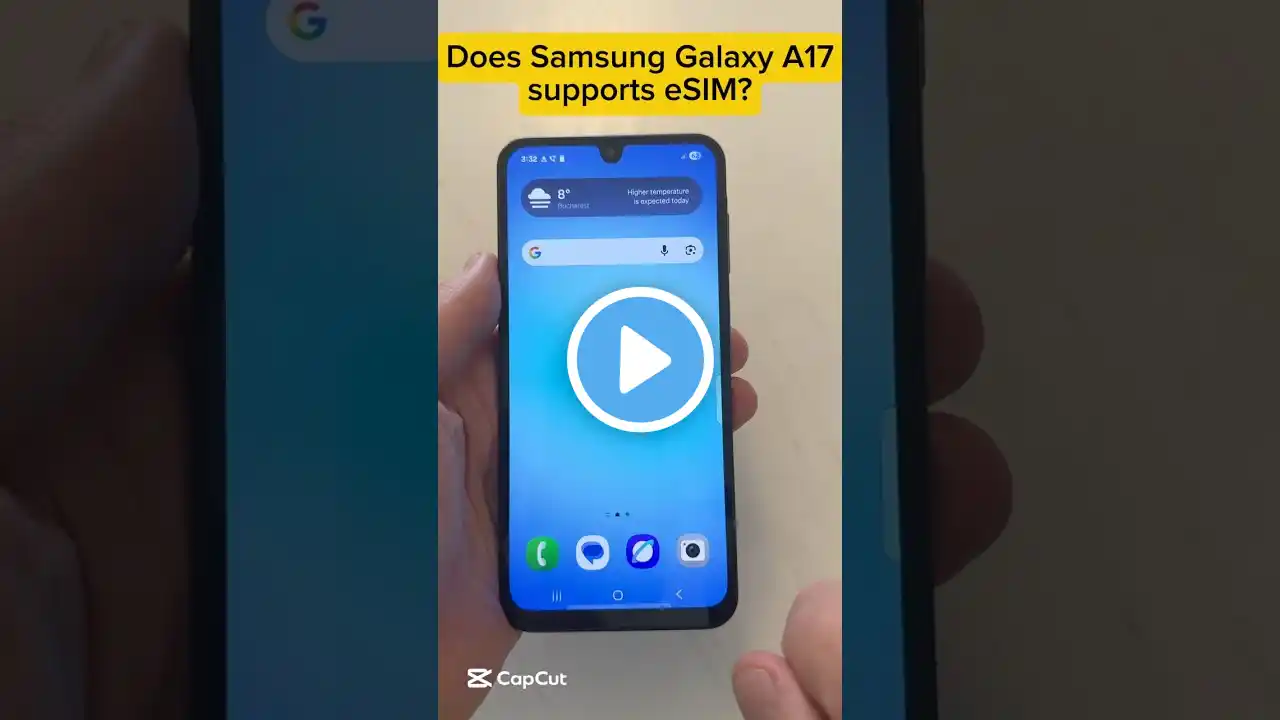
Samsung Galaxy A17 5G: How To Connect USB Flash Drive
Learn how to connect USB flash drive to Samsung Galaxy A17 5G and easily access, transfer, or back up your files without using a computer. How To Connect USB Flash Drive To Samsung Galaxy A17 5G; If your USB flash drive uses a USB-A connector, attach it to a USB-C OTG adapter before inserting it into your Samsung Galaxy A17 5G. If it’s a USB-C flash drive, plug it directly into the phone’s charging port. Wait for the phone to detect it, then swipe down from the top and look for the “USB storage added” notification. Open the Files app, go to Storage, and select USB storage to view or manage your files. #samsunggalaxya17 #samsunga17 #galaxya17 #galaxya175g ----My Gear for Youtube videos---- Main Camera (iPhone 13 pro): https://amzn.to/3GZztve Tripod: https://amzn.to/35acqRa Cell Phone Tripod Adapter: https://amzn.to/3v3wFuI Lights: https://amzn.to/3vkoGK7 As full disclosure, I use affiliate links on this channel and purchasing through these links earns me a small commission. The price you pay will be the same! Website: https://www.webproeducation.org Facebook: / webproeducation.org Twitter: / webpro_e Instagram: / webproeducation