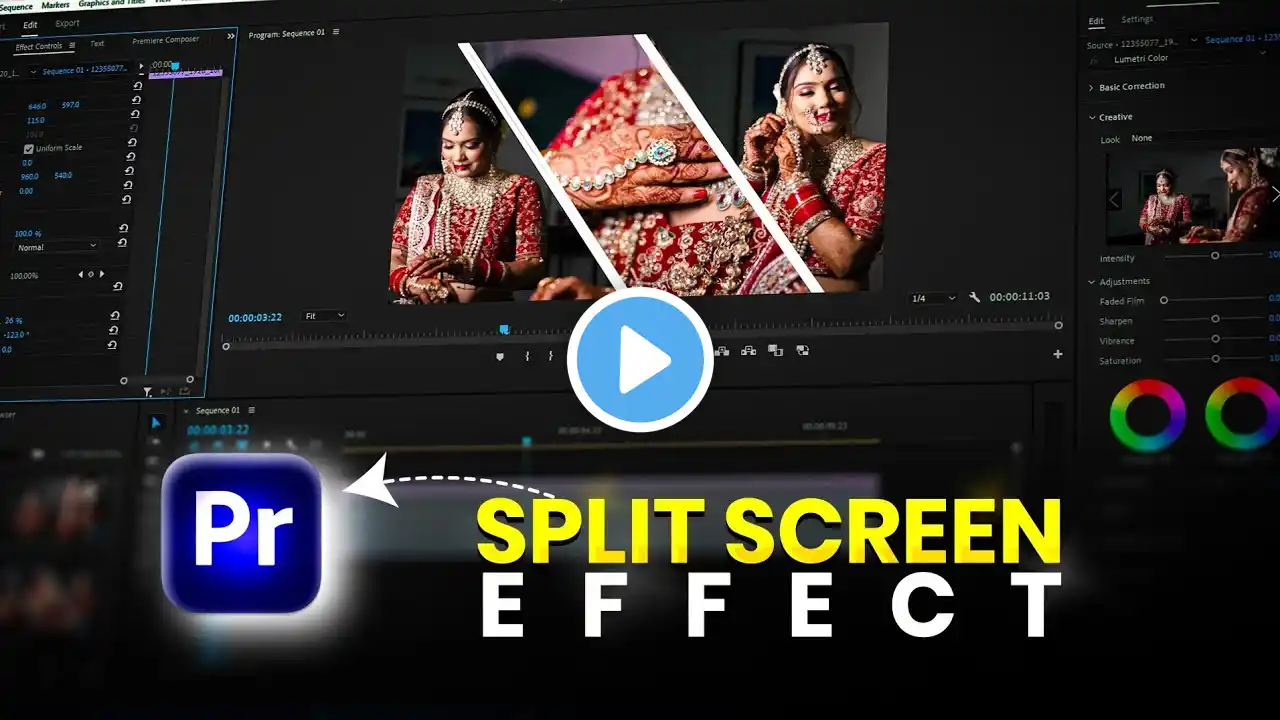
How To SPLIT SCREEN TRANSITION In Premiere Pro Tutorial 2022
Hello video creators. In this video, I will show you a simple way how to create a Split Screen Transition without using any plugins in Premiere Pro. So roll up your sleeves and get ready for work. ► MUSIC & Sound Effects used in this video: The Best Place For Music And Sound Effects: https://www.epidemicsound.com/referra.... You receive the first 30 days for free after signup; you can cancel anytime before the free 30 days end. ► EDITING is done in Adobe Premiere Pro CC. Try, buy, download or upgrade Adobe Premiere Pro CC here: https://bit.ly/3DS0baE ► MY EDITING Laptop: https://amzn.to/3ptACpa ► VOICEOVER This MICROPHONE is used for my voiceover: https://amzn.to/3Es7xyV ► My Camera: Canon M50 Mark II - https://amzn.to/3eZJ2P9 This post contains some affiliate links, which means that if you buy through one of my links, I may earn a small commission – at no extra cost to you. Thanks a lot! Thank you for watching the video, and I appreciate any support!