How to Delete Address in Amazon !
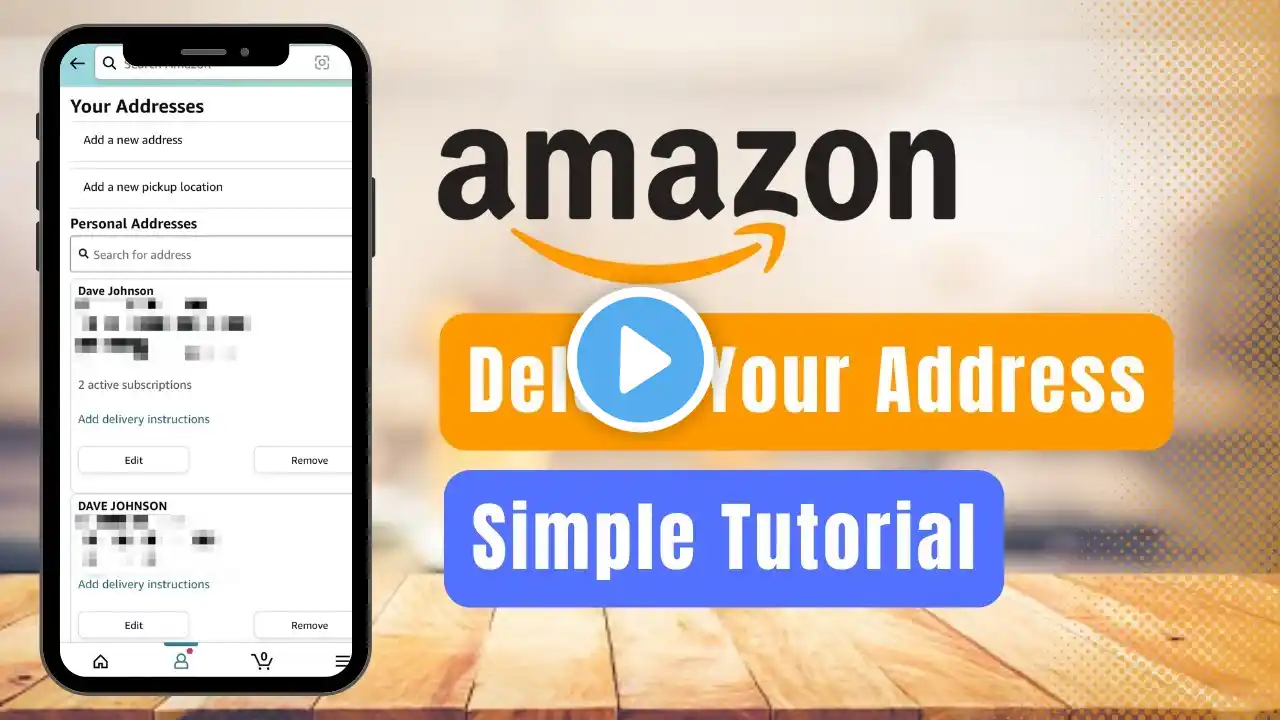
This video guides you in an easy step-by-step process to delete your address on Amazon. So make sure to watch this video till the end. Follow these simple steps: 1) Update the Amazon app to the latest version 2) Open Amazon and login to your account 3) Go to your profile page 4) Tap on Your Account 5) Select Your Addresses 6) Tap on the Remove button 7) Confirm the changes 8) This way, you can delete your address on Amazon. 0:00 Introduction 0:20 Update Amazon App 0:45 How to Delete Address in Amazon 1:40 Outro: Final Verdict Social Links: Facebook - / ssktechin Instagram - / geekhowto Email - [email protected]