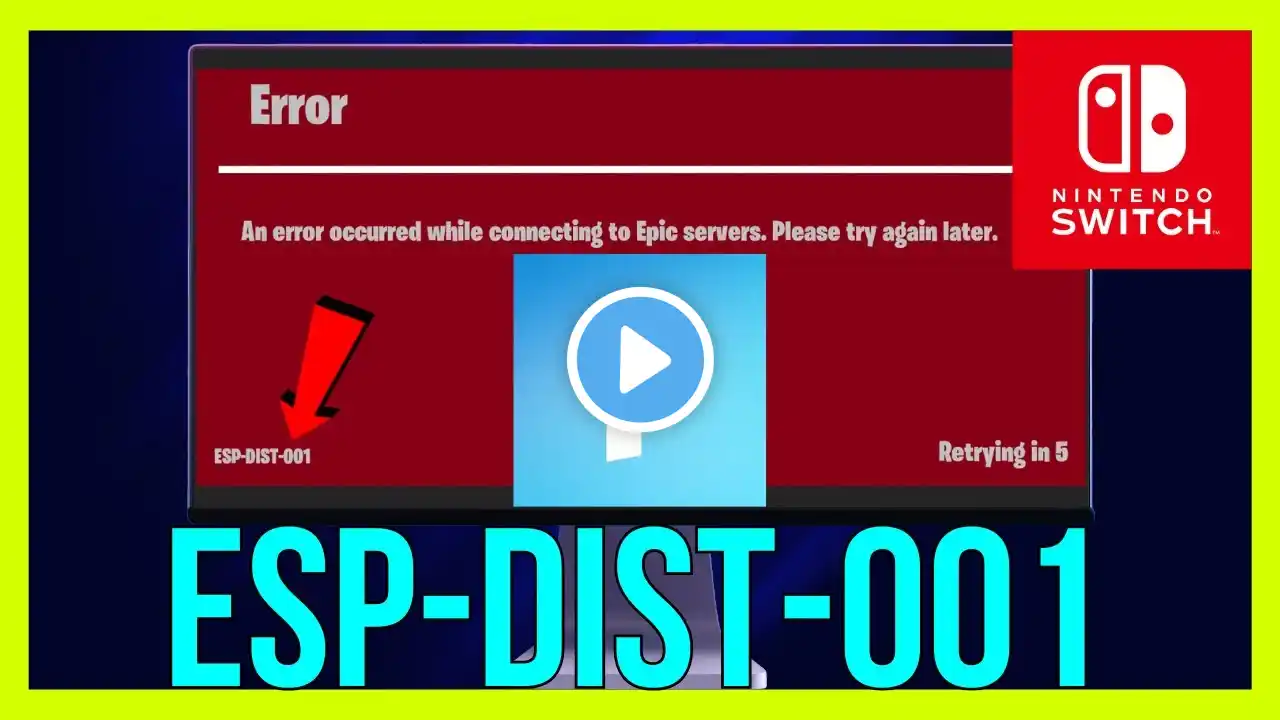
How to FIX Fortnite Error ESP-DIST-001 on Switch | Fortnite Error ESP-DIST-001 on Nintendo Switch
How to FIX Fortnite Error ESP-DIST-001 on Switch | Fortnite Error ESP-DIST-001 on Nintendo Switch Seeing the Fortnite Error ESP-DIST-001 on Nintendo Switch*? This account linking error prevents you from playing due to a conflict between your Epic Games and Nintendo accounts. Follow these steps to resolve the *ESP-DIST-001 on Switch and restore access. First, restart your Nintendo Switch and your home network. Fully power off the console and unplug your router/modem for 60 seconds. This clears temporary caches that can cause the *Error ESP-DIST-001 on Nintendo Switch*. Also, verify the Epic Games and Nintendo network status pages for any ongoing service outages. The core fix is to unlink and relink your Epic account. Go to the Epic Games website, log into your account, and navigate to Connections. Find the Nintendo Switch connection and select "Disconnect." Then, on your Switch, launch Fortnite. You will be prompted to sign in with your Epic Games account to create a fresh link, which typically resolves the ESP-DIST-001 on Switch error. If the problem persists, delete the Fortnite software data on your Switch without uninstalling. Go to System Settings * Data Management * Manage Software * Fortnite * Delete Save Data. Choose "Delete All Save Data for This Software." This forces the game to resync account data upon next launch. Ensure you are using the correct Nintendo Account that was originally linked to your Epic profile. Attempting to link a different Nintendo Account will cause this error. If you've forgotten the link, you may need to contact Epic Games Support for assistance in restoring the proper connection. *For more helpful Nintendo Switch guides, subscribe to the channel: / @techversity1337* -- TechVersity