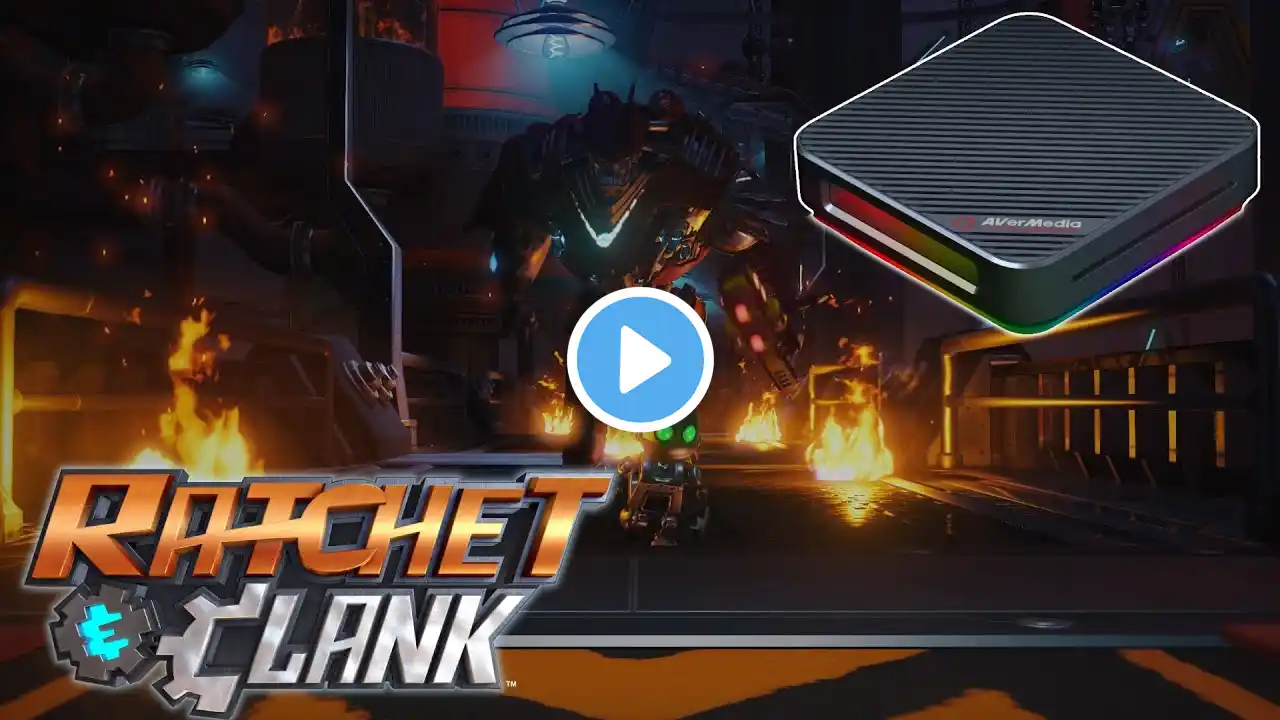
Live Gamer Bolt 4K PlayStation 5 recording how to tutorial avermedia
#Radgames13 #Playstation5 #Avermedia #LiveGamerBolt Taking a look at my newly acquired 4K capture card I Show you the setup Plus a few tips with some 4K 60fps Hdr vs non Hdr Gameplay. Timestamps below Intro 00:00 Device Setup 00:30 ReCentral Setup 02:11 HDCP Option 10:15 HDR Gameplay Comparisons 14:53 Website Link https://www.avermedia.com/us/product-... SPECIFICATIONS Technical Specifications Interface: Thunderbolt 3* Input & Output (Pass-Through): HDMI 2.0 Max. Pass-Through Resolution : 2160p60 HDR /1440p144/ 1080p240 Max. Recording Resolution: 2160p60 HDR* /1440p144/ 1080p240 Supported Resolution: 2160p, 1440p, 1080p, 1080i, 720p, 576p, 480p Record Format: MPEG 4** Dimensions (W x D x H): 120 x 120 x 29.3 mm (4.72 x 4.72 x 1.15 in) Weight :348 g (12.27 oz) *LGB does not support USB 2.0, 3.0, 3.1, 3.2. You need to connect it to a ThunderboltTM 3 port **H.264 & H.265 encoder is provided by GPU; Audio codec is provided by OS LGB Supports 7.1/5.1 Ch. LPCM surround sound pass-through LGB does not support viewing/recording/streaming of HDCP protected signals System Requirements (For dedicated streaming PC) Operating system: Windows® 10 x64 Laptop For 4Kp60 HDR or 1080p240 recording: Intel Core i7-7700HQ or above NVIDIA® GeForce® GTX1050 Ti or above 8 GB* For 1080p60 recording: - Intel Core i7-4810MQ NVIDIA® GeForce® GTX 870M or above 8 GB Desktop For 4Kp60 HDR or 1080p240 recording: Intel® Core™ i5-6XXX / AMD Ryzen™ 3 XXX or above NVIDIA® GTX 1060 / AMD RX 5700 or above 8 GB* For 1080p60 recording (4Kp60 HDR pass-through supported): Intel® Core™ i5-3330 or above (i7-3770 recommended) NVIDIA® GeForce® GTX 650 / AMD Radeon™ R7 250X or above 4 GB RAM must be DDR4 2400 or above – The Live Gamer BOLT works with ThunderboltTM 3 PCIe expansion cards for desktops. Make sure to find a compatible expansion card for your specific motherboard. – If you experience drop frames while using ThunderboltTM 3 expansion cards, disconnect other external devices. – If you experience drop frames while using Thunderbotl 3 hub on a laptop, disconnect other external devices or connect the Live Gamer BOLT directly to the laptop's ThunderboltTM 3 port . – The Live Gamer BOLT does not support energy saving CPUs. – Make sure you Laptop and PC meet the system requirements aside from having a ThunderboltTM 3 port. Mac system requirement : Operating system: MacOS High Sierra 10.15 and above Mac Thunderbolt 3 For 4Kp60 or 1080p240 Recording (4Kp60 HDR pass-through supported) iMac 2019: 3.2GHz 6-core Intel Core i7 Radeon Pro 555X with 2GB of GDDR5 memory 16GB of 2400MHz DDR4 memory MacBook Pro 2018: - 2.6GHz 6-core Intel Core i7 Radeon Pro 560X with 4GB of GDDR5 memory and above 16GB 2400MHz DDR4 memory Notes: 1. HDR recording not supported on MAC. 2. Preset color space NV12. 3. Thunderbolt 3 cable and port required. What's in the box Live Gamer BOLT (GC555) HDMI 2.0 cable Thunderbolt 3 cable 3.5m audio cable Quick guide CyberLink PowerDirector 15 Product Key Card* *4K video editing software. Does not support HEVC encoded files or HDR editing. Please note that this version of PowerDirector 15 is not the retail version and some functionalities may be restricted or require paid upgrades.