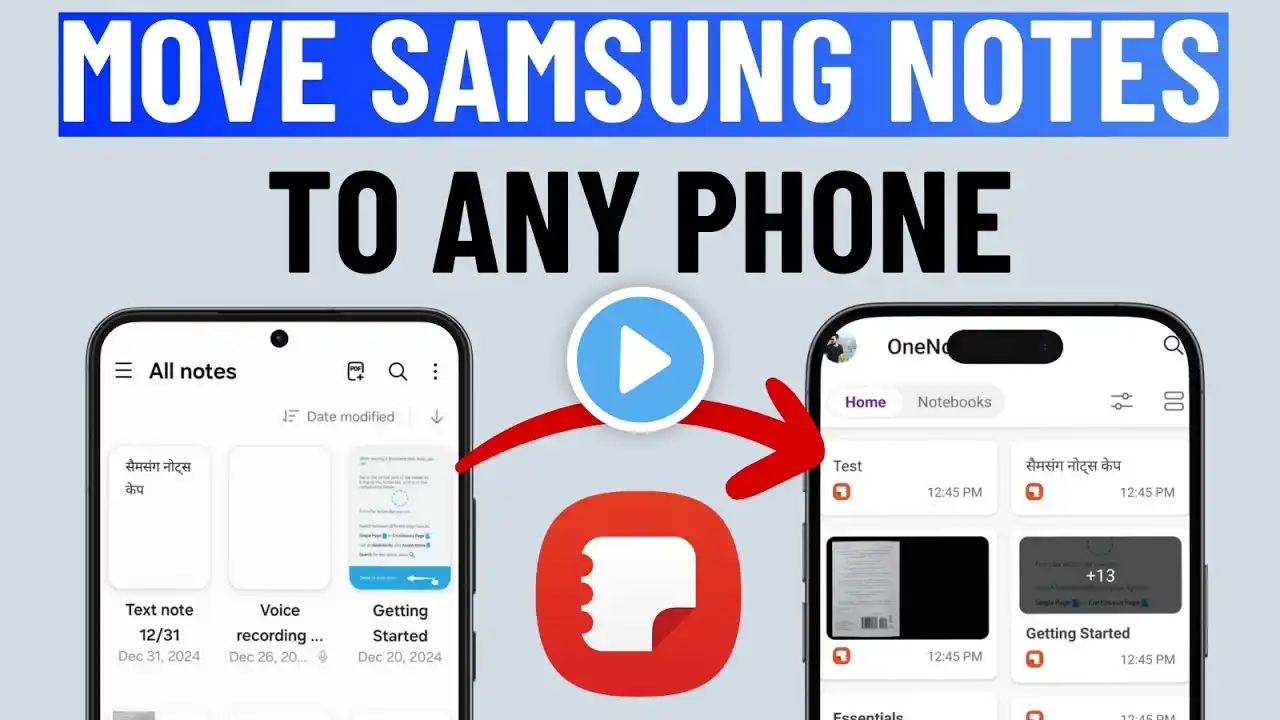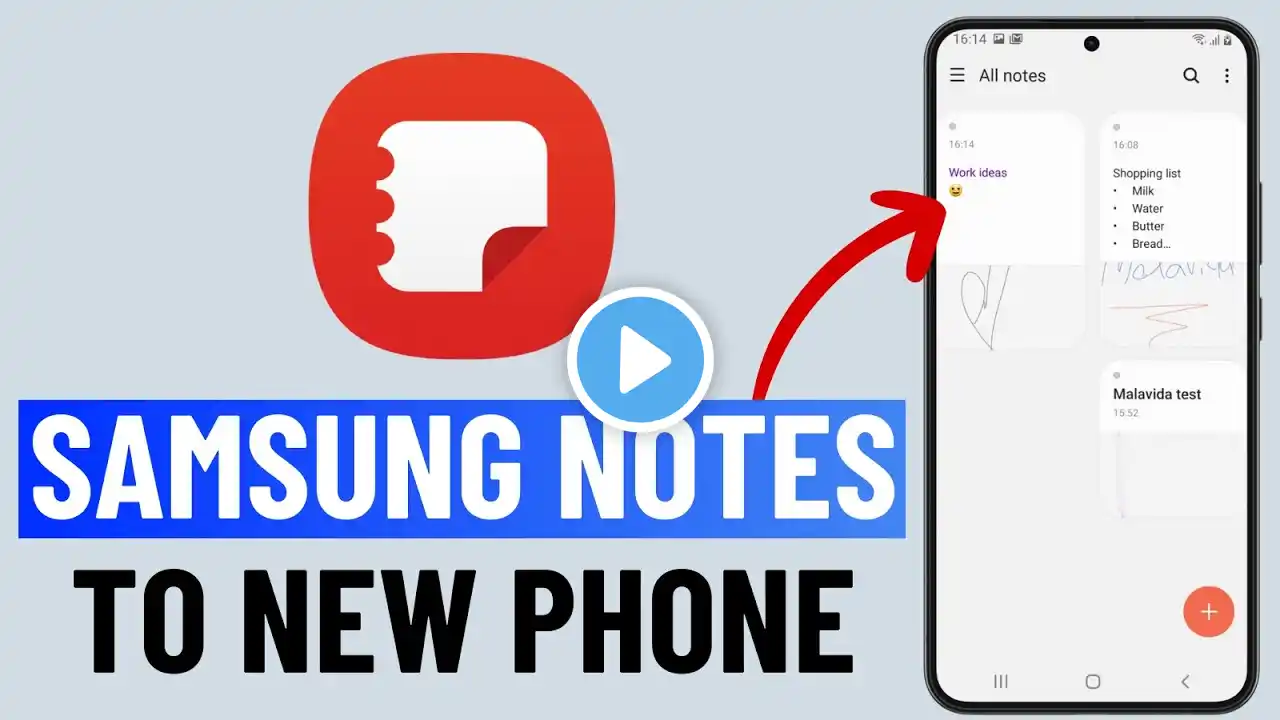
How to Transfer Samsung Notes From Old Phone to New Phone
Got a new phone and wondering how to transfer your Samsung Notes effortlessly? Check out how to easily move all your important notes from your old Samsung device to your new one. #samsungphones #samsungnotes Glitch Guru's tagged products are below Buy SAMSUNG Galaxy S25 Ultra: https://amzn.to/3QqMIwd (Amazon) Best Phone Cases: https://amzn.to/4k5urSQ (Amazon) 00:00 Intro 00:09 How to Export or Backup Samsung Notes on Old Phone 00:39 How to Import or Sync Samsung Notes on New Phone 00:54 Outro Got a new phone and don’t want to lose your important notes? In this video, we’ll show you how to transfer Samsung Notes from your old phone to your new phone quickly and easily. Whether you're switching to another Samsung device or just upgrading to the latest model, your notes can move with you in just a few steps. We’ll guide you through the most reliable methods to transfer your Samsung Notes, including using Samsung Cloud, Smart Switch, and other built-in options. No need to worry about losing saved ideas, checklists, or important info—this process keeps everything intact. By the end of this video, your notes will be safely transferred to your new device, and you’ll be ready to pick up right where you left off. If you find this video useful, please LIKE, SHARE, and SUBSCRIBE to GlitchGuru.