How To Disable RAM Plus On Samsung Galaxy S24 / S24 Ultra
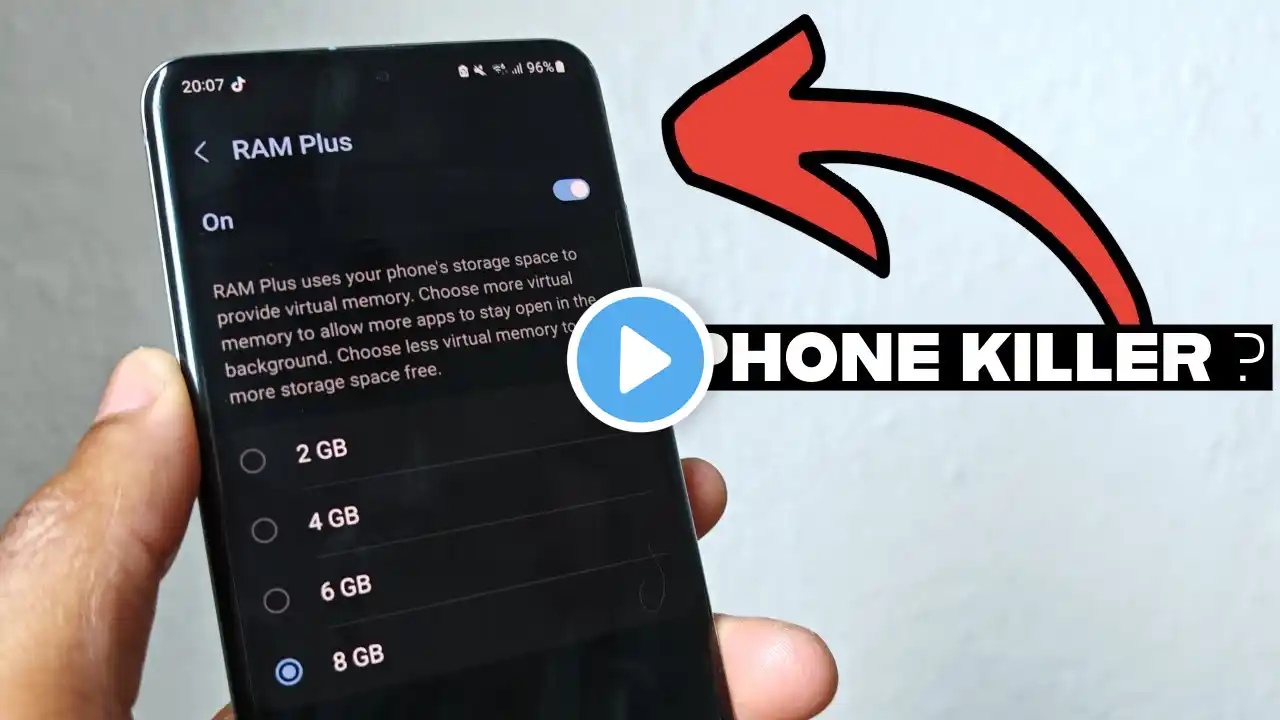
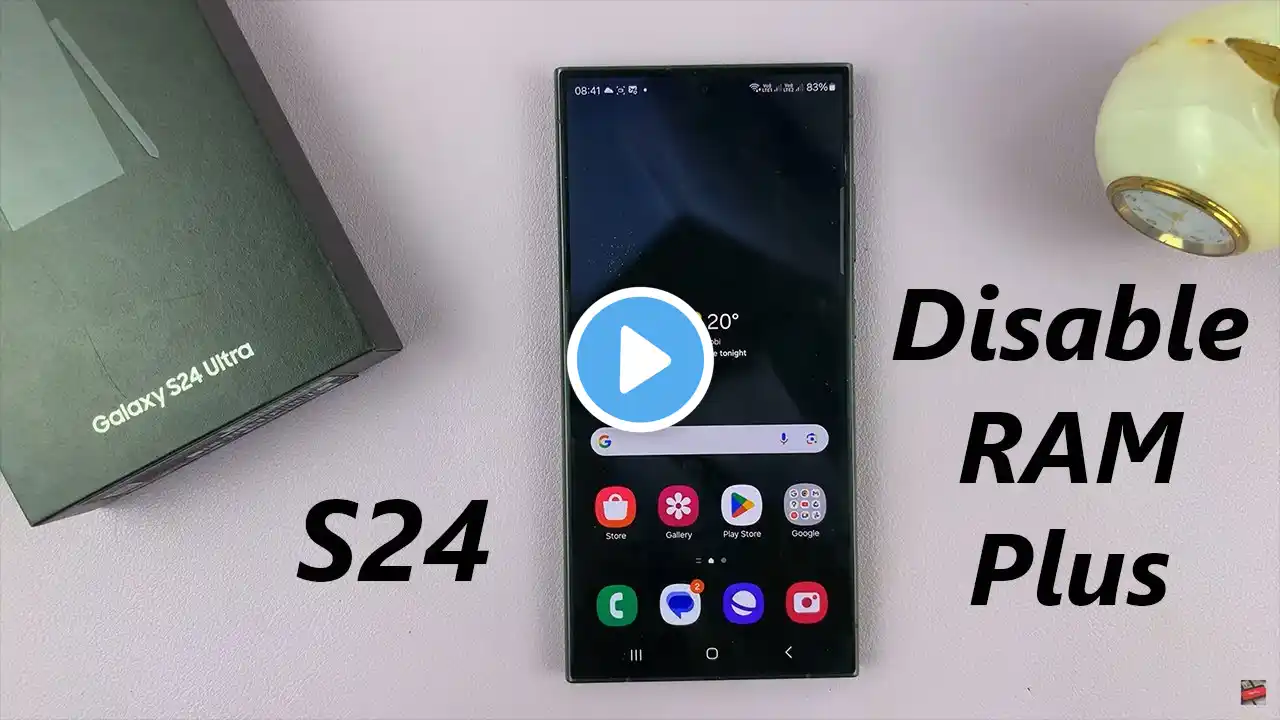
Learn How To Disable RAM Plus On Samsung Galaxy S24, S24+ & S24 Ultra. Read: https://www.webproeducation.org/how-t... RAM Plus, a feature introduced in the latest Galaxy lineup, allows your device to use extra virtual RAM to enhance performance. However, some users may prefer to disable this feature for various reasons, such as battery optimization or personal preference. In this video, we'll walk you through the process of turning off RAM Plus to reclaim your device's original RAM allocation. Whether you're experiencing battery drain or simply want to customize your device's settings, this guide will help you navigate the necessary steps How To Disable RAM Plus On Samsung Galaxy S24, S24+ & S24 Ultra 1. Open the Settings app. Scroll and select Device Care. Tap on Memory. Here locate the option RAM Plus and tap on it. Then tap on the toggle to turn it off 2. Then confirm the restart as the last step to disable RAM Plus. Once you're device has restarted, RAM Plus will be turned off. Samsung Galaxy S24 Ultra (Factory Unlocked): https://amzn.to/3UprMJi Samsung Galaxy A15 : https://amzn.to/48Mas5A Samsung Galaxy A05 (Unlocked) : https://amzn.to/3uaivK7 ----My Gear for YouTube videos---- Main Camera (iPhone 13 pro): https://amzn.to/3GZztve Tripod: https://amzn.to/35acqRa Cell Phone Tripod Adapter: https://amzn.to/3v3wFuI Lights: https://amzn.to/3vkoGK7 As full disclosure, I use affiliate links on this channel and purchasing through these links earns me a small commission. The price you pay will be the same! Website: https://www.webproeducation.org Facebook: / webproeducation.org Twitter: / webpro_e Instagram: / webproeducation