How to Go Live on YouTube from a Computer Without Software
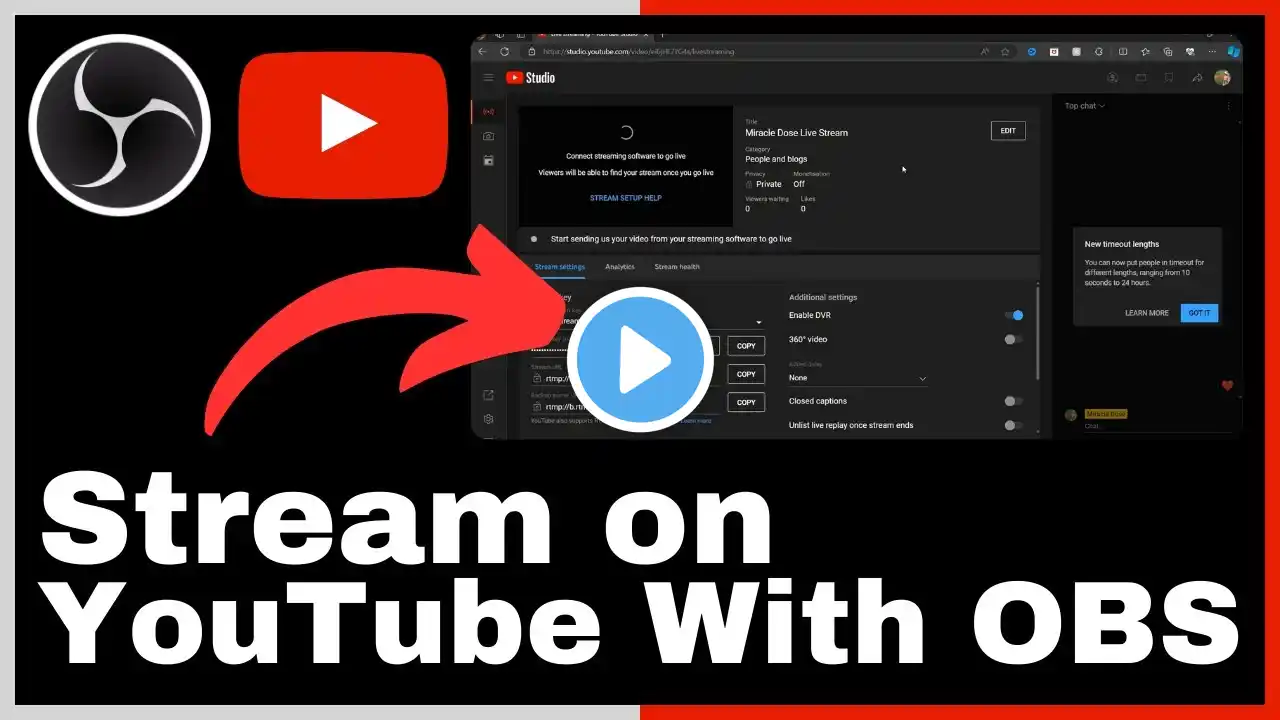
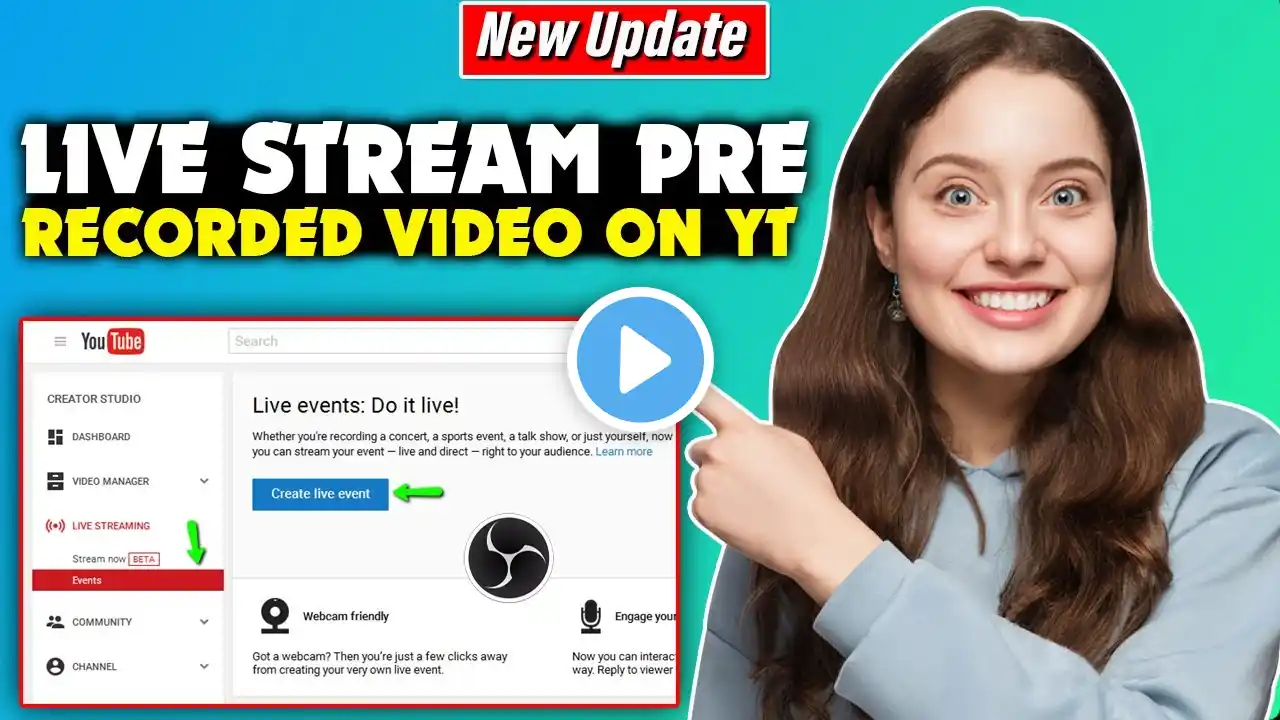
Want to go live on YouTube without expensive 3rd party tools? Concerned you don't have 1000 subscribers? Live video expert Luria Petrucci shows you, step by step, how to broadcast live video with a YouTube account and a computer. Discover how to activate the Go Live feature on your YouTube channel, and learn how to set up, schedule, broadcast, and end your first live from the live streaming dashboard in YouTube Studio. Discover helpful features for engaging with your viewers in the comments as well as where to look for performance analytics. You’ll also learn how to avoid the number one mistake almost every beginner live streamer makes. 🔔 Subscribe for More Social Media Marketing Tactics -- https://www.socialmediaexaminer.com/sub 🚀 Visit @LiveStreamingPros' Channel for More Live Video Tips -- / livestreamingpros 🎧 Subscribe to The Social Media Marketing Podcast -- https://www.socialmediaexaminer.com/s... 💡 Wondering How Fellow Marketers Are Using Social Media? -- Download our Industry Report: https://www.socialmediaexaminer.com/zsyx 00:00 Intro 00:45 How to Activate YouTube Live on Your Channel 01:18 How to Go Live on YouTube 01:48 Scheduling Options 02:40 Additional Live Stream Options 03:00 Testing Your Live Stream 03:12 Thumbnail Options 03:44 YouTube Live Interface Overview and Management 05:33 YouTube Live Analytics 05:57 Limitations of YouTube Live (Native) 06:20 4 Levels of Live Streaming 06:57 3 Tips to Get the Most Out of Your Live Stream 08:21 Additional Resources #SocialMediaMarketing #YouTubeLive #LiveVideo