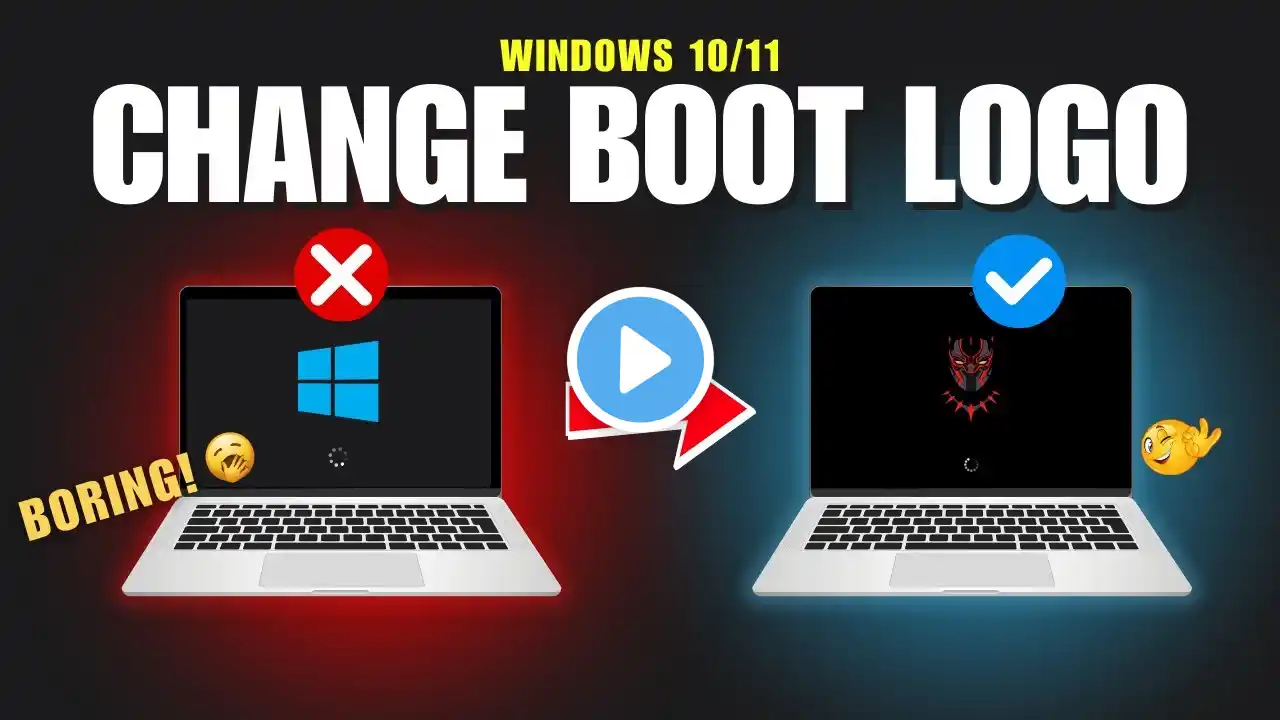
How To Change Windows Boot Logo (UEFI) | English Sub | Tutorial | TechDean
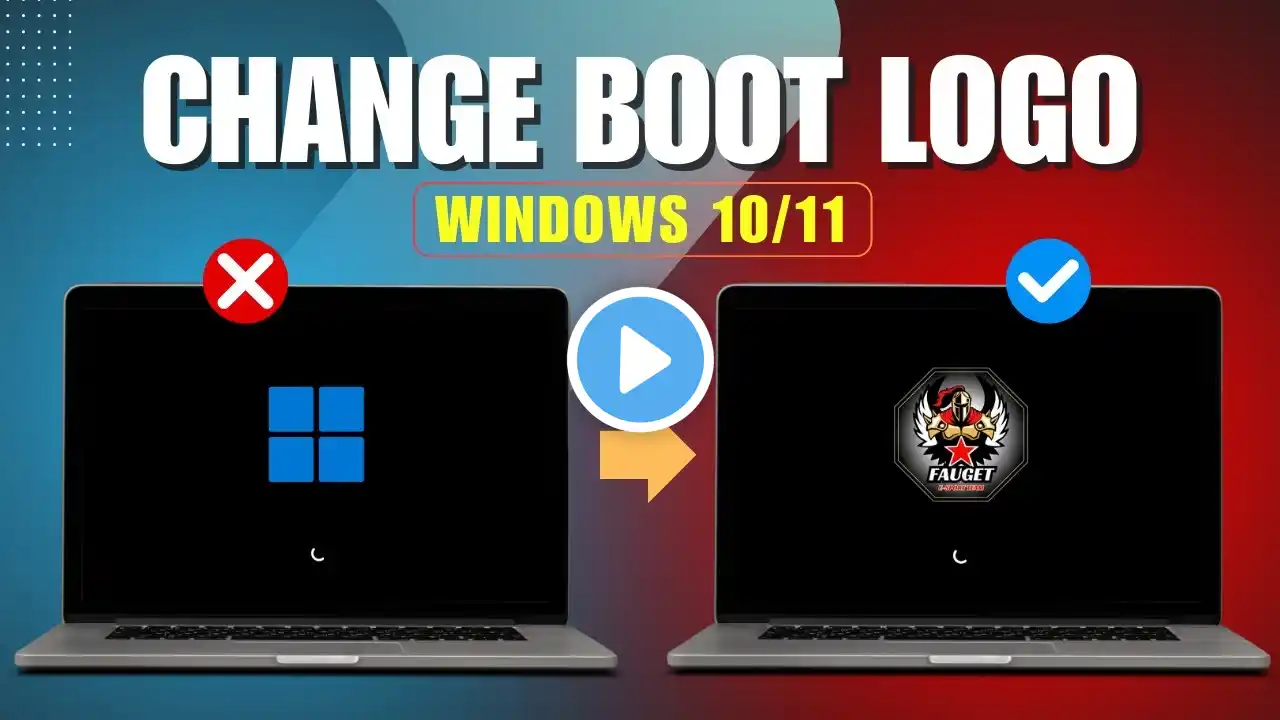
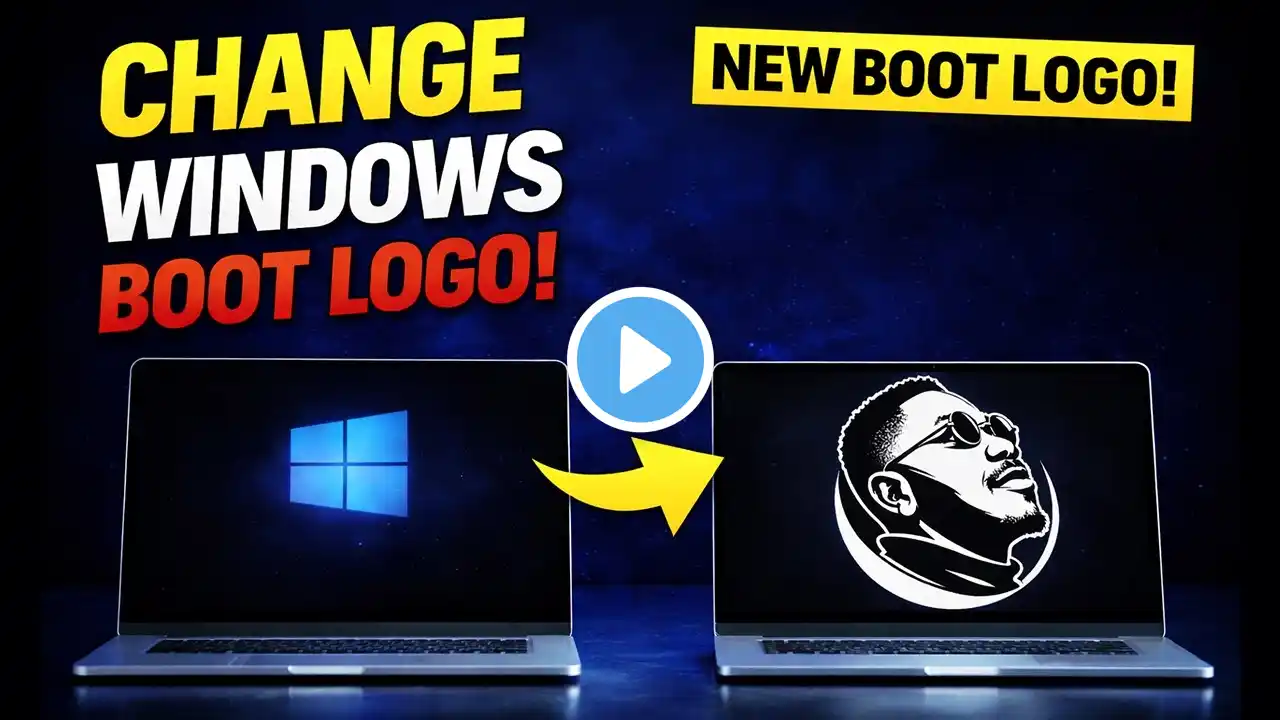
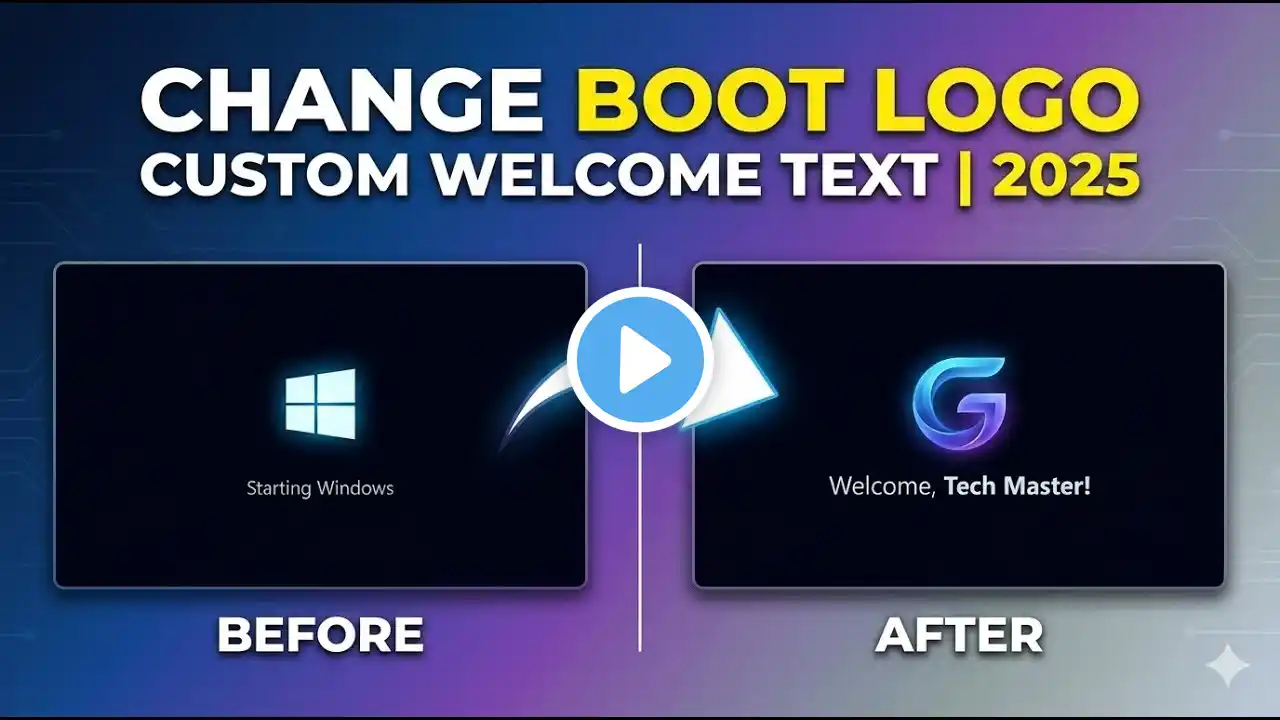
How To Change Windows Boot Logo (UEFI) | English Sub | Tutorial | TechDean HackBGRT is a free utility designed to enable PC users to change Windows 10 UEFI boot logo without must hassle. The HackBGRT makes it possible to change the Windows 10 UEFI boot logo in a few clicks. #HackBGRT #TechDean So, if you are bored with your current Windows Boot Logo and want to change it, then this video is for you. In the end I will also show you how you can restore the original Boot Logo if you don't want to use it anymore, So, Follow along and watch till the end. Time Stamp: 3:20 = To Restore the Original Boot Logo. --------------------------------------------------------------------------- HackBGRT Download Link. ⚡ Website 🌟 https://tinyurl.com/techdean Direct Download 🌟 https://tinyurl.com/HBGRTDownload --------------------------------------------------------------------------- Command to open SYSTEM INFORMATION ▶ msinfo32 ◀ --------------------------------------------------------------------------- While Saving your LOGO in Paint 3D ➡Select File Type as "Bitmap (.bmp)" ➡and File Name as "splash" --------------------------------------------------------------------------- Social: Follow on Instagram / techdean_ Follow on Twitter / techdean_ Disclaimer: This channel DOES NOT promote or encourage any illegal activities, all contents provided by this channel is meant for EDUCATIONAL PURPOSE only.