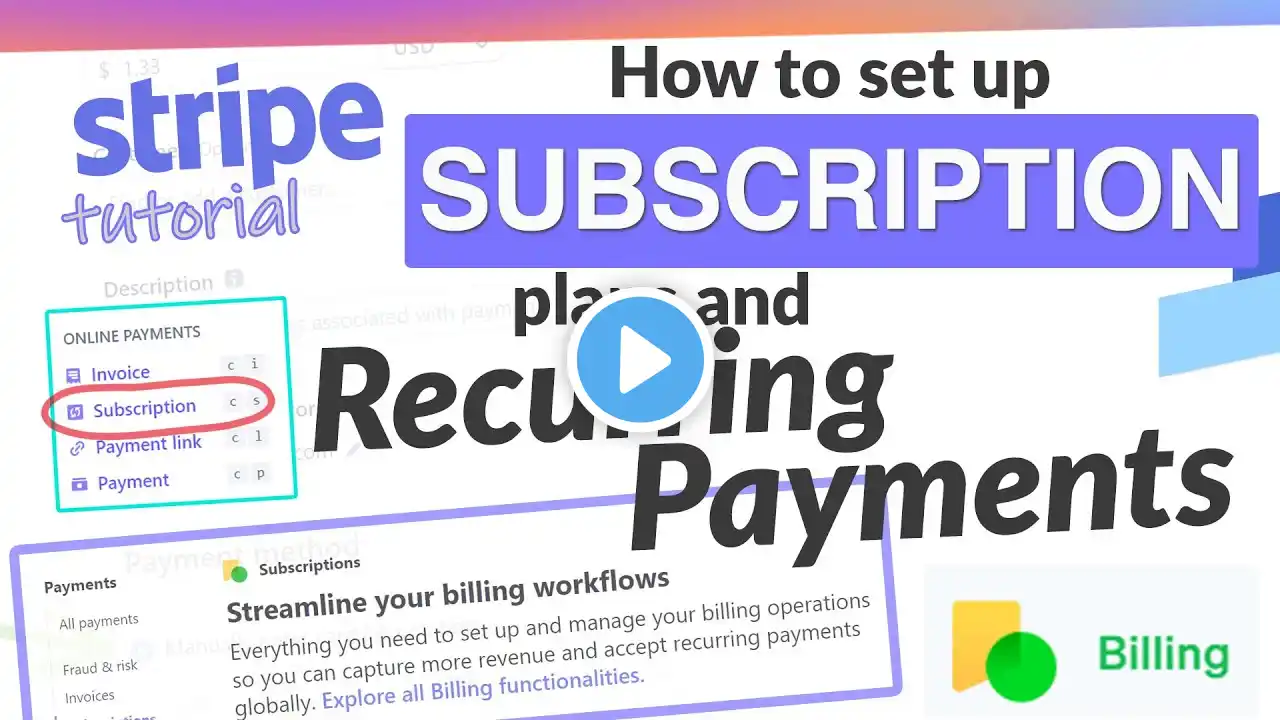
How to Create a Stripe Payment Link with Monthly and Yearly Subscription Options
Learn how to create a single Stripe payment link that gives your customers the option to choose between monthly and yearly subscriptions — all in one simple checkout flow. In this quick tutorial, I’ll walk you through exactly how to set up multiple subscription pricing tiers using Stripe's payment link feature. Whether you're running a membership site, SaaS product, or online coaching business, this setup makes it easy to offer both monthly and annual billing without any custom code or advanced integrations. 🔹 What you'll learn in this video: How to create a Stripe product with multiple pricing options How to generate a single checkout link for both monthly and yearly subscriptions How to customize the link for a better customer experience Tips for managing subscriptions inside Stripe 🛠️ Tools used: Stripe Dashboard – no external plugins or developers required. ✅ Works great for: Coaches & consultants Membership sites Digital product creators SaaS & startups 💬 Have questions about using Stripe for subscriptions? Drop them in the comments and I’ll reply!