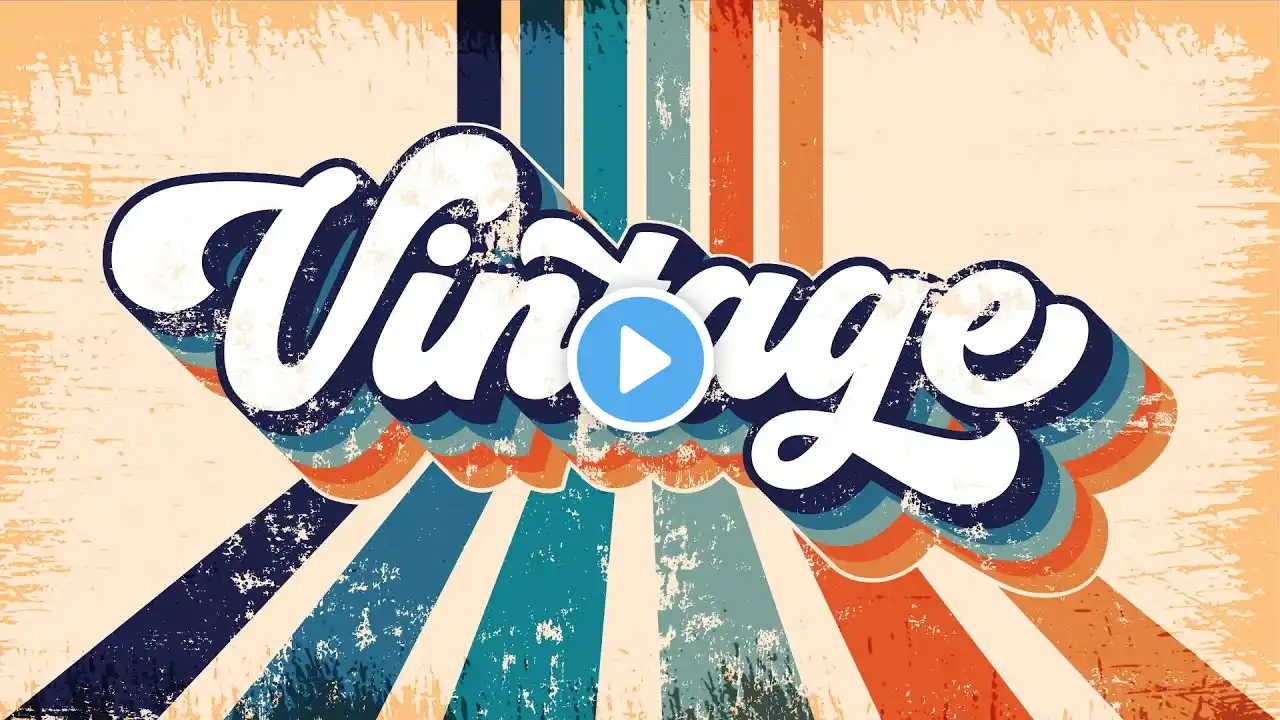
Add cool halftone shadows to your script logo in Illustrator
One way to personalise your typographic script logo is to add halftone shadows to the joins of the letters. There are few ways to do that, but in this tutorial I’m going to share one of my favourite methods as it’s really easily done and is visually impactful. Make sure to tag me on Instagram or TikTok with your shadow experiments 👀 And yeah, it was rough one last night, so forgive the v/o 🍸 🔈 Kurt Stewart x Lomme “Old cars” 🅰️ Selfie by Sproviero Type 0:07 Setting up the type 0:31 Creating the halftone brush 0:47 Brushing up 1:13 Ka-boom! Never miss a single video: https://designacademy.substack.com/ Design Academy: https://antonburmistrov.com/da/ Instagram: / antoncreations Tik Tok: / made.by.anton