Calculate profitability index in excel in one mint only
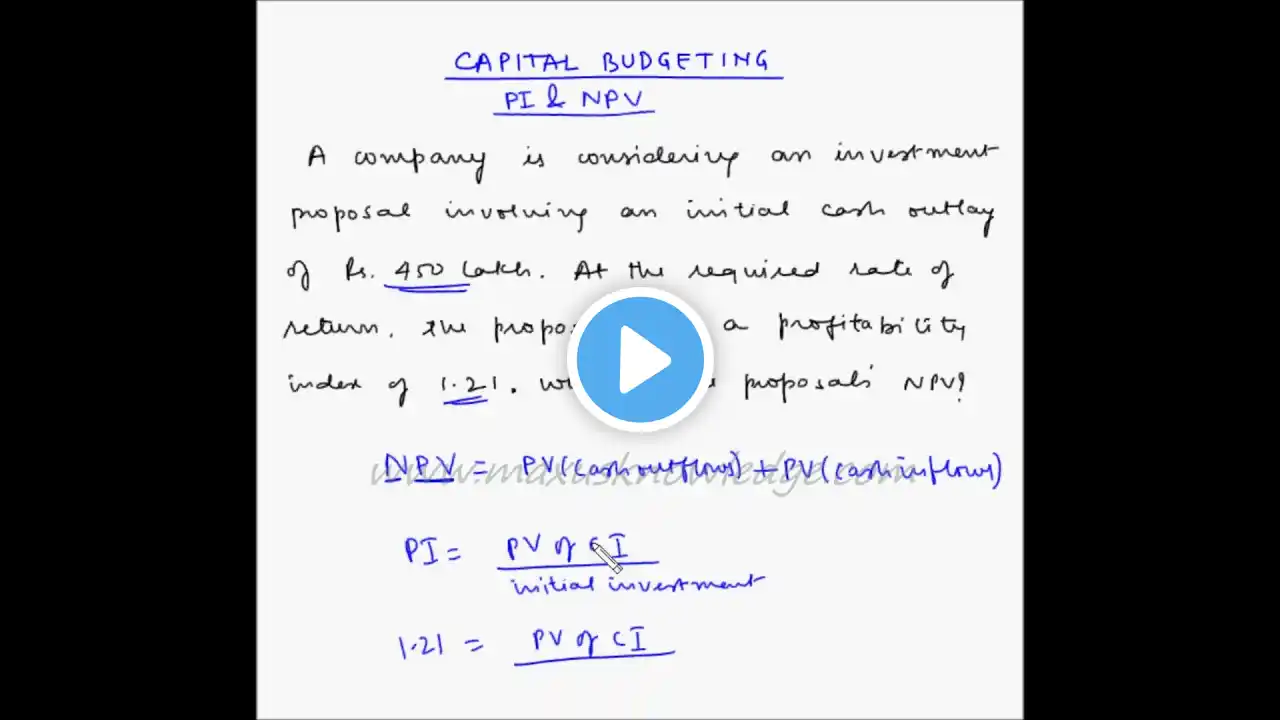
Calculate profitability index in excel in one mint only Calculate #profitability index in #excel Profitability index is an important measure in project finance to decide whether to invest in a project or not. It is calculated as the ratio of present value of a project cash flows and the initial investment. To like us on Facebook, visit / accountingpluss The profitability index (PI) is one of the methods used in capital budgeting for project valuation. In itself, it is a modification of the net present value (NPV) method. The difference between them is that the NPV is an absolute measure, and the PI is a relative measure of a project. To calculate the profitability index: Step 1: Assume a required rate of return or cost of capital for the project. Let’s say the cost of capital is 10%. Step 2: Calculate the present value of all future cash flows. You can use the PV() function in excel for this calculation. Step 3: Take the total of PV of all future cash flows. In our example, the total is 9677.87. Step 4: Calculate profitability Index as follows: Profitability Index = 9677.87/10,000 = 0.97 Calculation of Profitability Index While the NPV shows if the investment will yield a profit (positive NPV) or a loss (negative NPV), the profitability index will show the degree of the profit or loss. Business owners can use either the Present Value of Future Cash Flows (PV) or the Net Present Value (NPV) to calculate the profitability index. Profitability Index = (PV/Amount Invested) = 1 + (NPV/Amount Invested) Using the example, a company expects to receive $100,000 three years from now on an $85,000 investment. The interest rate is expected to stay at 3.5 percent for those three years. Profitability Index (PV) = ($90,194.27/$85,000) = 1.061 Profitability Index (NPV) = 1 + ($5,194.27/$85,000) = 1.061 #Excel #Finance #Profitability #index