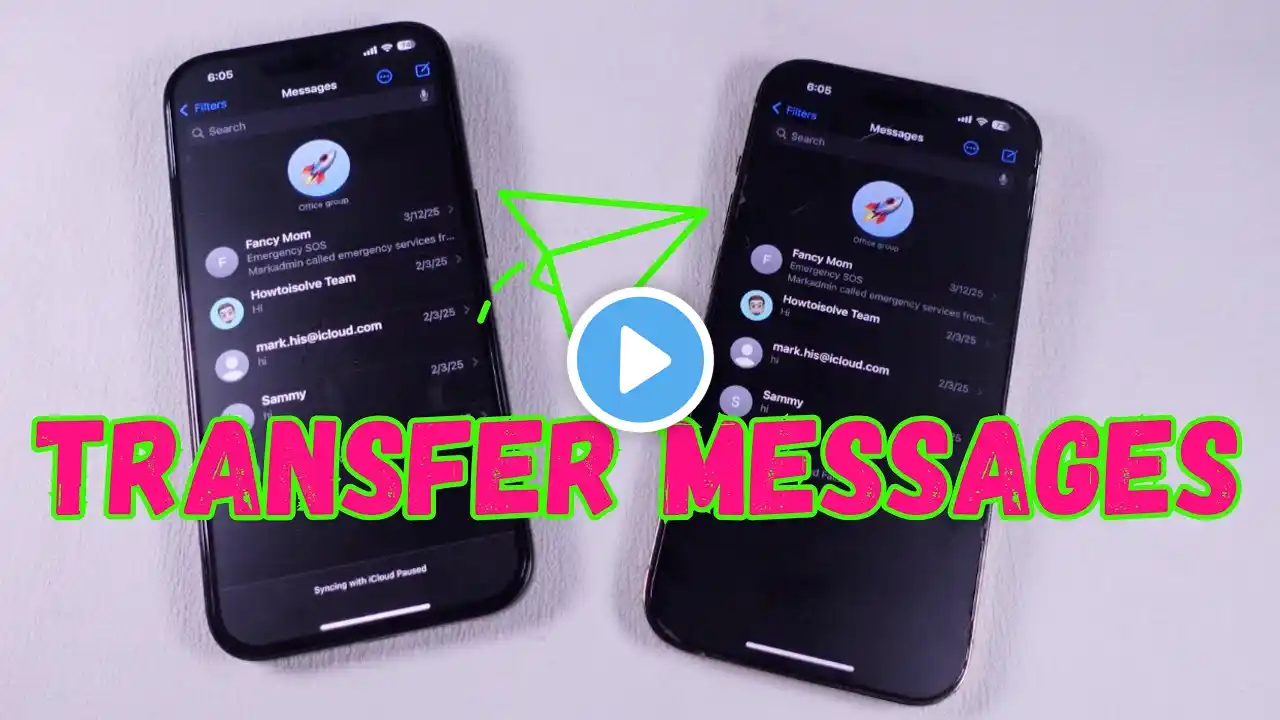
Transfer contacts from old iPhone to the new iPhone 12 (THREE Ways)
Transfer your contacts now: https://bit.ly/37kVnee Save up to 50% OFF on MobileTrans (Time-limited Offer): https://bit.ly/3yt5jw8 Learn how to transfer contacts from old iPhone to new iPhone in this video! Timestamps: 00:00 Intro 00:45 Method 1 Transfer Contacts via MobileTrans Step1 Launch MobileTrans and connect both your iPhons to computer Step2 Make sure you have the correct source and target devices Step3 Select Contacts in the list and click Start, then you are good to go 01:25 Method 2 Transfer Contacts via iCloud Step1 on your old iPhone: Go to settings- Avatar - Switch on contacts options Step2 on your new iPhone12: Go to settings - Avatar - Switch on contacts option Then your contacts will automatically synced over 02:41 Method 3 Transfer via iTunes Step1 Launch iTunes, connect your old iPhone Step2 Click summary and check your backup Step3 Connect your new iPhone to the computer and restore the backup Step4 Turn your new iPhone off and on , and select restore from iTunes backup 🔔Subscribe to our YouTube: https://bit.ly/3CPe7SX 🔔Visit Wondershare MobileTrans offical website: https://bit.ly/3XE3xYW 🛡️Download Android App: https://app.adjust.com/1hehfida 🛡️Download iOS App: https://app.adjust.com/1hq985g1 🔔Visit Wondershare Mutsapper offical website: https://bit.ly/4j2to5E 🛡️Try Walastseen: https://play.google.com/store/apps/de... 📢Support E-mail: [email protected] 🌟 Why Choose Wondershare MobileTrans? Wondershare MobileTrans offers a unique desktop version that caters to the need for data transfer between devices. For effective data transfer with no latencies, MobileTrans provides a proper interface with the right options. As you can transfer more than 18+ file types using this platform, it is the perfect alternative that covers much more than your expectations. #iPhone12 #TransferContacts