How to Add, Edit & Delete Gmail Contacts ✉️ | Full Gmail Contacts Tutorial
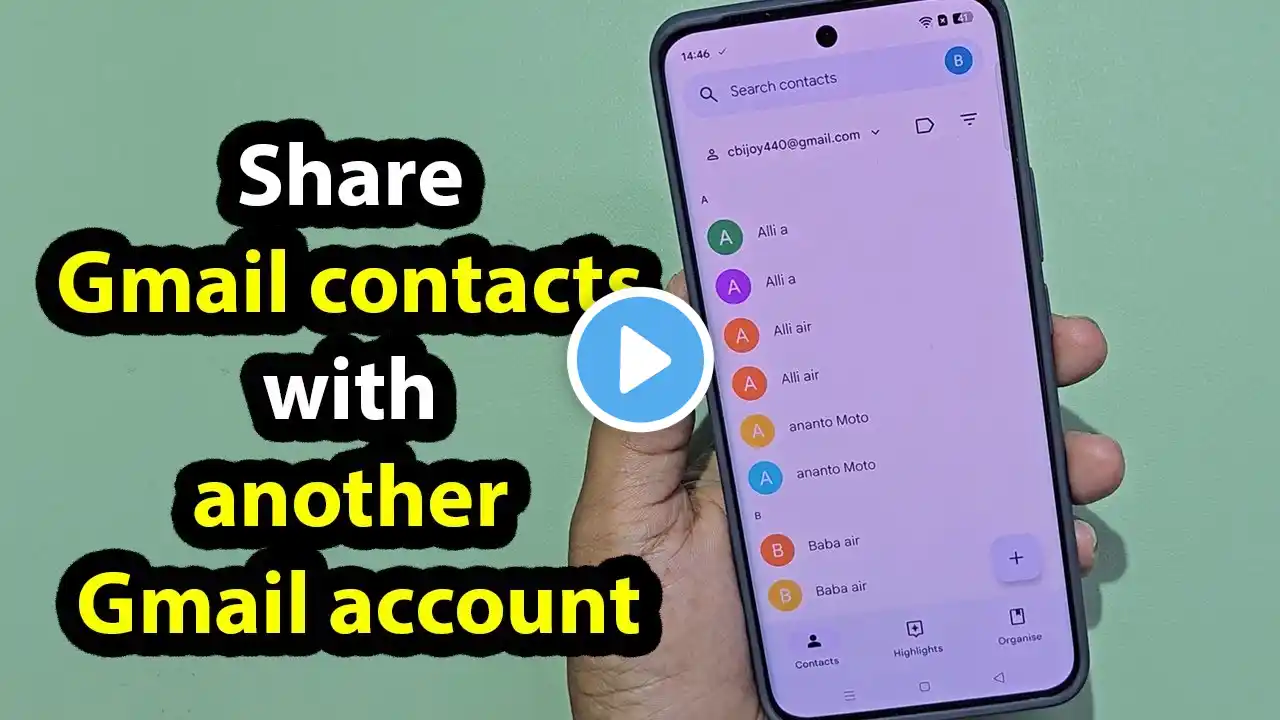
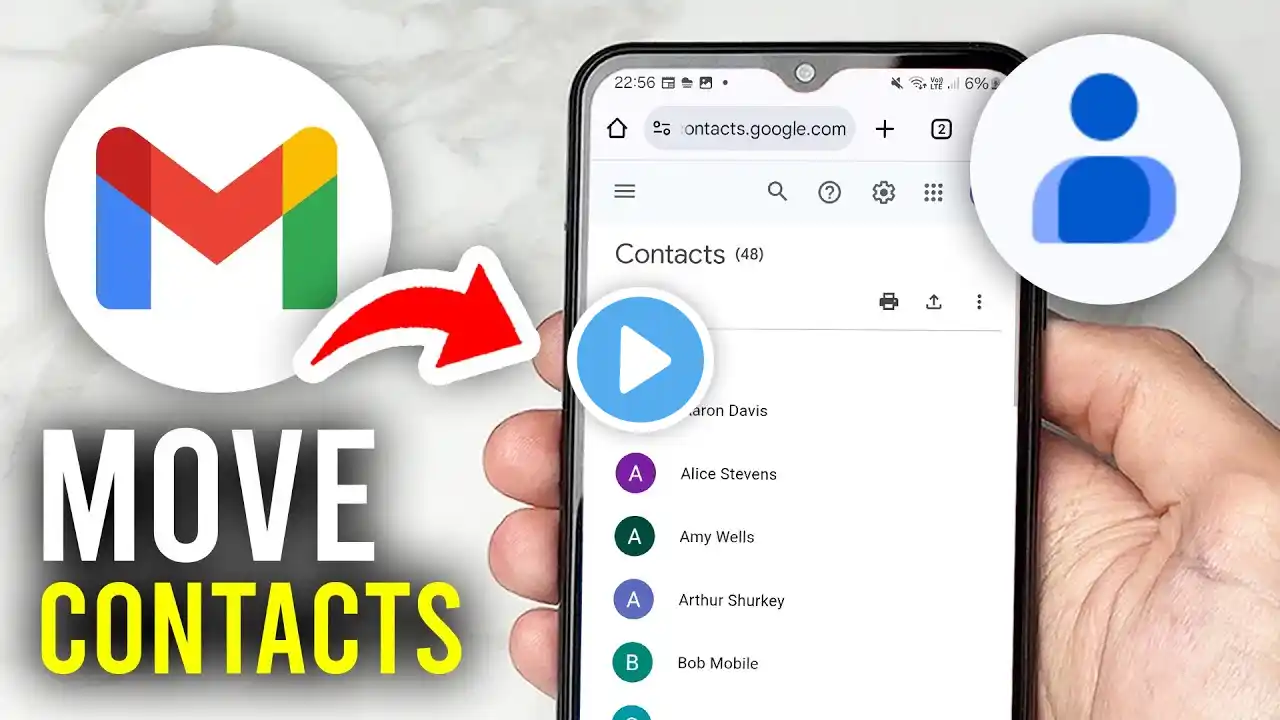
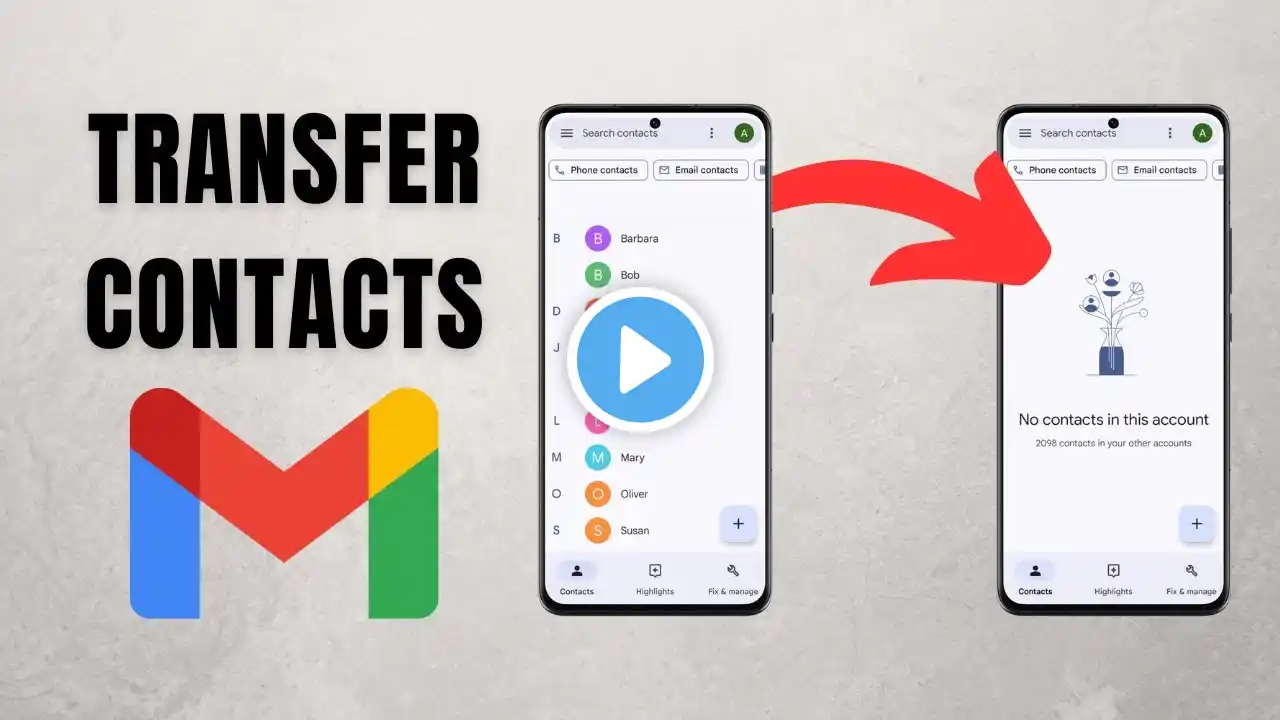
Need to clean up or manage your Gmail contacts? This quick tutorial walks you through how to add, edit, or delete Gmail contacts step by step on your PC. ✔️ Add a New Contact: Go to contacts.google.com Click “Create contact” at the top left Fill in the name, email, phone, and more Hit “Save” ✏️ Edit an Existing Contact: Search for the contact’s name Click the pencil edit icon Update any fields and click “Save” 🗑️ Delete a Contact: Select the contact Click the three-dot menu Choose “Delete” and confirm 💡 This method keeps your Gmail contact list organized and up to date! Subscribe for more Guides: / @guidewithsamuel