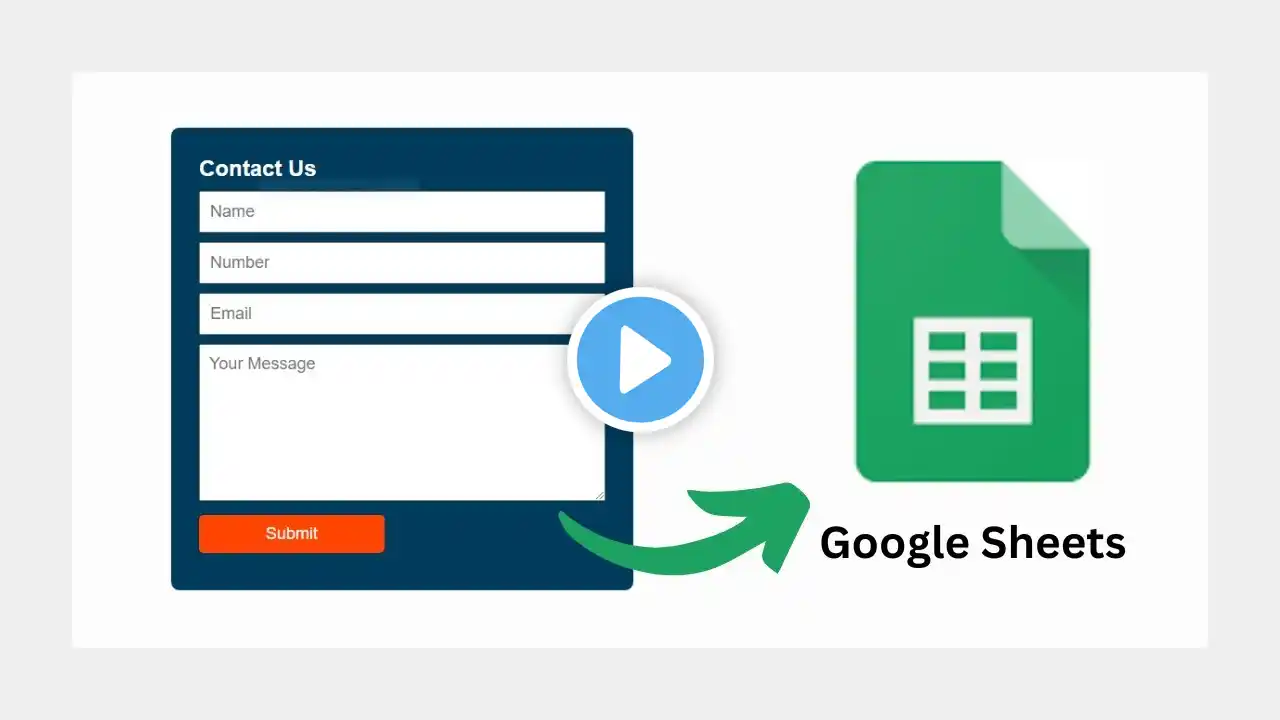
Deploy Web App in Apps Script | Collect Student Data Using HTML Form + Google Sheets | Lesson 20
📗 Lesson 20 — Deploy Apps Script Web App & Collect Student Information via HTML Form Google Sheets & Apps Script Mastery Course by IOTA Academy In this lesson, you will learn how to deploy a web app using Google Apps Script and create a custom HTML form that collects data directly into Google Sheets. This is one of the most powerful techniques for building online forms, student registration pages, feedback systems and more. In this video, you will learn: • What is a Web App in Google Apps Script • How to deploy a project as a Web App • How to build a simple HTML form (name, phone, email, etc.) • How to link the HTML form with Apps Script • How to receive and store data into Google Sheets • How to test and update the deployed Web App • How to allow students or users to submit information • Practical use cases for school, coaching, office and business Real-life applications: • Student registration form • Feedback form for coaching classes • Online inquiry form • Lead collection form for businesses • Custom website forms connected to Google Sheets 💡 Build your own mini-website that collects data — completely FREE using Apps Script! 💬 QUESTION: What should we build next — Login System, Dashboard Page or Auto Email After Form Submit? 👇 Comment below! ❤️ Like, Share & Subscribe for more Google Sheets & Apps Script tutorials. ▶ Full Google Sheets Playlist: / @iotaacademy 🔗 Connect with IOTA Academy: Website: https://www.iotaacademy.in/ Instagram: / iotaacademy.in LinkedIn: / iota-academy Facebook: / iotaacademy.in #AppsScript #WebApp #GoogleSheetsWebApp #HTMLFormGoogleSheets #DeployWebApp #GoogleWorkspace #IOTAacademy #AppsScriptTutorial