How to Fix Contact Sync Error on Android | Google Contacts Sync
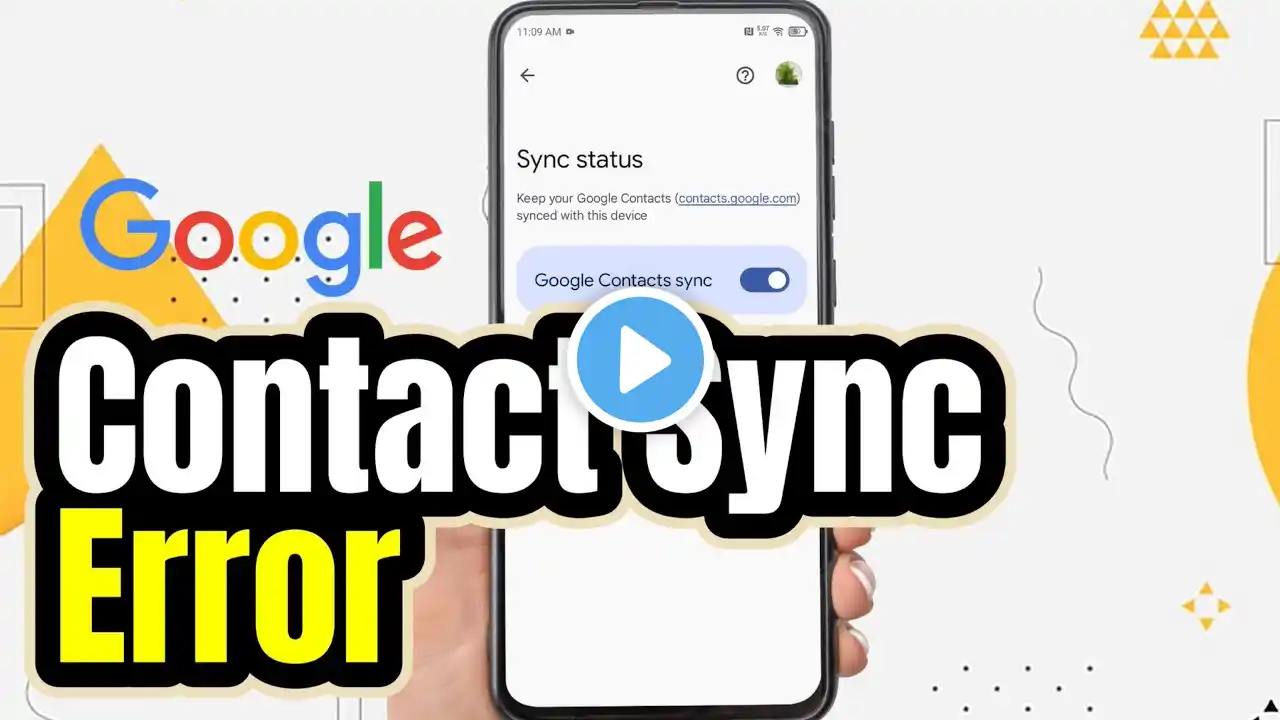
Hi everyone, in this video I'm going to show you how to fix contact sync error on android?. There are two contact sync settings on android phones. The first is google contact sync where the phone numbers stored in the google account will be displayed on your phone. Then the second is device contact sync where if activated then the phone numbers will be automatically saved in the google account. So, how to solve contact sync error on your phone? Or how to enable sync on android phone? google contacts sync can activate via Google service settings. So. firstly, Open the settings on your phone. and then scroll down. Tap goolge and tap all services. Scroll down and tap google contacts sync. Tap status. If Google contacts synchronization is disabled, tap here to activate it so that all contacts in your Google account will be displayed on your phone. And then, if you want to save all contacts to your Google account, you need to enable device contact synchronization. So, tap also sync device contacts. enable Automatically back up & sync device contacts. Then choose which Google account will be the place to save contacts from your device. Automatically all numbers on your phone will be backed up to the Google account. That's the tutorial on how to fix contact sync error on android. I hope this video will help you. See you in the next video, thank you. Android Totorials Playlist: • Android Tutorials #android This tutorial is related to search: how to fix contact sync error on android how to fix contact sync error android how to solve contact sync error contact sync error how to fix contact sync error google contacts sync google contacts sync android google contacts google contacts sync error.