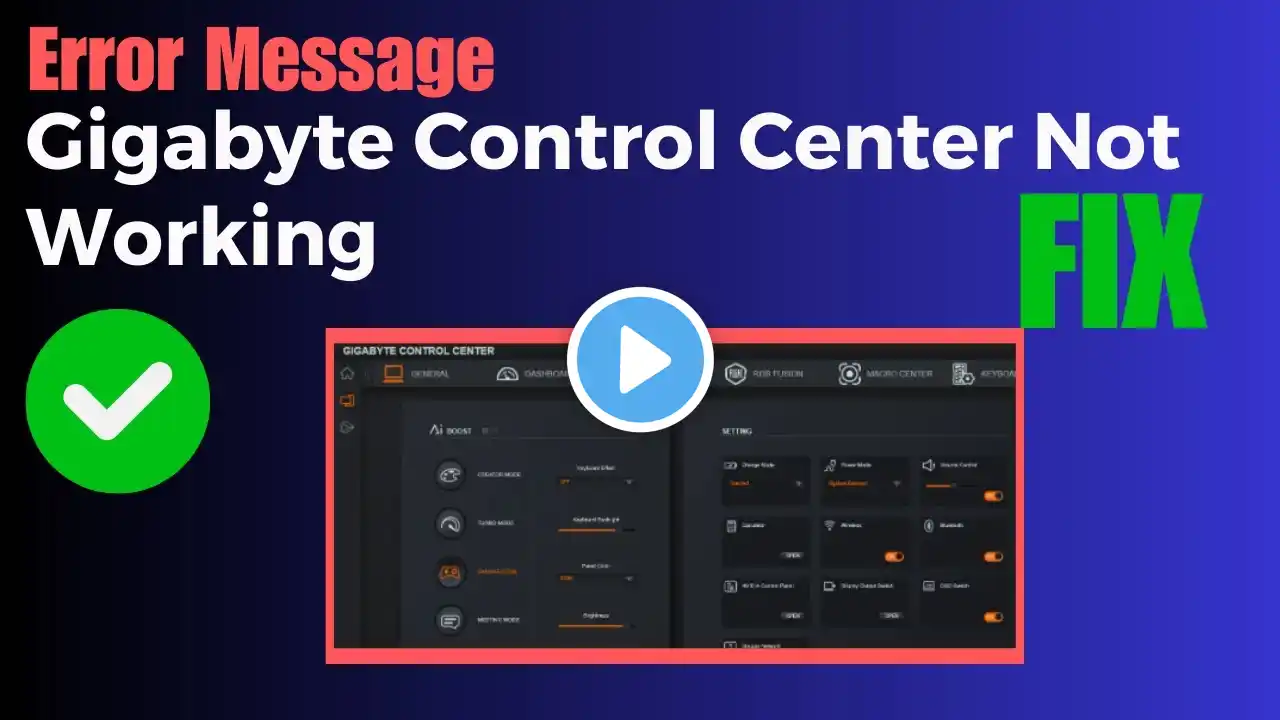
How To Fix Gigabyte Control Center Crash | GCC Not Working 2026 - Solved
Fixing Gigabyte Control Center (GCC) crashes involves performing a clean reinstallation, disabling Windows Memory Integrity, updating drivers, and potentially using specific uninstall tools to remove conflicting, older components. Key fixes include updating Windows, running as Administrator, or using a dedicated uninstaller (like Revo) to clean up leftover files. However, before trying these methods, first follow the steps shown in this video and uninstall the specific GCC components/modules that may be causing the crash. In many cases, removing problematic GCC options fixes the issue without needing a full reinstall. Download GCC App from this Link: https://www.gigabyte.com/Consumer/Sof... ♨️ A like doesn’t cost you anything and it means a lot because of the YouTube algorithm. ❤️Want to support my work? If my tutorials, mod guides, or tips helped you, you can become a member and symbolically “buy me a coffee” or using the💲Super Thanks button💖 It only takes a few clicks, and you can even leave a message with your support As a member, you also get extra benefits: ✔ direct support and help from me (You won’t be disappointed!) ✔ exclusive guides and mod setups ✔ unique GTA V mod combinations you won’t find anywhere else ✔ faster responses to your questions ✔ members-only content 💎 Join my channel & become a member: / @borningame 👀Check out the videos in the Members section and see the value for yourself • 🎖️Members Exclusive Content🎖️ (Za EX-YU) Ako su vam moji tutorijali, vodiči za modove ili savjeti pomogli, možete postati član i simbolično me počastiti “kafom”. Vaša podrška mi pomaže da nastavim praviti kvalitetan sadržaj i nove vodiče. Čak i Like je velika podrška! Budimo prijatelji, podržimo jedni druge i rastimo zajedno. ❤️ ------------------------------------------------------------------------------------------------------ ❗ COPYRIGHT WARNING ❗ ⛔ You may use small parts of this video ONLY with credit & link! ⛔ Downloading and re-uploading is a copyright violation and will result in a copyright strike! System Specifications: 🎮 GPUs: NVIDIA GeForce RTX 4090 🖥️ CPU: i9-13900KF 🌡️ Cooling: AIO 280 🧠 RAM: 32GB DDR5-6800MHz 📟Mobo: Z790 AORUS ELITE X 💾 Storage: 2TB NVMe Gen5 🌡️ Cooling: AIO 280 ⚡EVGA P2 1200W 🔌 OS: Windows 11 Pro (2026 Update) 🕒 Timestamps: 00:00 - How To Fix Gigabyte Control Center Crash Fix 00:59 - GCC Not Working 2026 - Solved 🏷️Keywords: gcc crash fix, gigabyte control center fix, gigabyte control center crash, gigabyte control center not opening, gigabyte control center closes instantly, gcc crash on startup, gigabyte control center reinstall, gigabyte control center uninstall modules, gigabyte control center fix tutorial, gcc clean install fix, gigabyte software crash fix, z790 gigabyte control center fix, gigabyte app center alternative, gigabyte control center windows 11 fix, disable memory integrity gcc fix, gcc not working fix, gigabyte motherboard software fix, gigabyte control center troubleshooting