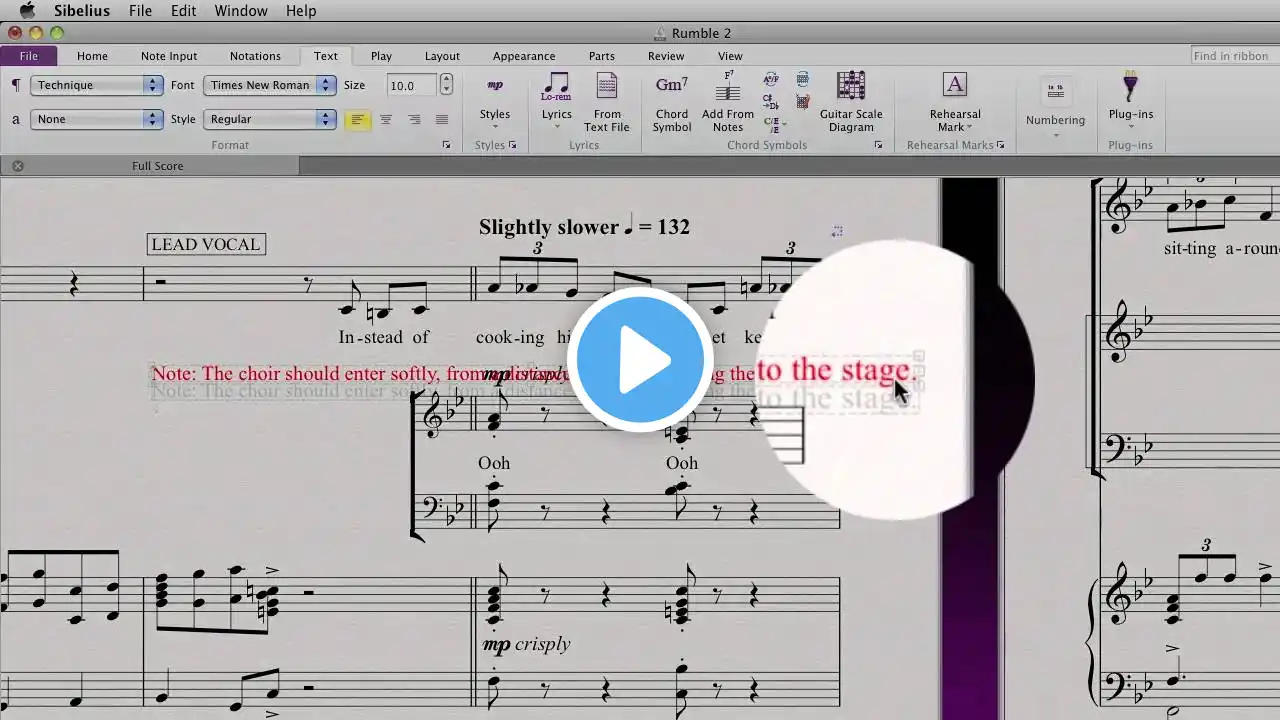
Sibelius 7 101: Lead Sheet Project - 11. Basic Editing
Additional videos for this title: http://j.mp/LZ8hdo Sibelius 7 101: Lead Sheet Project by Thomas Goss Video 11 of 23 for Sibelius 7 101: Lead Sheet Project Following in the footsteps of his excellent QuickLook Guide, Master composer Thomas Goss is back with a comprehensive course that will teach you how to create beautiful lead sheets, complete with lyrics and chord symbols! Having an easy-to-read lead sheet makes all the difference leading to an inspired performance where everything clicks and where the musicians and audience enjoy every moment. A well-crafted lead sheet gives instrumentalists and singers a lot of useful info, from melody and harmony to lyrics and dynamics as well as style and tempo indicationsso that everyone in the band is on the same page. Thomas covers them all with a composers minutia. He demonstrates how quickly and efficiently you can enter notes using different techniques, whether it's your computer keyboard, your favorite USB controller, or a combination of the two! You'll be able to follow along and create your first Sibelius project with Master Goss as your guide. Thomas then wraps it all up by giving you a taste of what's to come in this exciting in-depth series of courses covering all aspects of Sibelius 7. If you like this course youll love all of Thomas masterpieces in our ever-expanding collection of Sibelius 7 notation courses! More info on this title: http://j.mp/LZ8hdo