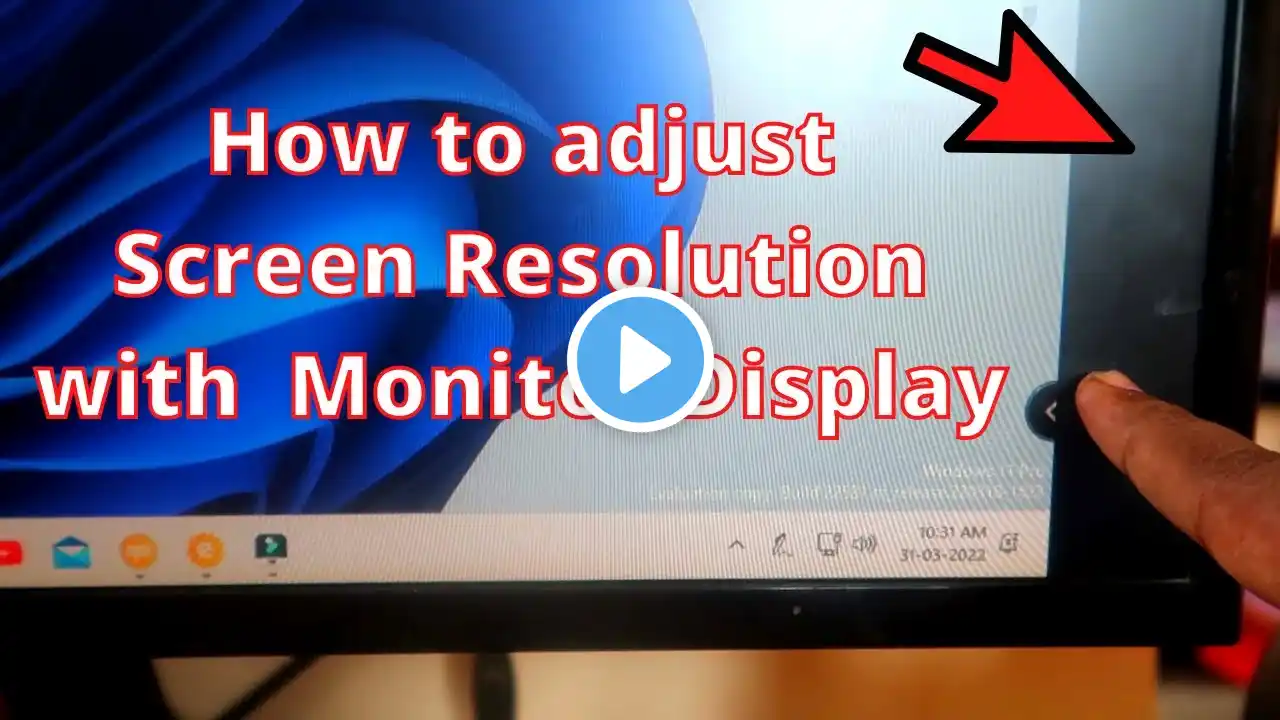
How To Scale Windows To Fit Your TV: (Easy Fix)
Hey everyone. Had an issue where when I tried to use my TV as a monitor for a PC I had just built, Windows wouldn't scale or fit to the display. The issue isnt with your PC, it's with your TV's aspect ratio and scaling. Here's how to fix it: 1. Find your settings menu 2. Look for "Aspect Ratio" or the equivalent settings tab 3. Your TV should be defaulting to an aspect ratio such as 16:9 or something else. Change this to "Just Scan" or "Scale to Fit" 4. Save your settings This was an easy fix for me, so I thought this might help someone see it visually. If you're still having problems, leave them down in the comments and either I or someone on YouTube can hopefully answer your question :). Here's the post where I found the solution: https://answers.microsoft.com/en-us/w... Thanks and God Bless!