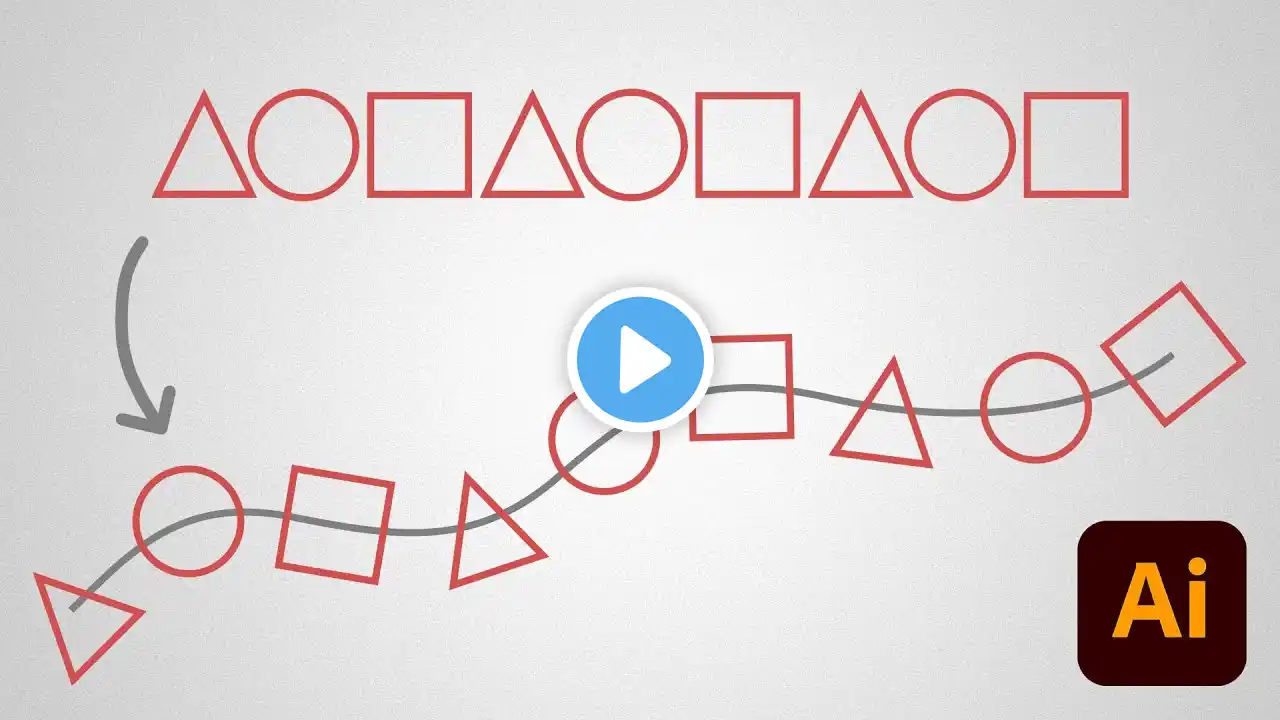
How to Use Objects on Path Tool in Adobe Illustrator - Quick 2025 Tutorial
Use the Objects on Path Tool in Adobe Illustrator 2025 to attach shapes to any path, control spacing and build perfect repeating elements without manual alignment. This quick walkthrough shows the full Objects on Path workflow inside Adobe Illustrator 2025. You'll set up a path, attach objects to it, and dial in spacing, distribution and orientation using the Objects on Path Settings panel. The tool handles the alignment maths for you, so building borders, decorative trims, repeating icons and pattern arrangements becomes a clean, scalable, editable vector operation. It's a practical example of how the new Illustrator features speed up structural design work and keep your step-by-step Illustrator workflow tidy. This technique works for border layouts, badge ornamentation, decorative shapes, repeating UI icons, typography effects, packaging trims, infographic markers and editorial illustration accents. Anywhere you need consistent structure across a path, this tool removes the manual placement work. New to Illustrator or sharpening your Illustrator workflow, this tutorial gives you a full vector process for design. Subscribe for more Adobe Illustrator tutorials. 🙏 STAY CONNECTED BECOME A MEMBER: https://bit.ly/JoinRichgx PLEASE SUBSCRIBE: http://bit.ly/SubRichGFX 🗨️ REACH OUT AND FOLLOW Discord: / discord Premium Resources: https://gumroad.com/richgfx/follow Instagram: / _richgfx Behance: https://www.behance.net/richard_carpe... TikTok: / rich.gfx X: / richard_carpent Dribbble: https://dribbble.com/richard_carpenter 🕑 VIDEO CHAPTERS 0:00 - Intro 0:08 - Objects on Path Tool 0:47 - Objects on Path Settings #ObjectsOnPath #AdobeIllustrator #Tutorial