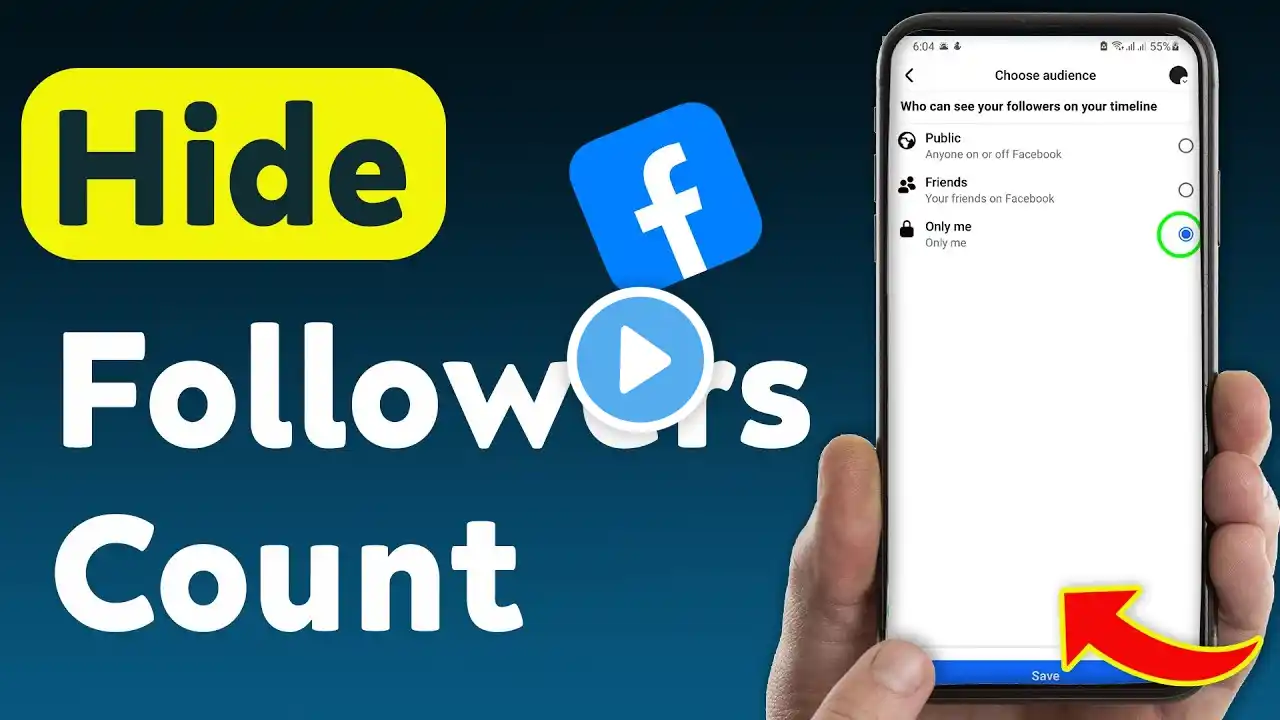
How To Hide Followers Count On Facebook
Learn how to hide your follower count on Facebook with this quick and easy guide! Keep your profile private and control who can see your followers. Follow these simple steps to update your settings today. 1. Open the Facebook App 2. Go to Your Profile 3. Tap on Edit Profile 4. Scroll down to the Details section & tap Edit 5. Under the Followers section, uncheck the box and save #-FacebookTips #PrivacySettings #SocialMedia =================== Timeline: -------------- 00:00 Start 00:12 How to do it 01:05 End =================== For advertiser contact us via email : [email protected]


