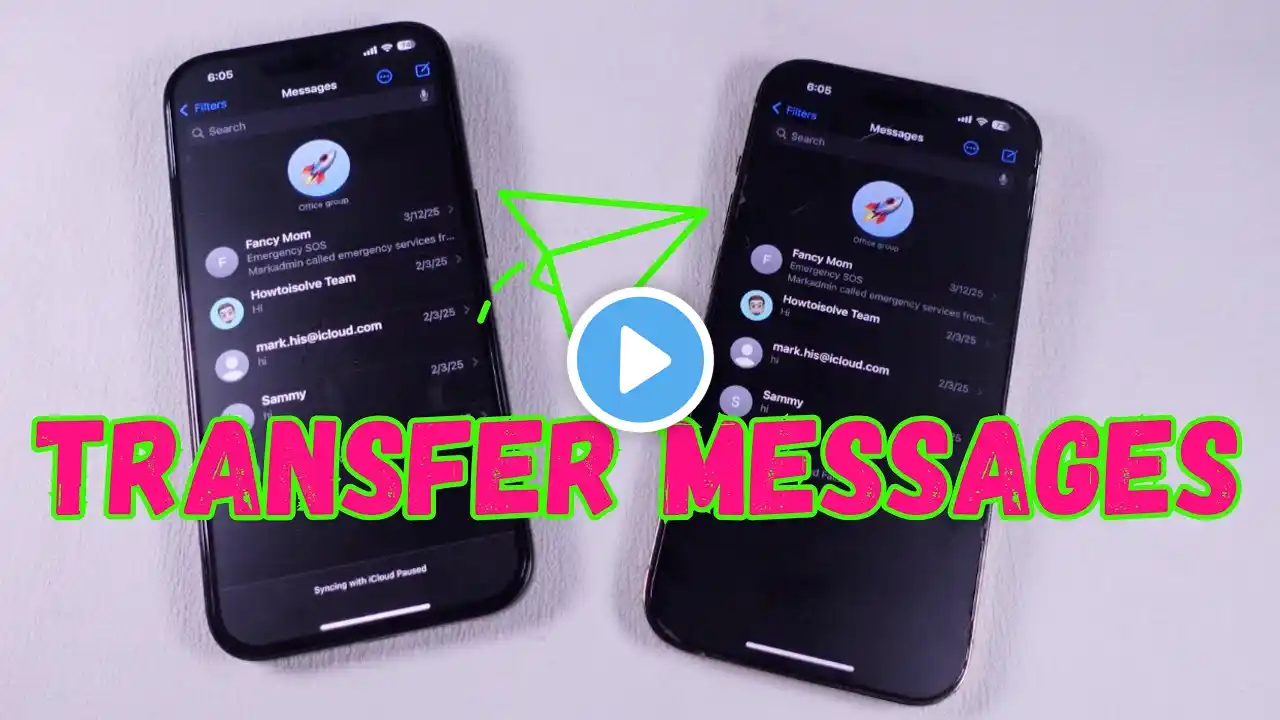
How to Transfer Text Messages From Old iPhone to New iPhone 17 Pro Max | Pro
Looking for a way to transfer all messages, including text, sms, iMessage, and more, to your new iPhone 17 Pro Max, 17 Pro, and 17 from your Old iPhone, so you don’t lose any precious messages? Can’t find a way to back up all text messages from any old iPhone, including iPhone 16, 15, 14, 13, 12, and 11 Pro Max, and restore them on your iPhone 17 series phone? No worries, simply follow the 2-step easy guide to move all messages from your old iPhone to your new iPhone 17 Pro Max. We’ll also show you what to do if old messages are not synced to the new iPhone, so you can easily export them. #iPhone17ProMaxTextMessageTransfer #iPhone17TransferMessages 0:00 Intro: Transfer Text Messages From Old iPhone to New iPhone 17 Pro Max 0:09 Step 1: Backup messages on old iPhone 0:34 Step 2: Restore messages on iPhone 17 0:54 What to do if the messages are not synced