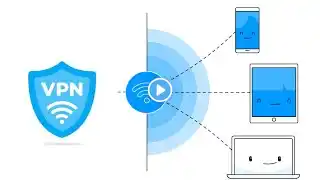
How to Share Android's VPN connection to your PC/Laptop (No Root)
This video will show you how to share vpn connection from Android to PC/laptop. Step 1: Download and Install Every Proxy on Android phone. Step 2: Open VPN app. How To Use Turbo VPN: • Video Step 3: Open Every Proxy app. Step 4: Configure PC. Link download app in the top comment. See more: Create Payoneer Account - Get 25$ on Payoneer Now: • How To Create Payoneer Account 2023 | Sign... How to install Ubuntu on Virtualbox in Windows 10: • Video How To Make Ubuntu Full Screen In VirtualBox: • Video How to Use Putty to SSH on Windows 10/8/7: • Video Thanks for watching this video. #everyproxy