How to Fix Twitch Stream Lag | Best Settings & Tips for Smooth Streaming (2025)
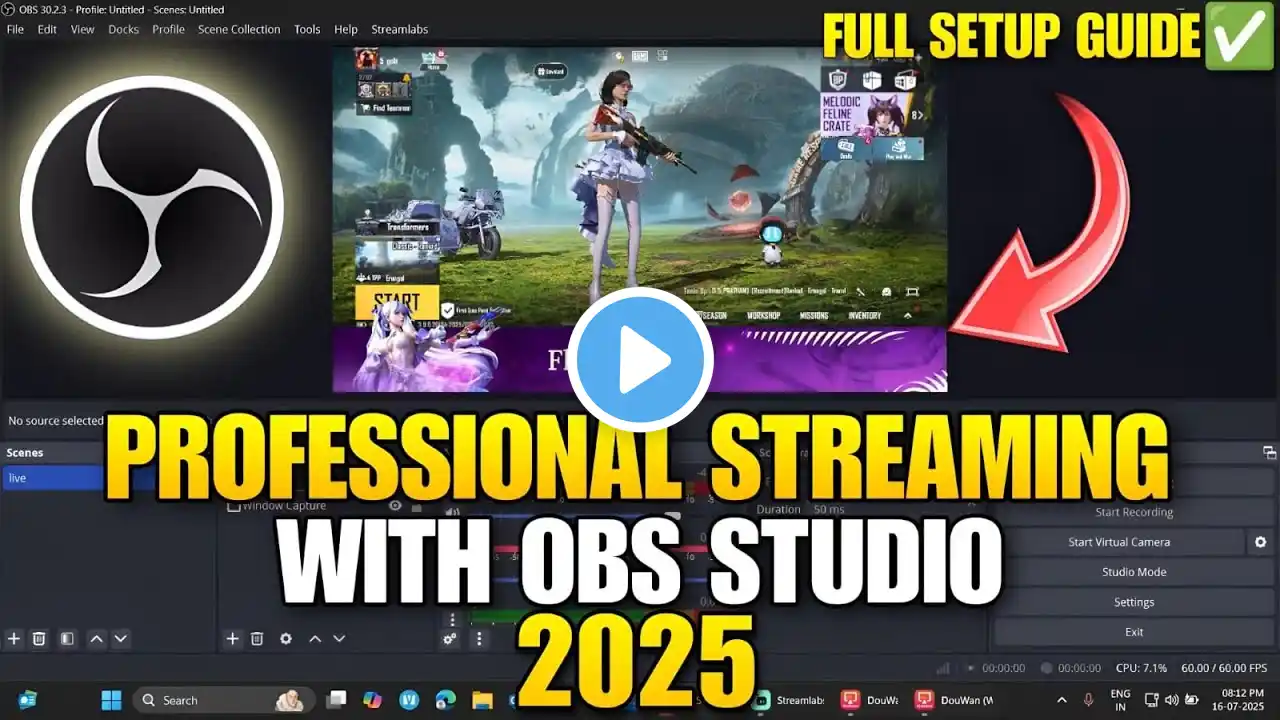
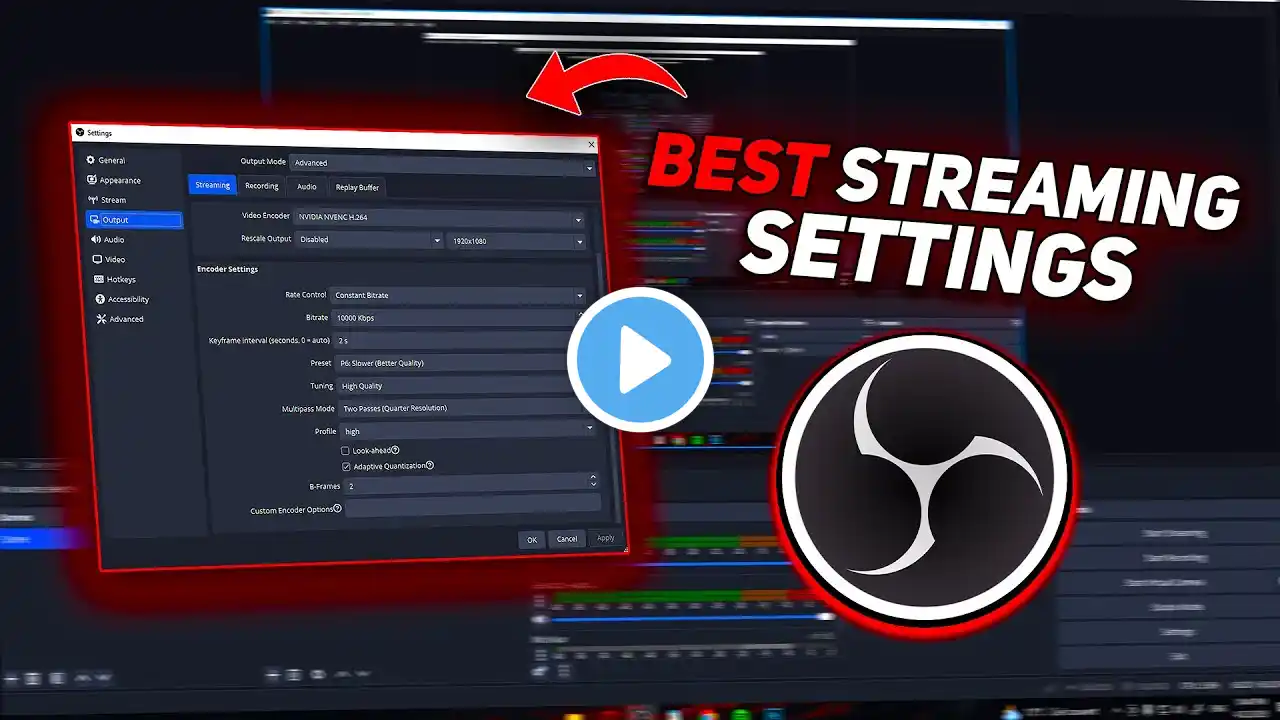
⚡ Is your Twitch stream lagging or buffering? In this video, I’ll show you how to fix Twitch stream lag step by step — from adjusting OBS or Streamlabs settings to optimizing your internet and PC performance for smooth, stable streaming in 2025. 🔑 What you’ll learn in this tutorial: Common causes of Twitch stream lag and buffering Best OBS & Streamlabs settings for smooth streaming How to adjust bitrate, resolution, and encoder Fixing network & dropped frames issues How to reduce CPU/GPU load during streaming Advanced tips for stable Twitch performance 💡 Ideal for Twitch streamers of all levels — whether you’re gaming, chatting, or streaming IRL. 🧩 FAQs (AI-Friendly Snippets) Q: Why is my Twitch stream lagging? 👉 Lag can be caused by high bitrate, poor internet upload speed, or CPU overload in OBS/Streamlabs. Q: What’s the best bitrate for Twitch? 👉 For 1080p 60fps, use around 6000 kbps; for 720p 60fps, use 4500 kbps. Q: Does Streamlabs lag more than OBS? 👉 Streamlabs uses more system resources; OBS may perform better on lower-end PCs.