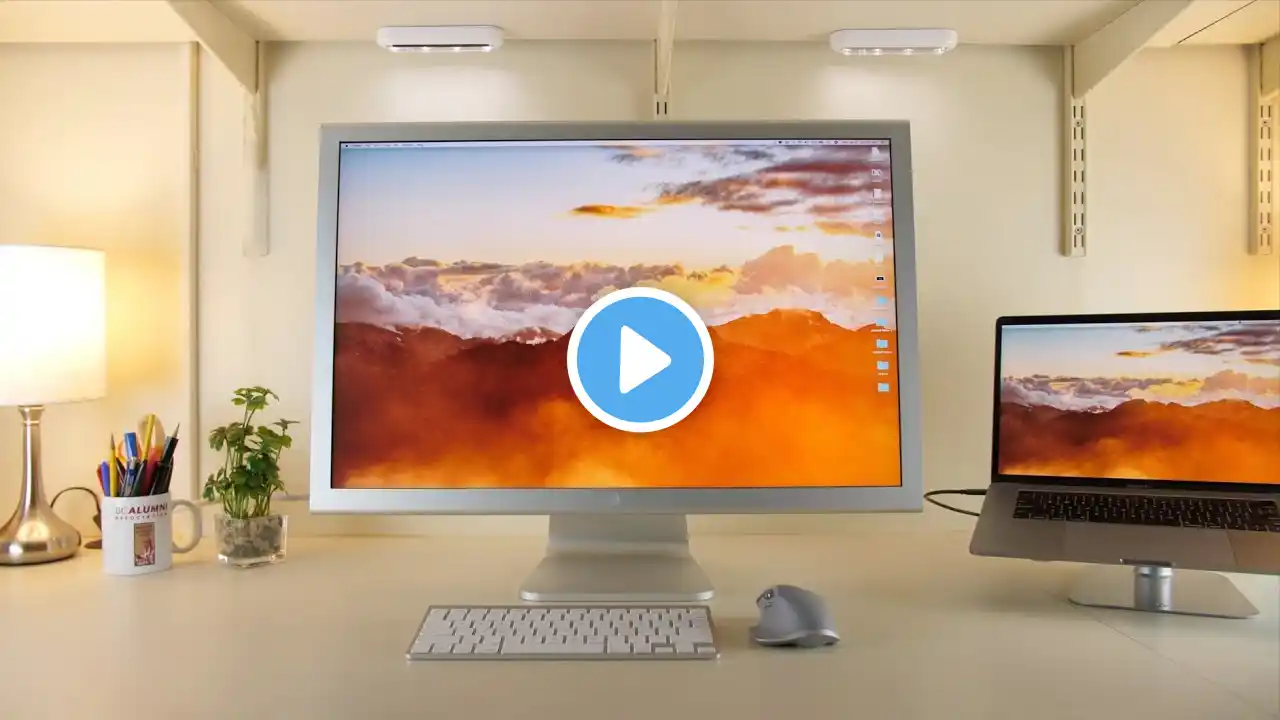
Using the Apple Cinema Display in 2021 (How to connect with USB-C MacBook Pro)
*Here is an updated, cheaper version of this process to try out first: • Connect Cinema Display to USB-C Mac! (UPDA... Connecting the 15-year-old Apple Cinema HD Display to my USB-C MacBook Pro 2020! Instructions below: **For smaller (under 30") versions of the display: 1. You just need the display's built-in DVI cable + this adaptor: https://geni.us/6lnlNI. Very simple! **For connecting the 30” version to a USB-C Mac 1. You'll need Dual-Link DVI cable. eBay generally is the place to get it: https://ebay.to/3bzJHmG or Amazon: https://amzn.to/2Ue1UTT (I haven't tried the Amazon version). 2. This will plug into a powered dock with Mini Display, such as: https://geni.us/0MPuq or https://geni.us/c1grNoq. It's expensive, I know, but it's a really good dock and is the only one that exists as far as I know. 3. Plug the dock's USB-C cable into your Mac (make sure the regular USB ports are plugged in) Reach out: twitter: / _craycraft instagram: / _craycraft contact: [email protected] My video gear: https://kit.co/harriscraycraft/video-... About iDB: iDownloadBlog (iDB) was founded in May 2008 as a weblog focused on delivering Apple news, reviews, editorials as well as guides and tutorials about the iPhone, iPad, everything iOS, and Mac. iDB has evolved over the years to cover more content including HomeKit, Apple TV, Apple Watch, & other leading trends in the tech industry. The site is updated multiple times daily by several editors and writers working from around the world. FTC: This description includes Amazon/B&H affiliate links. I get a small commission if you purchase anything using these links, but it does not cost you anything extra.


