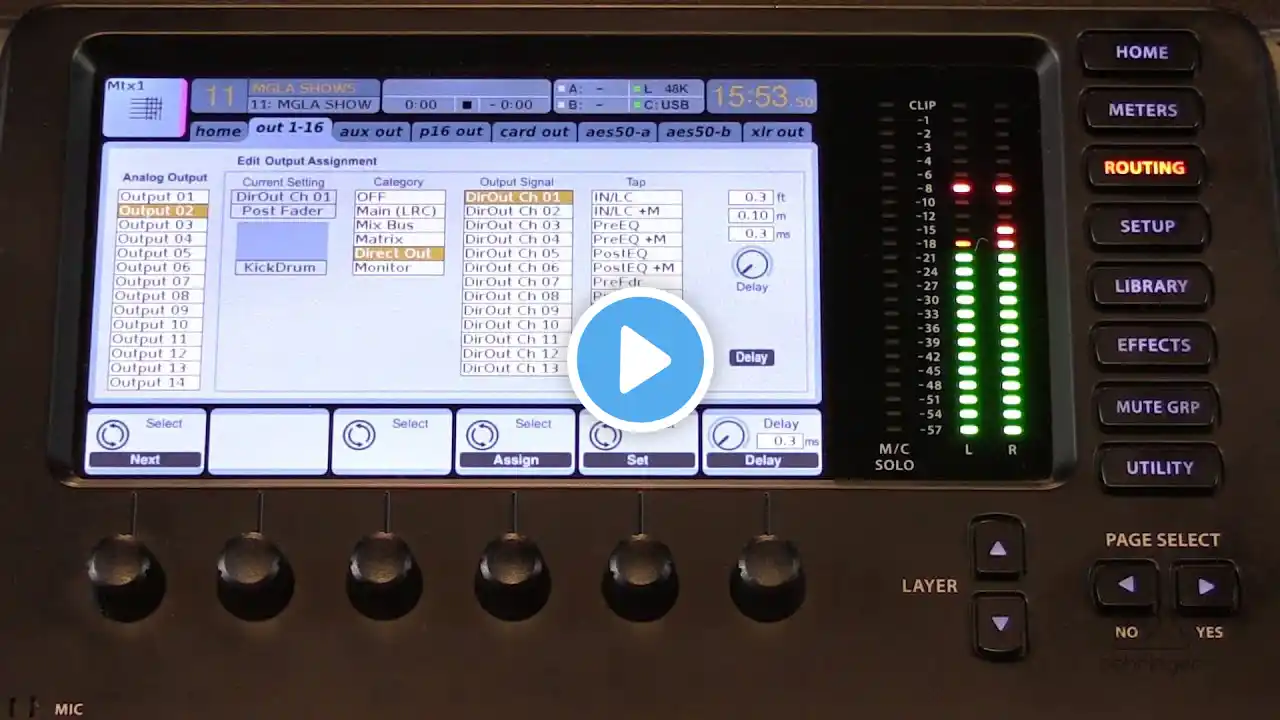
How to Connect Playback to x32 using USB
Here's how to connect your iPhone running Playback to x32 using USB. In this video, I show you how to connect your iPhone running Playback to your x32 using USB. This allows you to use your x32 as an audio interface with Playback. #playback #liveperformance Like this content? Make sure to subscribe to see when I post new videos: https://fs2s.link/youtube-subscribe Become a From Studio to Stage student: https://fs2s.link/subscribe Download all my templates/patches/presets: https://fs2s.link/shop Set-up a quick 15 minute call with me: https://fs2s.link/15minute Set-up an hour long remote Zoom call with me: https://fs2s.link/oneonone Purchase Ableton Live https://fs2s.link/ableton Purchase Ableton Push https://fs2s.link/push ---- Download my free Gear Guide: https://fs2s.link/gear Download free Click Tracks for Ableton Live: https://fs2s.link/clicks Download free Guide Cue files for Ableton Live: https://fs2s.link/cues Download free ProPresenter 7 MIDI cues template: https://fs2s.link/pp7 Download my free Getting Started with Live 11 Guide: https://fs2s.link/live-11 Download free LTC/Timecode files for Ableton Live: https://fs2s.link/timecode Disclaimer: This video and description may contain affiliate links. By you clicking on these links, you’re supporting this channel and buying gear at the same time.