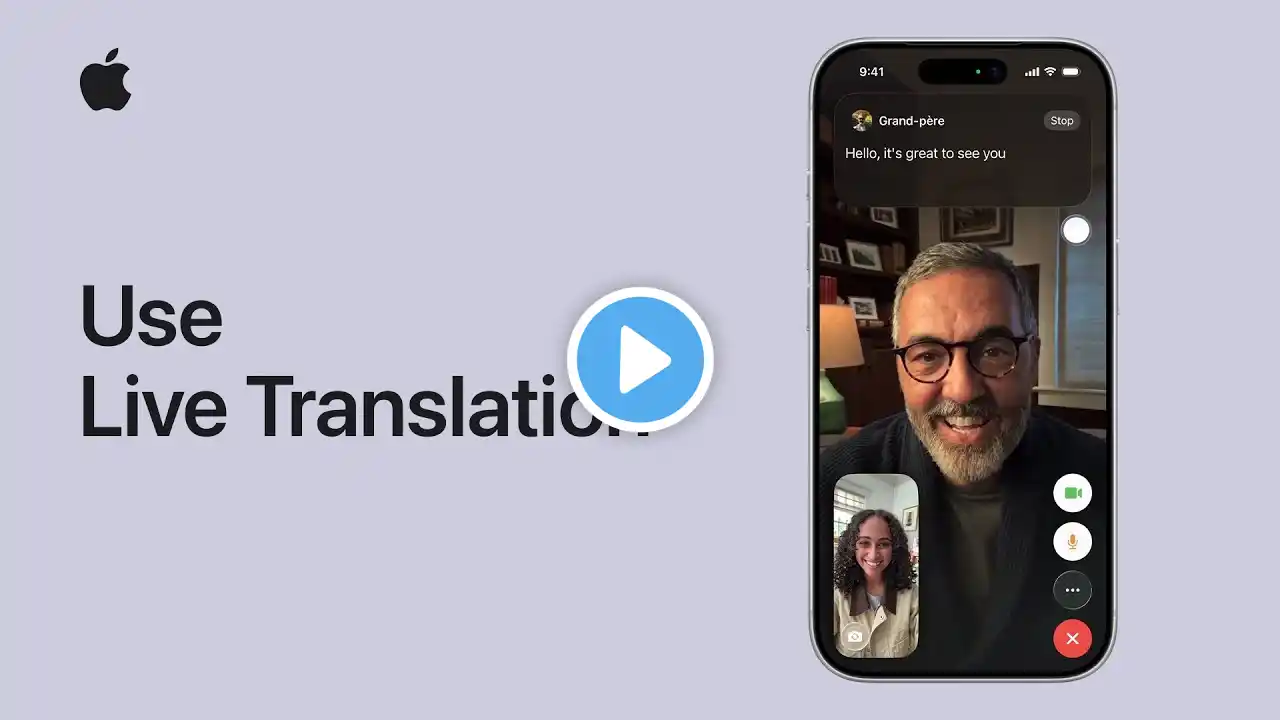
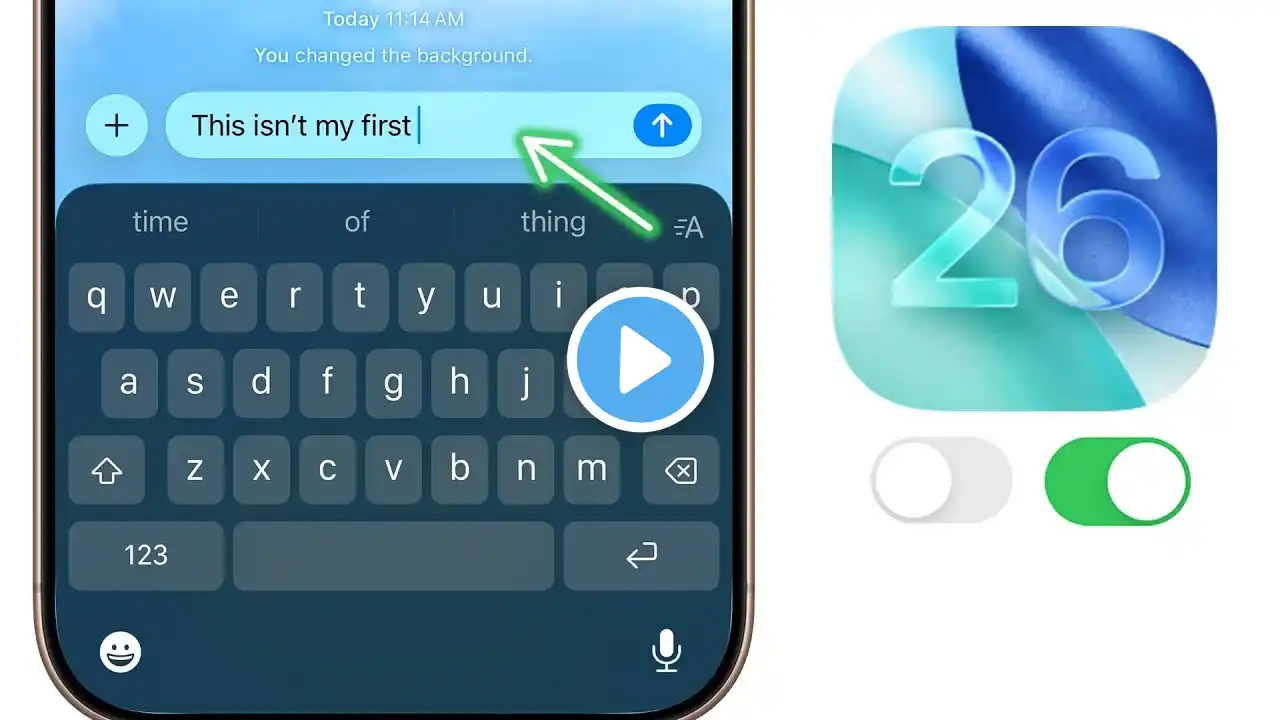
How to Use Live Translation on iOS 26 | Speak, Text & FaceTime Across Languages | Apple Intelligence
Apple’s new Live Translation feature in iOS 26 is here — and it’s a total game changer! With Apple Intelligence, your iPhone can now translate messages, phone calls, and FaceTime chats in real time, making it easier than ever to talk across languages. In this video, I’ll show you: ✅ How to turn on Live Translation on your iPhone ✅ How to use Live Translation in Messages ✅ How to translate during phone calls ✅ How to see live captions during FaceTime ✅ Which languages are supported right now 💡 Supported languages include English, Spanish, French, German, Mandarin Chinese, Japanese, Portuguese, and Italian — with more coming soon! Whether you’re traveling, studying, or chatting with friends abroad, this feature makes your iPhone truly global. If you found this tutorial helpful, don’t forget to Like 👍, Share 🔁, and Subscribe 🔔 to Get Assist for more iOS 26 tips and Apple Intelligence updates. #Apple #iOS26 #LiveTranslation #AppleIntelligence #FaceTimeTranslation #iPhoneTips #GetAssist #iOS26Features #AppleSupport #iphoneupdate 🔍 People Also Search For How to turn on Live Translation on iPhone iOS 26 Apple Intelligence features How to translate FaceTime calls iOS 26 new update features explained How to use Apple Translate on iPhone Best iOS 26 hidden features How to use live captions on iPhone iOS 26 vs iOS 25 features Apple Intelligence translation demo Translate messages automatically on iPhone ▀▀▀▀▀▀▀▀▀▀▀▀▀▀▀▀▀▀▀▀▀▀▀▀▀ 📌👉🏻Follow us:- 🌐 / getassistnet 🌐 / getassist.net 🌐 / getassistnet 🌐 / getassist_net 🌐 / getassistance 🌐https://t.me/getassist_net 👉🏻 Uploaded By: https://www.getassist.net ▀▀▀▀▀▀▀▀▀▀▀▀▀▀▀▀▀▀▀▀▀▀▀▀▀ 📌GEARS I USE: Rode Mic Single: https://amzn.to/3Pp2uZ4 Camera Sony Alpha: https://amzn.to/3Pmdzdn Acoustic Foam: https://amzn.to/449KAOk Rode Mic Double: https://amzn.to/3ph6pMX Godox Light: https://amzn.to/3XdS28P We, at GetAssist, always try to provide a solution related to trending challenges and help our viewers to get all the best information about technology or troubleshooting. ✍ If you want to share any suggestions or have any doubts about videos, feel free to comment in the comment section. Subscribing to the channel is absolutely free, and your one subscription can help our channel to grow❣️ ▀▀▀▀▀▀▀▀▀▀▀▀▀▀▀▀▀▀▀▀▀▀▀▀▀ 📌⚠️ DISCLAIMER This channel is meant only for educational purposes. Under the copyright disclaimer in Section 107 of the 1976 Copyright Act, allowance is made for "fair use" for purposes such as criticism, comment, news reporting, teaching, scholarship, and research. fair use permitted by copyright statutes that might otherwise be infringing. Non-commercial educational and personal uses tip the balance in favor of fair use. ▀▀▀▀▀▀▀▀▀▀▀▀▀▀▀▀▀▀▀▀▀▀▀▀▀ Respect to each viewer🤗❣️ Thank You! #getassist