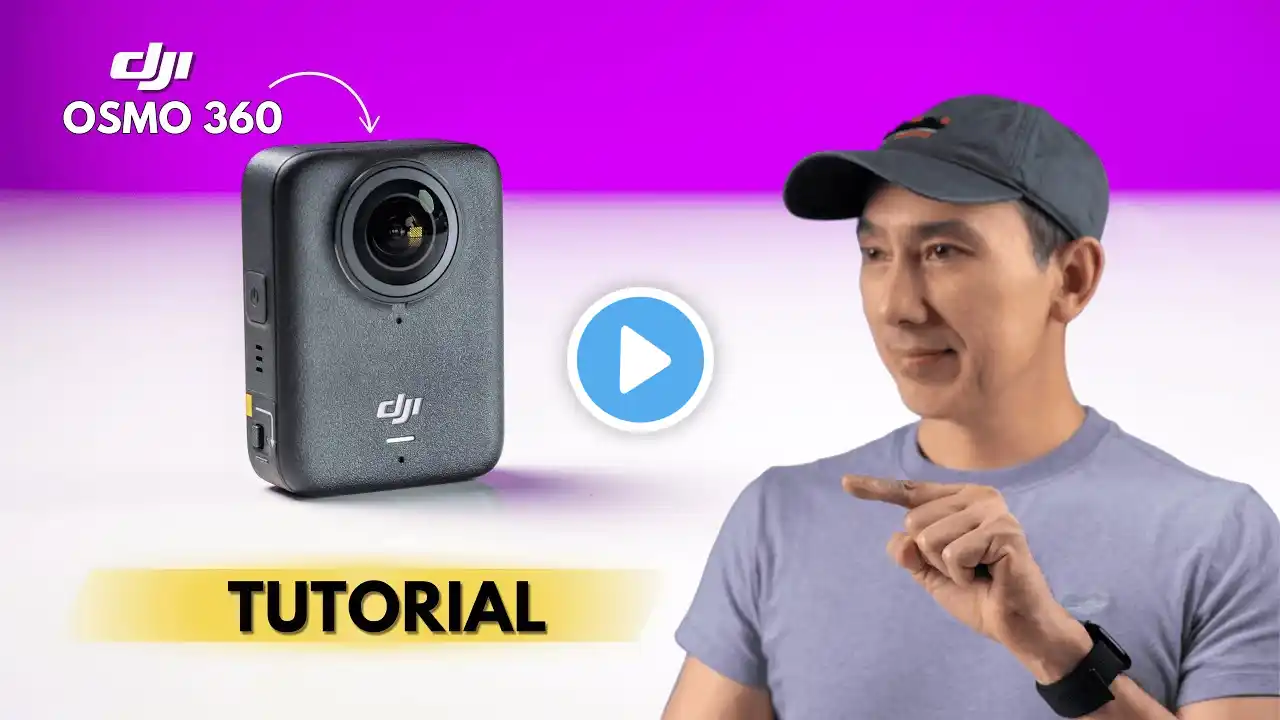
DJI Osmo Action 6 Beginner's Guide & The Best Settings
Full Beginner Tutorial for the DJI Osmo Action 6 ⭐ Buy the DJI Action 6: https://amzn.to/3YDNBp6 ⭐ My Mounbts & Accessories: https://store.insta360.com/accessory?... ⭐ SD-Card for the Action 6: https://amzn.to/4aZqNrj MUSIC by Musicbed (14 days FREE Trial): https://fm.pxf.io/mountmedia-freetrial FOLLOW ME - Youtube: / @mountmediachannel Instagram: / mountmedia_channel TikTok: / mountmedia_channel CONTACT ME - [email protected] DISCLAIMER: This description contains affiliate links. If you purchase something through one of the product links, I’ll receive a small commission, but it does not cost you anything. The price remains the same for you. This helps to support the channel and allows me to continue creating videos like this. Thanks for the support! #djiosmoaction6 #action6 #dji 0:00 DJI Action 6 Beginner's Guide 0:23 Buttons, Lens & Side Doors 2:09 How to mount the Action 6 3:36 DJI Mimo App & How to activate 4:19 How to operate the camera 6:08 The Super Night Mode explained 6:34 The Portrait Mode Explained 6:59 The Subject Tracking Mode Explained 7:32 Slow Motion & Hyperlapse/Timelapse Modes 8:10 Aspect Ratio Settings Explained 10:49 The Best Settings for Video 14:38 Quality Priority explained 14:59 The Variable Aperture explained 17:13 Film Tone Explained 17:30 Important Additional Capture Settings 20:04 PreRecording & Loop Recording Explained 20:51 The Control Menu 22:20 How to Connect a Bluetooth Microphone 22:44 The Camera Menu 23:56 Storage & How to Transfer your files 24:31 The Best Features of the Mimo App