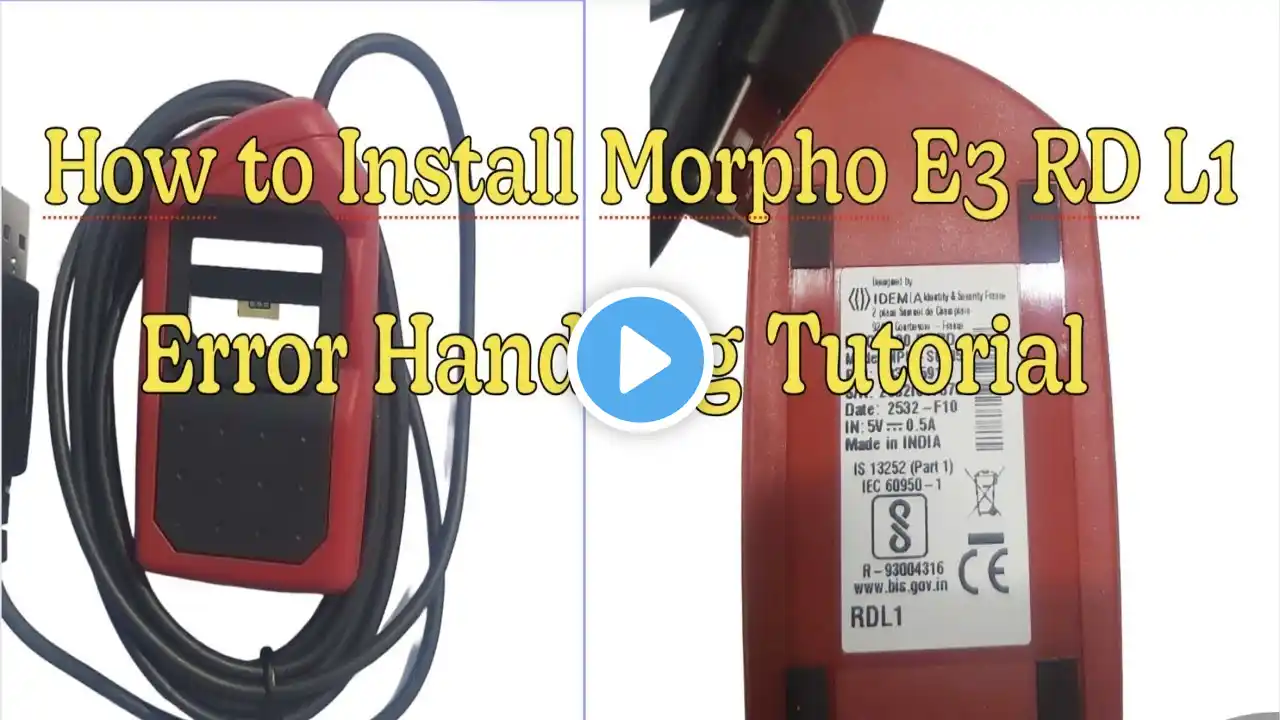
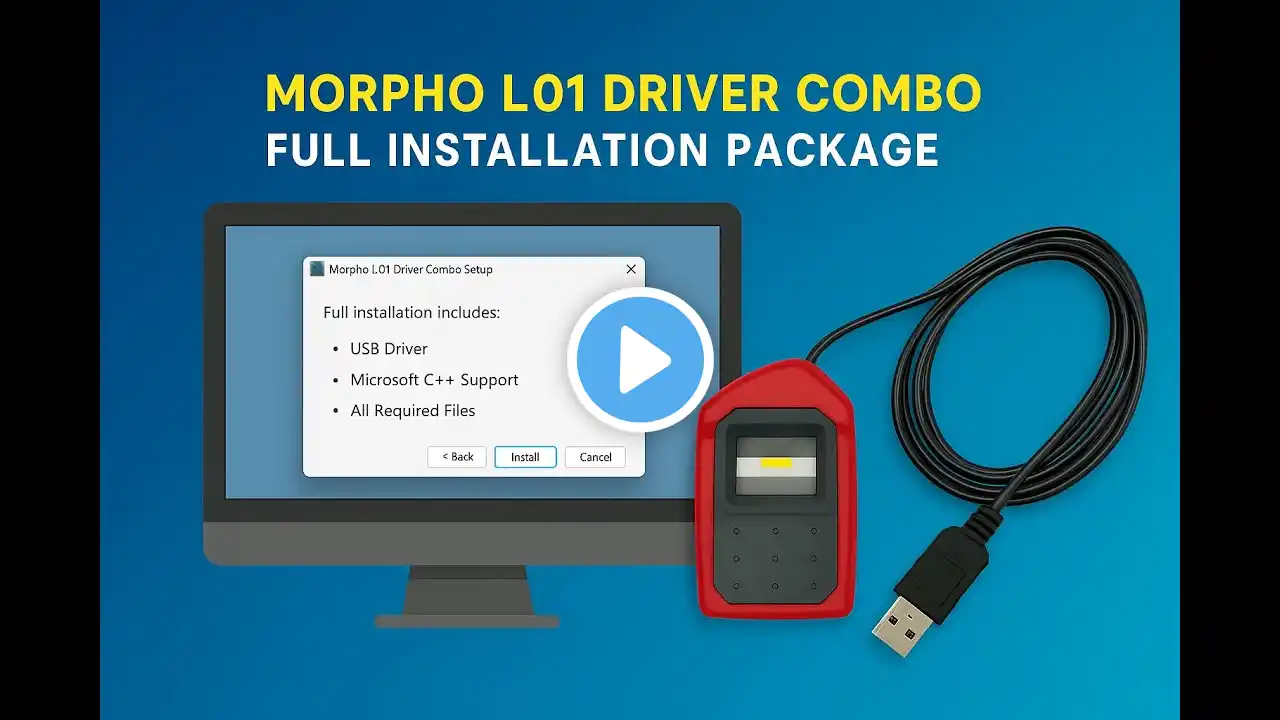
How to Install Morpho MSO 1300 E3 L1 Driver on Windows | Step-by-Step Installation Guide
In this video, we’ll show you the complete process to install and set up the Morpho MSO 1300 E3 L1 Fingerprint Scanner on your Windows computer. You’ll learn how to install drivers, activate the RD service, connect your device properly, and test if it’s working correctly. Whether you are a CSC operator, Aadhaar service provider, or banking user, this tutorial will help you complete the installation smoothly and fix common issues like RD Service not running or device not detected. The Morpho MSO 1300 E3 L1 is one of the most trusted and widely used L1 biometric devices in India, approved by UIDAI for Aadhaar authentication, eKYC, and government projects. Many users face small errors during setup — this guide explains every step clearly so that even beginners can install it easily. 🔹 What You’ll Learn in This Video: 1. How to download and install the official Morpho L1 driver from Radium Box 2. Step-by-step setup of the Morpho MSO 1300 E3 L1 Fingerprint Scanner 3. How to activate and test the RD service 4. How to check device connection and capture fingerprints 5. Simple fixes for common installation issues Order Now: https://www.radiumbox.com/product/mor... Need Help? If you face any installation issue, 📞 Contact: +91 84343 84343 📧 Email: [email protected] We offer FREE remote installation support for Radium Box customers. If you’ve purchased your device from another website, you can still get one-time support for just ₹99, and our support team will guide you through the entire process. 👍 If you found this video helpful, don’t forget to Like, Share & Subscribe to Radium Box for more tutorials on biometric devices, RD services, and Aadhaar authentication updates. #radiumbox #morphol1 #morphomso1300e3 #biometricdevice #rdservice #aadhaarauthentication #uidai #digitalindia #morphoinstallation #l1device #fingerprintscanner #idemia #techtutorial #morphodriver #windowsinstallation