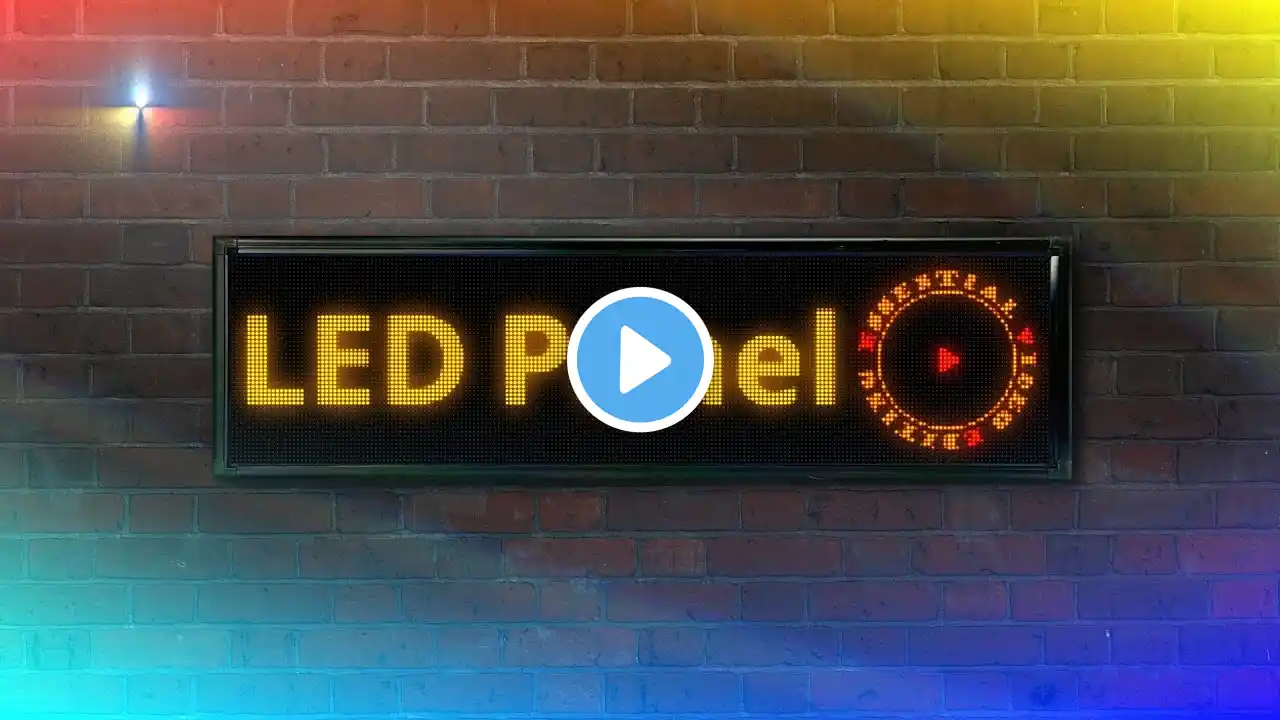
Realistic LED Screen Effect in Davinci Resolve (2 MINUTES TUTORIAL)
🚀 Download our Free Starter Pack: https://pages.videoeditorstudio.com/f... 📦 Check out more great packs on our website: https://videoeditorstudio.com 🔴 Download LED Image: https://shorturl.at/nlg8F 👀 Watch Full Tutorial: • Realistic LED Screen Effect in Davinci Res... You can download the free version of Davinci Resolve here: https://www.blackmagicdesign.com/uk/p... You can get all the music we use for our videos at Audiio.com for 70% off with code SAVE70 : https://audiio.com/partner?oid=1&affi... In this fast-paced tutorial, you’ll learn how to create a realistic LED screen effect in under 2 minutes using a downloaded RGB pixel pattern and a few Fusion nodes inside DaVinci Resolve. Perfect for quick edits, cinematic overlays, or digital display effects. I've provided timestamps so you can easily jump between sections: 0:00 - Quick Intro 0:06 - Download & Import RGB Pixel Pattern 0:15 - Merge Pattern with Clip in Fusion 0:25 - Set Edge to Wrap & Apply Mode to Screen 0:32 - Add Mosaic Blur for Pixelation 0:38 - Add Brightness & Glow for Pop 0:48 - Use DVE for 3D Angle 0:58 - Animate DVE Position for Dynamic Look 1:20 - Final Look & Outro DaVinci Resolve quick tutorial, LED screen effect, RGB screen pattern, realistic screen effect, DaVinci screen overlay, Fusion LED effect, pixel blur screen effect, chromatic screen animation, fast DaVinci Resolve effect, quick tutorial Fusion