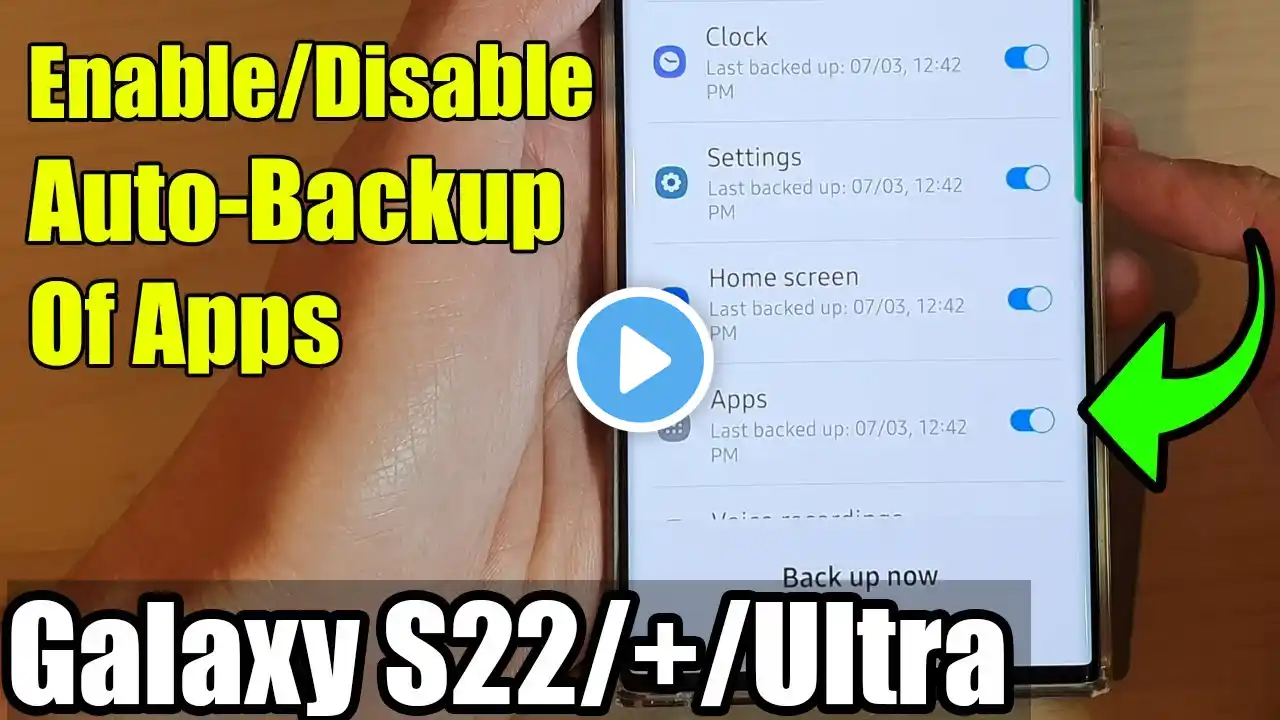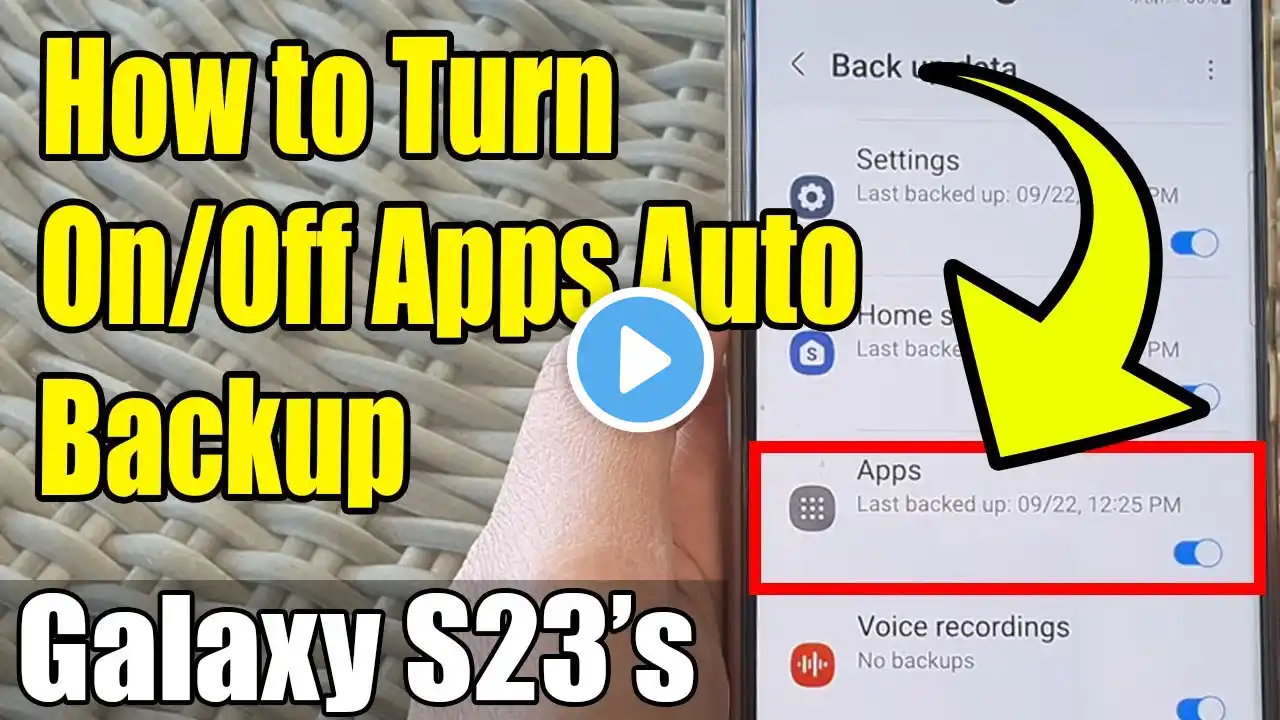
Galaxy S23's: How to Turn On/Off Apps Auto Backup
Welcome to our guide on how to enable or disable Apps Auto Backup on your Samsung Galaxy S23/S23+/Ultra! 🚀 In this video, we'll walk you through the simple steps to manage this crucial feature and uncover the incredible benefits it brings to your smartphone experience. 📌 Purpose: Apps Auto Backup is not just a handy feature; it's your guardian angel for safeguarding precious data. By enabling this functionality on your Samsung Galaxy S23, you ensure that your apps' data, settings, and configurations are regularly backed up to Samsung Cloud. This means that even if your device encounters issues, you won't lose your progress in games, app preferences, or important app-specific data. Say goodbye to the frustration of starting over! 💡 Benefits: 1. Data Security: Protect your valuable app data from accidental deletion or device malfunctions. Rest easy knowing your information is securely stored in the cloud. 2. Seamless Transitions: When upgrading to a new Samsung device or after a factory reset, having your app data readily available makes the transition a breeze. Your apps will be exactly how you left them. 3. Time Efficiency: No more manual backups or worrying about forgetting to save your data. Apps Auto Backup does the work for you in the background, saving you time and effort. 4. Convenience: It's a set-it-and-forget-it feature. Once enabled, you won't have to worry about data loss. Focus on enjoying your apps without interruptions. 5. Peace of Mind: With Apps Auto Backup, your smartphone experience becomes worry-free. You can focus on using your apps without the fear of losing your valuable data. In this tutorial, we'll guide you through the process step by step. Whether you're new to Samsung Galaxy devices or just looking to optimize your settings, this video is for you. Don't forget to like and subscribe for more tips and tricks to make the most out of your Samsung Galaxy S23! To Donate to ITJUNGLES so I can keep making relevant videos on newer electronics, use https://gofund.me/f7364b87. Gears I use: Velbon Sherpa 200 R/F Tripod With 3 Way Panhead https://amzn.to/2IuyFGa Rode VideoMic Pro+ Compact Directional Microphone: https://amzn.to/36w0pme #Commissions Earned As an Amazon Associate, I earn from qualifying purchases FOLLOW US ON TWITTER: http://bit.ly/10Glst1 LIKE US ON FACEBOOK: http://on.fb.me/ZKP4nU http://www.itjungles.com ITJungles assumes no liability for property damage or injury incurred as a result of any of the information contained in this video. ITJungles recommends safe practices when working with electrical tools, power equipment, automotive lifts, lifting tools, electrical equipment, blunt instruments, chemicals, lubricants, expensive electronics, or any other tools or equipment seen or implied in this video. Due to factors beyond the control of ITJungles, no information contained in this video shall create any express or implied warranty or guarantee of any particular result. Any injury, damage, or loss that may result from improper use of these tools, equipment, or the information contained in this video is the sole responsibility of the user and not ITJungles. Some repairs are easy while others maybe difficult. The level of difficulty depends on your personal experience. Only attempt your own repairs if you can accept personal responsibility for the results, whether they are good or bad. The above may contain affiliate links.