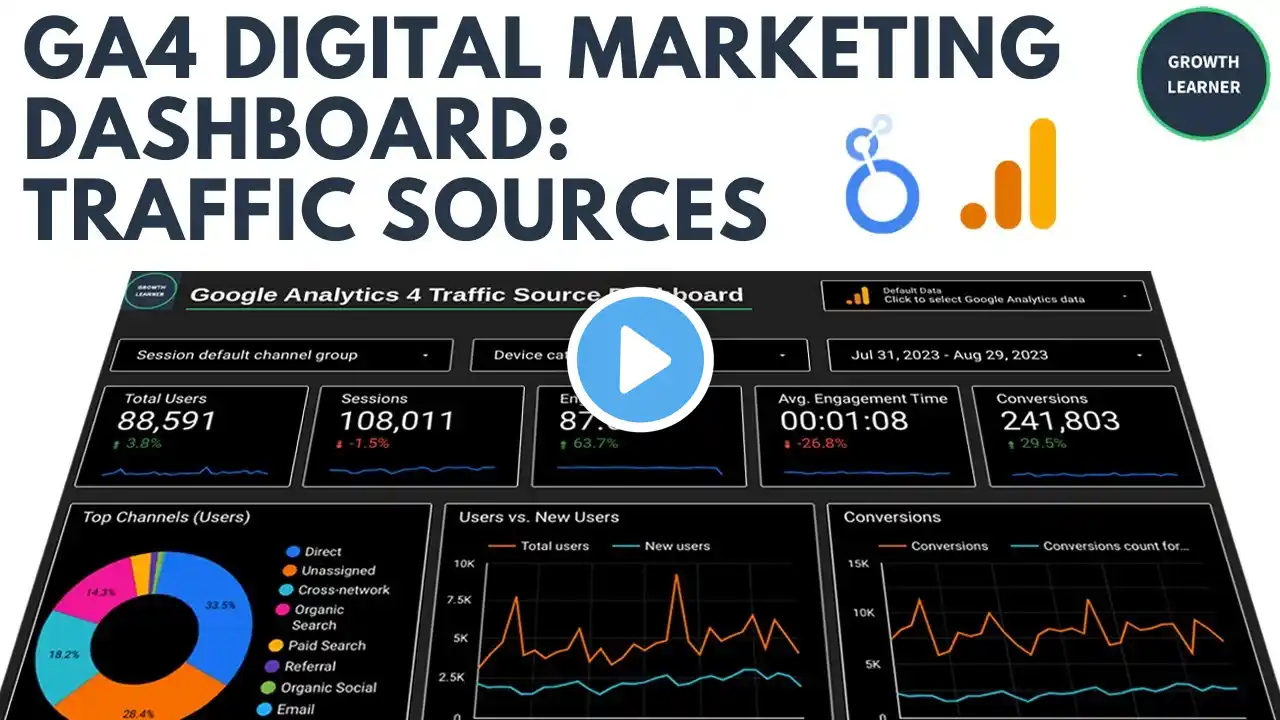
Looker Studio Tutorial: Creating Pie Charts for GA4 Dashboards
Subscribe to my bi-newsletter for more web analytics tips: https://theinsightlabs.kit.com/newsle... Welcome back to Insight Labs Looker Studio Tutorials! In this video, I’ll walk you through how to add and optimize pie charts in Looker Studio for better data visualization. Pie charts are great for showing the distribution of users, revenue, and other metrics across device types, traffic sources, and more. However, not all metrics should be used in a pie chart! I’ll show you what works best and what you should avoid to keep your dashboard accurate and insightful. What You’ll Learn: ✅ How to add a pie chart or donut chart to your Looker Studio dashboard. ✅ Selecting the right dimensions and metrics (Total Users, Revenue, etc.). ✅ Why some metrics don’t work well in pie charts (like average revenue per user). ✅ Using optional metrics to switch between multiple insights dynamically. ✅ Customizing the legend, layout, and text for better readability.