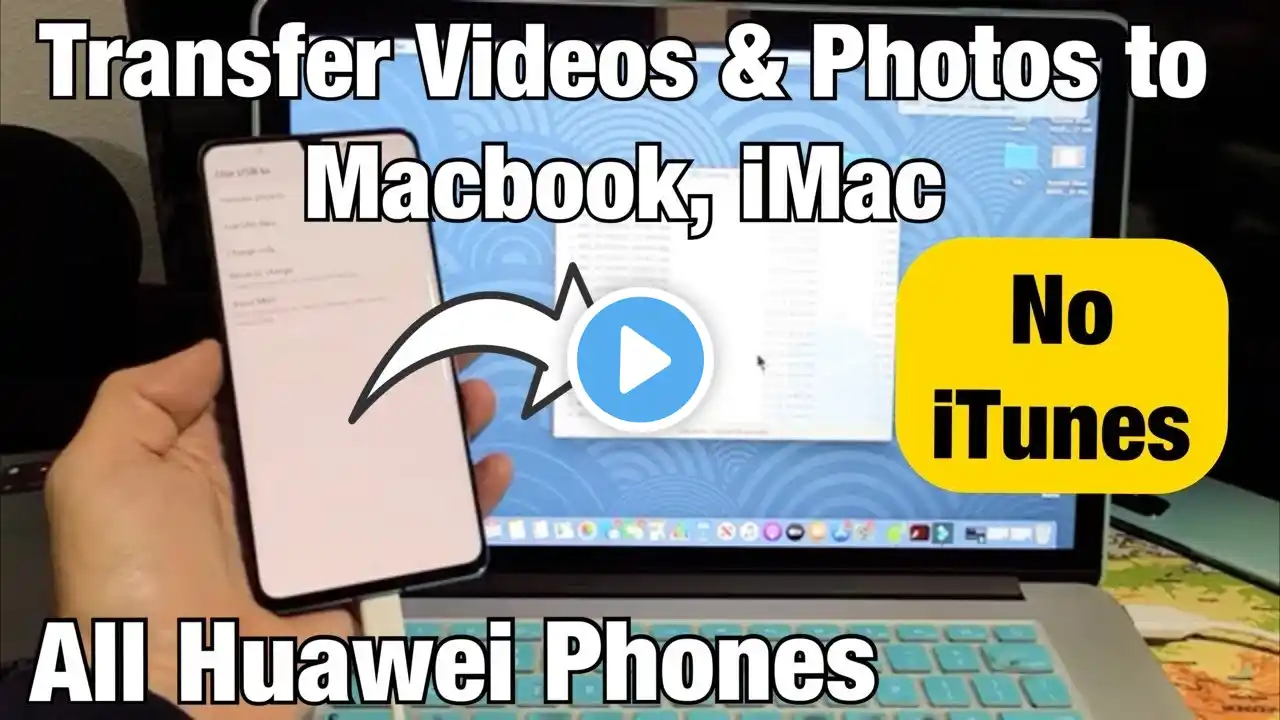
Huawei Mate 20/30 Pro: How to Transfer Files to Computer (Photos, Videos, Music, Documents, etc)
I show you how to transfer (move/copy/download etc) files such as photos, videos, music, documents, etc from your Huawei Mate 20 Pro or Mate 30 Pro phone to a computer or laptop. It works pretty much the same way regardless if you are using a Windows computer to Apple computer. Hope this helps. Amazon Daily Deals: https://amzn.to/2QVcoRC ----My Gear for Youtube videos---- Main Camera 99% (smartphone): https://amzn.to/2utQFGH Tripod: http://amzn.to/2xxpKcw Cell Phone Tripod Adapter: http://amzn.to/2iM4Kw5 Selfie Stick/Tripod: http://amzn.to/2iK2Agu Microphone: http://amzn.to/2xTAw13 Lights: http://amzn.to/2xVa5Ic Electric Desk: https://amzn.to/2LLyzqU Dual Device Tripod Setup w/ Hand Grip : https://amzn.to/2sOXuC2 Cheap Video Editor: http://bit.ly/2HdAMb7 Business inquires: [email protected] Twitter- / worldoftech11 Disclaimer: The above links are affiliate links meaning if you buy products using those links i will receive a small commission.