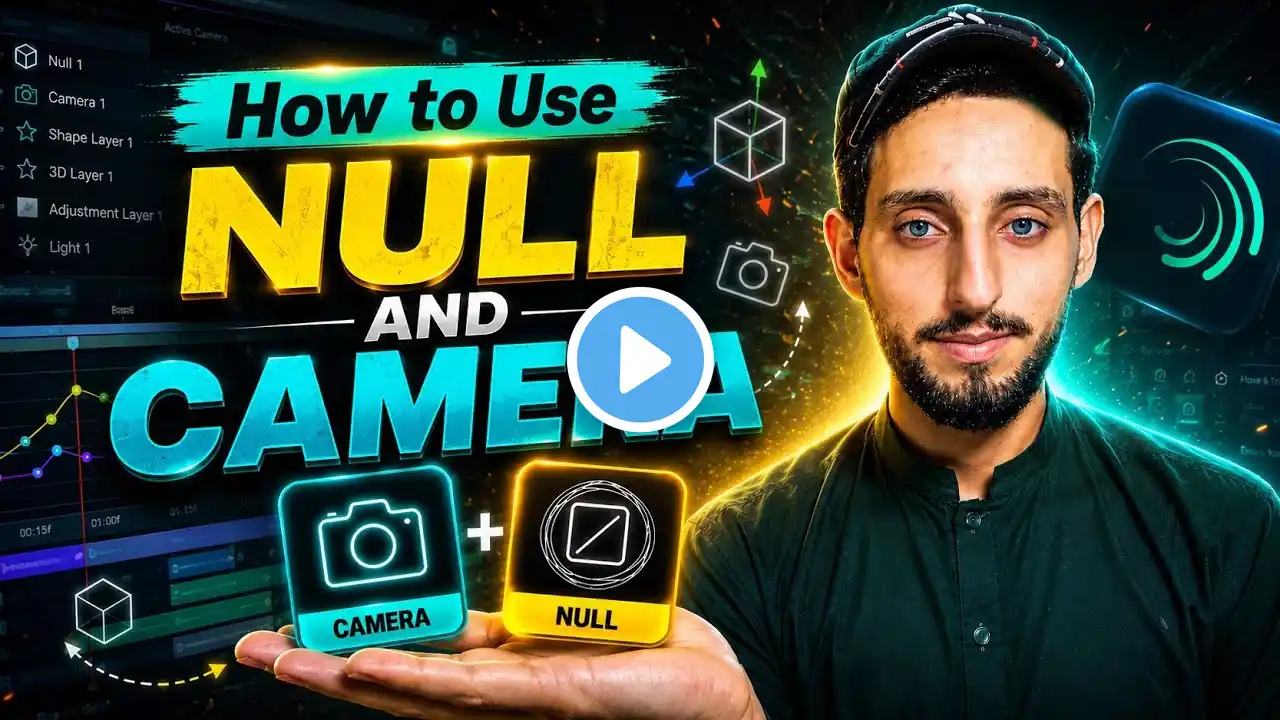
Master NULL & CAMERA Like a Pro | Complete Beginner Tutorial|Skill Wit Pakhtoon
Want to create professional 3D animations in Alight Motion? 🚀 If you've ever wondered how creators make smooth camera movements, cinematic zoom effects, and professional-looking 3D animations, this tutorial is exactly what you need. In this step-by-step Alight Motion tutorial, you'll learn everything about NULL Objects and CAMERA from the very beginning. Whether you're a complete beginner or already editing videos, this guide will help you understand these powerful tools in the easiest way possible. After watching this video, you'll be able to create smoother animations, realistic camera movements, and high-quality edits that stand out on TikTok, Facebook, Instagram Reels, and YouTube Shorts. 📚 What You'll Learn ✅ Introduction to NULL Object ✅ What is a CAMERA in Alight Motion? ✅ Why NULL is Important ✅ Linking CAMERA with NULL ✅ Professional Camera Movement ✅ Smooth Zoom In & Zoom Out ✅ Cinematic Rotation Effects ✅ Professional 3D Animation Techniques ✅ Common Beginner Mistakes ✅ Best Workflow for Faster Editing ✅ Tips & Tricks Used by Professional Editors 🎯 Who Is This Video For? ✔ Alight Motion Beginners ✔ Content Creators ✔ TikTok Editors ✔ Facebook Reel Creators ✔ Instagram Reel Editors ✔ YouTube Shorts Creators ✔ Motion Graphics Learners ✔ Anyone who wants to master 3D Editing 💡 Why You Should Watch This Video Learning NULL and CAMERA is one of the biggest steps toward becoming a professional mobile editor. Once you understand these tools, you'll be able to create eye-catching edits that attract more views and followers. 🔥 Don't Forget To 👍 Like the video 💬 Comment your questions 📤 Share with your friends 🔔 Subscribe to Skill with Pakhtoon for more professional editing tutorials. 🌐 Follow Me 📺 YouTube: Skill with Pakhtoon 🎵 TikTok: @SkillwithPakhtoon 📘 Facebook Page: Skill with Pakhtoon 💬 WhatsAppGroup:https://whatsapp.com/channel/0029Vaop...