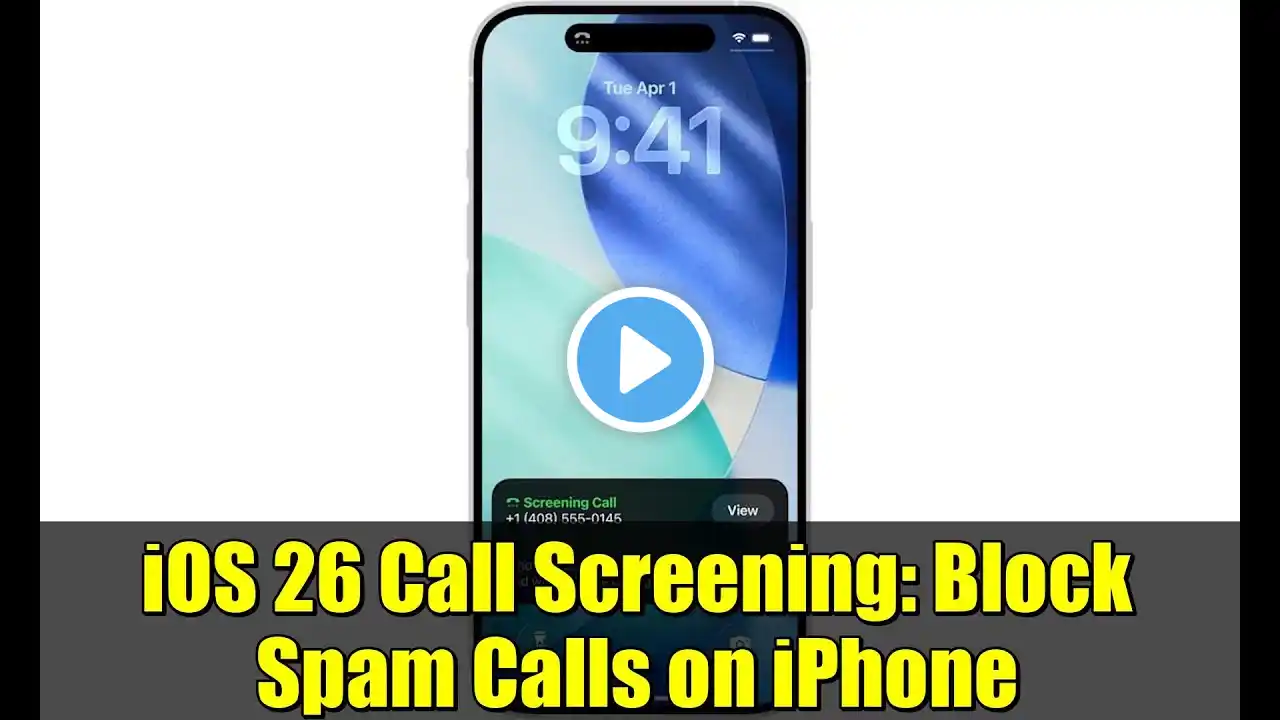
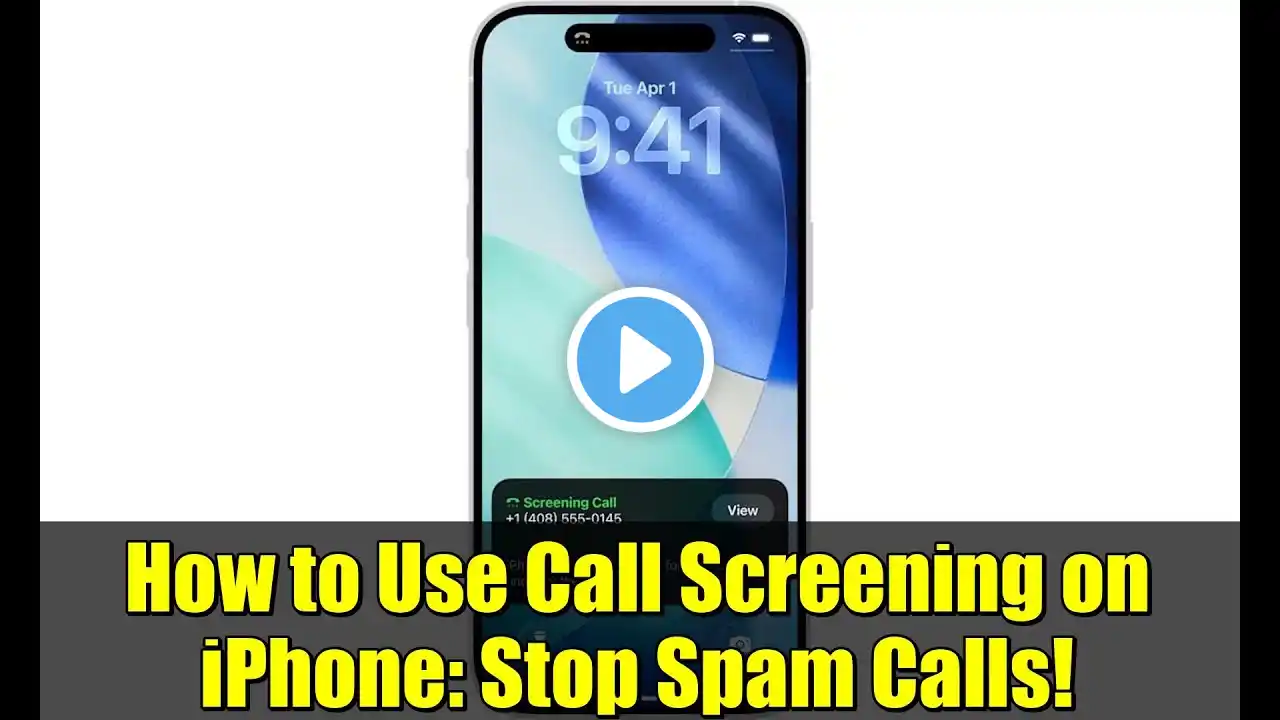
iOS 26 Call Screening: STOP Spam Calls with This New iPhone Feature!
🎉 Stop Spam Calls! Here's How to Use iOS 26's New iPhone Feature! 📲 Tired of robocalls and unknown numbers interrupting your day? The new iOS 26 Call Screening feature is a game-changer, and my latest YouTube video shows you exactly how to set it up! Your iPhone can now literally ask unknown callers their name and reason for calling, give you a live transcript, and let you decide if you want to pick up—all without your phone ever ringing. Seriously, this is the end of annoying spam calls! In the video, I cover: • ✅ How to enable "Ask Reason for Calling" in your settings. • ✅ A live demonstration of the feature in action. Don't forget to Like, Share, and Subscribe for more iPhone tips and tricks! #ios26 #CallScreening #iphonetips #techtutorial #apple #ScreenUnknownCallers #spamcalls #ios #iphone Want to show your support and gratitude for this video? You can buy me a coffee! • https://www.buymeacoffee.com/beinclassy Looking for more Bein' Classy? Link with us • https://linktr.ee/beinclassy Gear we used to make this video: ((As an Amazon Associate I earn from qualifying purchases made from these paid links)) 💻 MacBook Pro : https://amzn.to/492Jdqe 🖥️ iMac: https://amzn.to/4hLbEeH 📱iPhone 16: https://amzn.to/4qHwOhR Preferred iPhone Cases: https://amzn.to/3JJt8LO 📲iPhone 16 Pro: https://amzn.to/3JFCnN7 iPad: https://amzn.to/4onuxXv Preferred iPad case with keyboard: https://amzn.to/3WDsq5G iPad: https://amzn.to/4nWpNY5 Preferred iPad case with no keyboard: https://amzn.to/3JlappU Apple Pencil: https://amzn.to/4oWzJ4K 🎙️Microphones: https://amzn.to/47ufF2c Apple Watch: https://amzn.to/47DiVIR Apple AirPods: https://amzn.to/4qIoy0Y PowerBeats: https://amzn.to/4qZx9wH Disclaimers: • This video title and description were generated with the assistance of AI technology. • The video itself was not created using AI • As an Amazon Associate I earn from qualifying purchases made from paid links on this page