How to automatically record arm tracks in Ableton Live
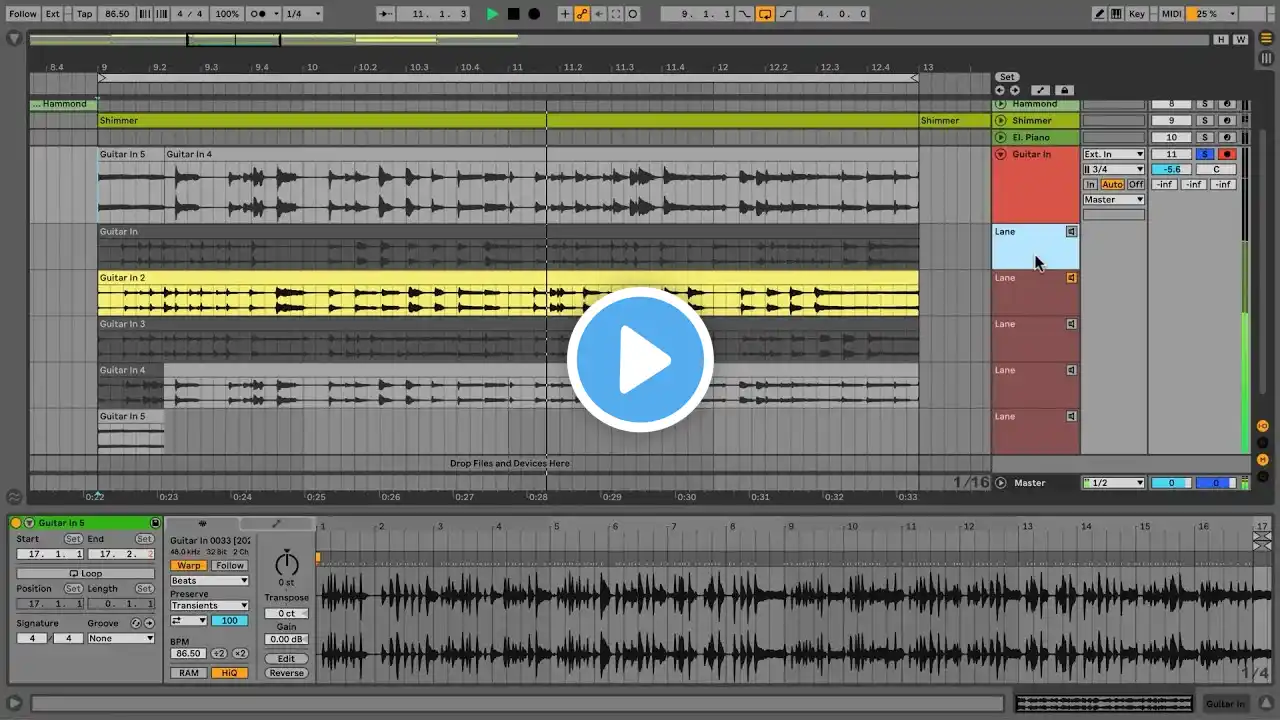
A quick tutorial on how to enable record arm for tracks in Ableton Live. The default setting is that you must arm whichever track you want to record on in order to start recording. When looping, I need to be able to start recording as quick as possible! So enabling auto record arming was a lifesaver for me. To set this up, it's a quick fix of simply saving a text file to your Ableton preferences folder, which I describe how to do in the video. If you have any questions, leave me a comment! File paths: PC: C:\Users\username\AppData\Roaming\Ableton\Live 11.2.11\Preferences Mac: /Users/username/Library/Preferences/Ableton/Live version_number ----------------------------------------------------------------------------------------------------------------------- Subscribe to my channel: / @justine-griffin I have affiliate links with Sweetwater, so if you use those it helps support the channel! https://sweetwater.sjv.io/baromg If you're curious about the gear I use, you can check out my gear list here: https://docs.google.com/document/d/e/... ►WATCH MY LIVE STREAMS / justinegriffin ►SUPPORT THE CHANNEL & DOWNLOAD ORIGINAL LO-FI TRACKS (copyright-free!) / justinegriffin ►LISTEN ON SPOTIFY https://open.spotify.com/artist/18imk... ►FOLLOW ME Instagram: / justinegriffin_music Facebook: / justinegriffinviolin Twitter: / justinegriffin_ Discord: / discord Website: http://justinegriffin.me/ --------------------------------------------------------------------------------------------------------------- For business inquiries/commissions: [email protected] --------------------------------------------------------------------------------------------------------------- Arranged, mixed and mastered by Justine Griffin #ableton #tips #quicktip #abletonlive #producing #homestudio #music #musicians #audio #recordarm #automatic